Box Business Focus – Enterprise Cloud Storage Platform
Box occupies a distinctive position in the cloud storage landscape by focusing primarily on enterprise and
business customers rather than competing for individual consumer users. While services like Google Drive,
Dropbox, and OneDrive serve both individual and business markets, Box has built its platform, pricing,
features, and organizational capabilities specifically around the needs of business teams, departments,
and entire enterprises that require cloud content management with robust security, compliance, governance,
and workflow automation capabilities. Understanding Box requires evaluating it through this enterprise lens
rather than comparing it directly against consumer-oriented storage services on consumer-relevant
criteria.
Founded in 2005 by Aaron Levie and Dylan Smith while they were college students, Box began as a relatively
simple online file sharing service before pivoting decisively toward enterprise customers around 2009-2010
when the company recognized that businesses represented a larger, more sustainable, and more profitable
market than consumer file storage. This strategic pivot has defined Box’s trajectory ever since, and the
company’s continued investment in enterprise-specific capabilities — security certifications, compliance
tools, administrative controls, workflow automation, and integration with enterprise software ecosystems
— reflects its commitment to serving organizational customers with requirements that extend well beyond
basic file storage and sharing. Box went public in 2015 and continues to operate as a publicly traded
company focused exclusively on the enterprise content management market.
Content Cloud Architecture
Box brands its platform as the Content Cloud, positioning it as more than cloud storage — it is a cloud
content management and collaboration platform where files are not merely stored but managed, governed,
automated, and integrated into business workflows. This positioning reflects genuine platform capabilities
that extend beyond what typical cloud storage services provide. Content in Box is organized through a
folder hierarchy similar to other cloud storage services, but with additional organizational layers
including metadata templates that attach structured information to files, retention policies that govern
how long content is preserved, classification labels that categorize content by sensitivity level, and
workflow triggers that automate actions based on content events.
The web-based interface provides file browsing, preview for over 150 file types, commenting and annotation
tools, task assignment capabilities, and activity tracking that shows the complete history of who has
accessed, modified, shared, or commented on any file. The preview capabilities are notably comprehensive,
supporting office documents, PDFs, images, video, audio, 3D design files, and specialized formats that
many competitors cannot preview natively. The preview quality and format breadth reduce the need to
download files for viewing, which improves security by keeping sensitive content within the controlled
Box environment rather than distributing downloaded copies to local devices.
Box Notes provides a lightweight document creation tool within the platform for meeting notes, collaborative
documents, and simple content creation without leaving the Box environment. While Box Notes does not
approach the capability of full document editors like Google Docs or Microsoft Word, it serves the common
business need for quick collaborative note-taking and document drafting within the content management
platform where the resulting documents will be stored and shared. Box Notes supports real-time collaborative
editing with presence indicators, rich text formatting, embedded images and tables, task assignments within
documents, and version history tracking that integrates with Box’s broader content management lifecycle.
Security and Compliance Framework
Security and compliance capabilities represent Box’s strongest competitive differentiation and the primary
reason organizations choose Box over less security-focused alternatives. Box holds an extensive portfolio
of compliance certifications and attestations including SOC 1, SOC 2, SOC 3, ISO 27001, ISO 27018, FedRAMP
authorization for government use, HIPAA eligibility for healthcare data, PCI DSS compliance for payment
card industry requirements, and GxP compliance for life sciences and pharmaceutical industries. This
compliance portfolio exceeds what most cloud storage competitors offer and enables Box to serve regulated
industries — healthcare, finance, government, pharmaceuticals, legal — where compliance certifications
are prerequisites for vendor approval rather than optional differentiators.

Box Shield provides advanced threat detection and data loss prevention capabilities using machine learning
to identify anomalous user behavior, potential data theft, and content sharing that violates organizational
policies. Shield can detect and alert on unusual download patterns, unexpected account activity, sharing
with external domains that violate organizational policies, and content that contains sensitive information
being shared inappropriately. The automated classification capability uses machine learning to identify
and classify sensitive content — personally identifiable information, financial data, intellectual property,
confidential business information — and apply appropriate security policies automatically based on content
classification.
Box KeySafe provides customer-controlled encryption key management where the organization manages its own
encryption keys through supported key management services rather than relying on Box-managed keys. This
capability ensures that Box cannot access encrypted content without the customer’s explicit authorization,
providing a zero-knowledge-like security model for organizations that require absolute control over their
encryption keys for regulatory, legal, or organizational security policy reasons. Customer-controlled keys
add administrative complexity but provide the highest level of data protection control available on the
platform.
Granular watermarking capabilities apply visible watermarks to document previews and downloads that include
the viewer’s identifying information, creating accountability and traceability for access to sensitive
documents. When a watermarked document is photographed from a screen or printed and leaked, the watermark
identifies the specific user who accessed the document, providing a deterrent against unauthorized
distribution and an investigation tool when leaks occur.
Workflow Automation and Integration
Box Relay provides visual workflow automation that allows business users to create automated content
workflows without programming knowledge. Workflows can be triggered by content events — file upload,
metadata changes, approval completions — and execute sequences of actions including sending notifications,
requesting approvals, assigning tasks, updating metadata, moving content between folders, and triggering
external actions through integrations. The visual workflow builder provides a drag-and-drop interface for
constructing multi-step workflows that automate repetitive content-related business processes like document
review and approval, content publication workflows, and client onboarding document collection.
Box’s integration ecosystem connects with over 1,500 third-party applications spanning the enterprise
software landscape. Key integration categories include productivity suites like Microsoft 365 and Google
Workspace, enterprise communication platforms like Slack and Microsoft Teams, electronic signature services
like DocuSign and Adobe Sign, CRM systems like Salesforce, project management tools, enterprise resource
planning systems, and industry-specific applications. The Box Platform API enables custom application
development that uses Box as the content management backend, supporting custom portal development,
automated content processing pipelines, and specialized industry applications that leverage Box’s
security and compliance infrastructure.
The integration with Microsoft 365 and Google Workspace deserves specific mention because it allows
organizations to use Box as their cloud content management layer while maintaining Microsoft or Google
as their productivity application platform. Documents stored in Box can be opened and edited in Microsoft
Office or Google Workspace editors, with changes saved back to Box. This integration model enables
organizations that have chosen Box for its security and compliance capabilities to avoid requiring their
users to abandon their preferred or organizational-standard productivity tools.
Administrative and Governance Controls
Box provides comprehensive administrative tools for managing organizational deployments including user
provisioning and deprovisioning with Active Directory and LDAP integration, single sign-on through SAML
2.0, group-based permission management, departmental storage quota allocation, device trust policies,
external collaboration policies, and detailed reporting and analytics on content usage patterns across
the organization. These administrative capabilities support the governance requirements of large
organizations where content management policies must be enforced consistently across hundreds or thousands
of users.
Content lifecycle management features include retention policies that preserve content for specified periods
to meet legal and regulatory retention requirements, legal hold capabilities that prevent deletion of
content related to legal proceedings, disposition workflows that govern how content is handled when
retention
periods expire, and audit trails that maintain comprehensive records of content access and actions for
compliance reporting. These lifecycle management capabilities are essential for organizations in regulated
industries where content retention and disposition are subject to legal requirements with significant
penalties for non-compliance.
Mobile and Remote Access
Box’s mobile applications for iOS and Android provide full access to stored content with browsing, preview,
annotation, sharing, and offline access capabilities optimized for mobile device interaction. The mobile
preview capabilities support the same extensive file format range available through the web interface,
enabling field workers, traveling executives, and remote team members to access and review business content
without requiring desktop applications or laptop computers. Offline access allows marking specific files
and folders for availability without internet connectivity, with changes synchronized automatically when
connectivity resumes.
The mobile document scanning feature captures physical documents, whiteboards, and business cards as digital
files directly to Box, with automatic edge detection, perspective correction, and optional text recognition
that makes scanned content searchable. For field workers in construction, real estate, healthcare, and
other industries where documenting physical environments and paper records is a routine workflow, mobile
scanning directly to Box’s secure cloud storage streamlines the process of converting physical information
into managed digital content.
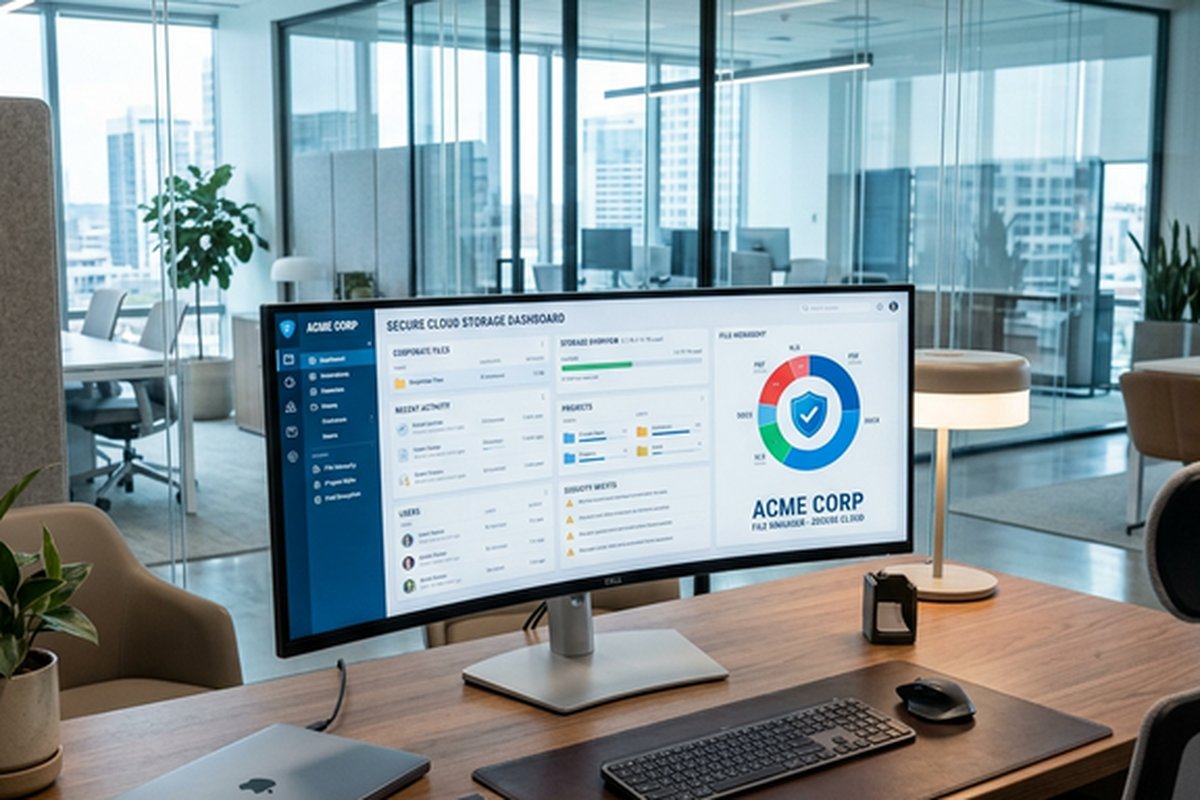
Box Drive provides desktop access to Box content through a virtual drive that appears in Windows File
Explorer or macOS Finder, displaying cloud-stored files without downloading them to local storage. Files
open on demand when clicked, streaming from the cloud for editing in local applications. This virtual
drive approach provides familiar file system access to Box content for users who prefer working through
the operating system’s native file manager rather than Box’s web interface, while maintaining Box’s
security and governance controls over the accessed content.
Strengths and Honest Limitations
Box’s strengths are concentrated in enterprise-specific capabilities: the compliance certification portfolio
enables deployment in regulated industries where competitors cannot qualify. Security features including
Shield, KeySafe, and granular access controls provide protection depth appropriate for sensitive business
content. Workflow automation through Relay enables process improvements that extend Box’s value beyond
passive storage. The integration ecosystem supports deployment alongside existing enterprise software
investments. Administrative and governance tools provide the control necessary for organizational-scale
content management.
Box AI capabilities, introduced as part of the platform’s evolution, bring artificial intelligence
functionality directly into the content management workflow. AI-powered features include intelligent
document summarization that generates concise summaries of lengthy documents, question-answering
capabilities that allow users to ask natural language questions about document content, and automated
metadata extraction that identifies and tags key information within uploaded documents. These AI
features operate within Box’s security framework, ensuring that AI processing does not compromise the
confidentiality of stored content or violate organizational data handling policies.
The limitations directly reflect Box’s enterprise focus. Pricing is structured for organizational budgets
rather than individual users, with per-user costs that are substantially higher than consumer storage
services. There is no meaningful free tier for individual non-business use, though a limited free account
with 10 gigabytes of storage exists primarily for evaluation purposes. The platform’s feature depth
and administrative complexity can be overwhelming for small teams with straightforward storage needs
that don’t require compliance certifications or workflow automation. The desktop synchronization
experience through Box Drive, while functional and improved significantly in recent years, does not
match the seamlessness and performance of Dropbox’s sync engine or the operating system integration
depth of OneDrive on Windows.
For smaller teams or individuals seeking simpler cloud storage, our Dropbox
review and Google
Drive review cover platforms better suited to non-enterprise requirements, while our cloud
storage comparison provides context across the full range of available services.
Features and pricing referenced in this article are based on information available at the time of writing
and are subject to change. Please verify current details on the official Box website.