Confluence by Atlassian – Team Documentation and Knowledge Base
Confluence occupies a mature and established position in the team documentation landscape as
Atlassian’s enterprise wiki and knowledge management platform, serving organizations that need
structured, scalable documentation systems for engineering teams, product organizations, and
knowledge-heavy operations. While newer platforms like Notion offer more flexible, modern
interfaces, Confluence provides the enterprise-grade documentation infrastructure — deep Jira
integration, structured spaces, sophisticated permissions, compliance features, and organizational
scaling — that large organizations require for mission-critical documentation that supports
hundreds or thousands of contributors across complex organizational structures.
The platform’s strongest competitive positioning comes from its deep integration with Jira, Atlassian’s
project management and issue tracking platform used extensively by software development teams.
Organizations using Jira for development workflow management find that Confluence provides the
natural documentation layer for requirements, specifications, architecture documentation, runbooks,
and team knowledge that Jira’s issue-focused interface is not designed to accommodate. This Atlassian
ecosystem integration creates a workflow where development tasks in Jira connect to design documents,
technical specifications, and decision records in Confluence, maintaining traceability between what
the team decided (Confluence) and what the team is building (Jira).
Spaces and Page Organization
Confluence organizes content into spaces — dedicated areas for teams, projects, or organizational
functions that maintain independent page hierarchies, permissions, and administrative settings.
A typical organizational deployment includes team spaces (Engineering, Marketing, Design, Operations),
project spaces (Product v3.0, Website Redesign, Infrastructure Migration), and functional spaces
(Company Handbook, Onboarding, IT Knowledge Base). This space-based organization provides clear
content boundaries where teams maintain their documentation with appropriate access controls while
sharing content across spaces when cross-functional visibility is needed.
Within each space, pages organize in hierarchical trees where parent pages contain child pages,
creating navigable documentation structures that mirror the logical organization of the content
they contain. A “Backend Engineering” space might contain top-level pages for Architecture, APIs,
Deployment, and Monitoring, each containing child pages for specific systems, procedures, and
reference documentation. The page tree navigation provides persistent left-sidebar navigation
that enables browsing the documentation structure, while search provides direct access to
specific content across all accessible spaces.

Jira Integration
The integration between Confluence and Jira provides bidirectional connectivity that makes these
platforms more valuable together than either provides independently. Confluence pages can embed
Jira issue lists, sprint boards, and project reports that update dynamically as Jira data changes,
creating living documentation that reflects current project status without manual updates. Jira
issues can link to Confluence pages for requirements documents, design specifications, and
decision records, maintaining traceability between planning documentation and implementation
work.
The Jira macro system enables embedding filtered Jira queries within Confluence pages — showing
open bugs for a specific component, sprint progress for a team, or release blockers for an
upcoming launch. These embedded views transform static documentation pages into dynamic
dashboards that combine narrative documentation with real-time project data. For teams evaluating
Jira’s capabilities independently, our Jira
guide covers the project management platform in detail.
Content Creation and Editing
Confluence’s editor provides a structured document creation experience with formatting tools,
macro insertion for dynamic content embedding, and collaborative editing with real-time
co-authoring. The editor supports headings, tables, code blocks, status badges, decision
logs, action items, and expand/collapse sections for organizing complex content. Macros
extend page capabilities by embedding content from Jira, other Confluence pages, databases,
charts, and third-party applications directly within documentation pages.
Page templates provide starting structures for common documentation types including meeting
notes, decision documents, requirements specifications, project plans, troubleshooting
guides, and how-to articles. Custom templates enable organizations to create standardized
documentation formats that ensure consistent structure and content across teams —
particularly valuable for regulated environments where documentation must follow specific
formats for compliance purposes. The template system reduces the blank-page barrier that
discourages documentation creation, providing structures that contributors can fill in
rather than create from scratch.
Inline Comments and Review Workflows
Confluence’s inline commenting enables contextual feedback directly on specific text within
pages, creating discussion threads anchored to the exact content they reference. Reviewers
can highlight text, attach comments, mention specific team members for input, and resolve
comments when feedback has been addressed. This inline commenting model mirrors the review
experience of document collaboration tools, providing more precise feedback than page-level
comments that require contributors to identify which content the feedback references.
The @mention system enables notifying specific team members within page content, comments,
and task assignments. Mentioned users receive notifications with direct links to the relevant
content, reducing the friction of directing attention to specific documentation that needs
review, input, or action. Task assignments within pages enable creating lightweight action
items during documentation review that track responsibility and completion without requiring
separate project management tools for documentation-related tasks. The combination of inline
comments, mentions, and task assignments creates a documentation review workflow within
Confluence that handles the collaborative review process without external coordination
tools for standard documentation review cycles.
Knowledge Management at Scale
Confluence’s value increases with organizational scale because the volume of institutional
knowledge that needs structured documentation grows exponentially as organizations add
teams, products, and operational complexity. The platform’s search indexes content across
all accessible spaces, page content, attachment content, and page metadata, providing
keyword-based discovery of documentation that may have been created months or years earlier.
Labels enable cross-space content categorization that surfaces related content regardless
of which space it resides in — labeling all security-related pages across engineering,
operations, and compliance spaces enables finding security documentation through label
filtering rather than knowing which space contains the relevant content.
The analytics features provide visibility into content engagement — which pages are most
viewed, which pages have not been updated recently, and which spaces receive the most
activity. These analytics enable identifying stale content that needs updating, popular
content that deserves expansion, and content gaps where documentation is needed but does
not exist. For large organizations managing thousands of Confluence pages, analytics-driven
content governance prevents the common wiki failure mode where documentation accumulates
but is never maintained, becoming progressively less trustworthy and less useful over time.
Permissions and Compliance
Confluence provides layered permission controls at the global, space, and page levels that
enable managing access with the granularity complex organizations require. Space-level
permissions control who can view, create, edit, and administer content within each space.
Page-level restrictions enable locking specific pages to defined users or groups for
sensitive content that needs tighter access control than the space-level defaults provide.
Anonymous access settings enable making specific spaces publicly accessible for external
documentation, knowledge bases, or community resources.
Compliance features include audit logging for tracking content changes and administrative
actions, data residency controls for meeting geographic data storage requirements, and
data export capabilities for compliance archiving and legal discovery. The Atlassian
Guard (formerly Atlassian Access) subscription adds organization-level security
controls including SAML SSO enforcement, automated user provisioning, and security
policies that apply across all Atlassian products within the organization.
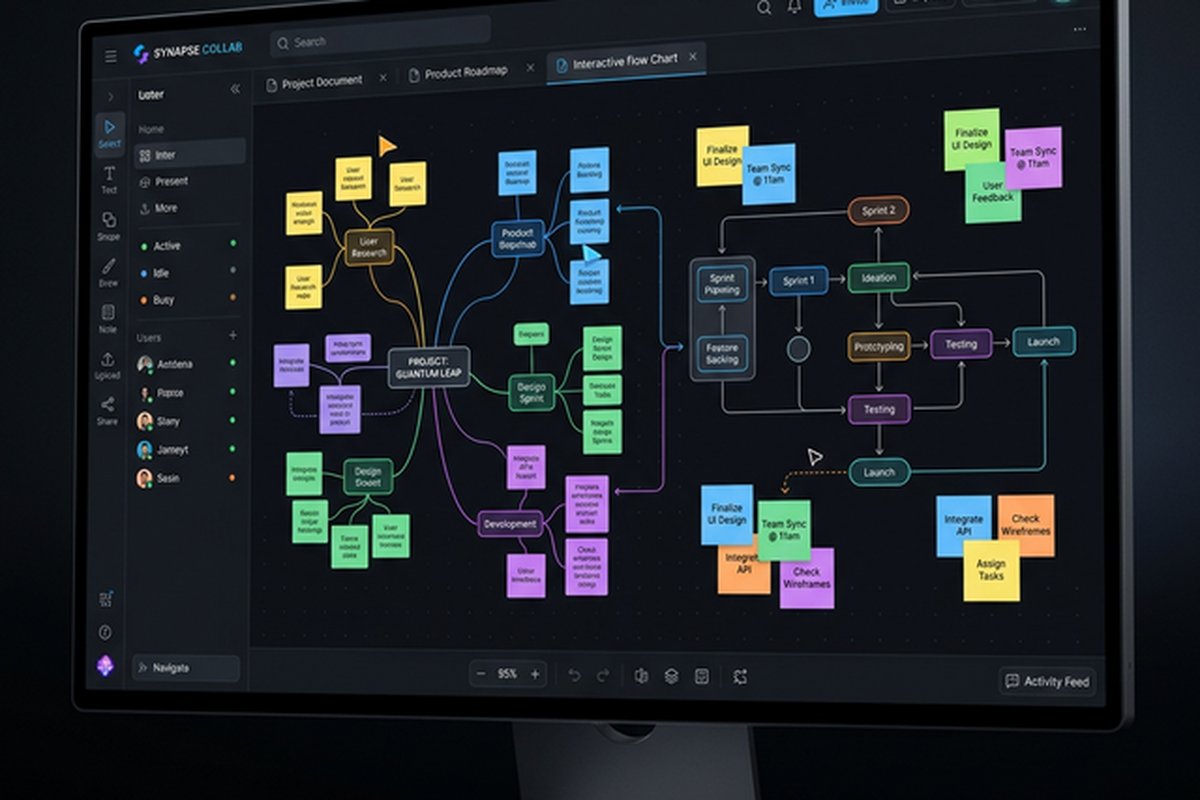
Whiteboards and Visual Collaboration
Confluence Whiteboards add visual collaboration capabilities within the documentation
platform, providing infinite canvas spaces for brainstorming, diagramming, and visual
planning alongside the text-based documentation that Confluence traditionally provides.
Whiteboards support sticky notes, shapes, connectors, freeform drawing, and embedded
content, enabling visual thinking activities within the same platform where the resulting
documentation will be maintained.
The integration between whiteboards and pages enables converting brainstorming outputs into
structured documentation, maintaining the connection between the visual thinking process
and the formal documentation it produces. While Confluence Whiteboards do not match the
depth of dedicated visual collaboration platforms, they provide the essential visual
collaboration capability within the documentation context, eliminating the context switch
between separate whiteboard and documentation tools. For teams needing deeper visual
collaboration, our Miro
review covers the leading dedicated visual collaboration platform.
Cloud vs Data Center
Confluence is available as a cloud-hosted service (Confluence Cloud) and as a self-hosted
deployment (Confluence Data Center). Cloud deployment provides Atlassian-managed infrastructure,
automatic updates, and reduced administrative overhead. Data Center deployment provides
self-hosted control over infrastructure, data storage, and customization that organizations
with specific compliance, security, or performance requirements may need. Atlassian has
announced the end-of-life for Confluence Server licenses, directing self-hosted customers
toward Data Center or Cloud migration.
The deployment choice affects feature availability, administration model, and cost structure.
Cloud Confluence receives features first and provides the most current platform experience.
Data Center provides the self-hosted control that some organizations require but involves
higher infrastructure and administration costs. Organizations evaluating Confluence should
consider which deployment model aligns with their IT infrastructure strategy and compliance
requirements when comparing total cost of ownership with alternative documentation
platforms.
Automation and Workflow Rules
Confluence automation enables defining rules that trigger actions based on page events, schedules,
and conditions — reducing the manual overhead of documentation maintenance and communication tasks.
Automation triggers include page creation, page updates, label additions, comment activity, and
scheduled intervals. Actions include sending notifications, updating page properties, adding labels,
publishing to Slack channels, and creating Jira issues from Confluence content. These automations
address common documentation workflow challenges like notifying stakeholders when critical
documentation changes, automatically labeling pages based on content patterns, and sending
periodic reminders about documentation review schedules.
Content lifecycle automation enables setting up review reminders that notify page owners when
documentation has not been updated within defined periods — quarterly reviews for process
documents, monthly reviews for rapidly evolving technical documentation, or annual reviews
for policy documents. The automation engine also supports bulk operations that would be
tedious to perform manually across large Confluence instances, such as applying labels to
all pages matching specific criteria, archiving pages in inactive spaces, or generating
notification digests that summarize recent documentation changes for stakeholders who need
awareness without actively monitoring every space.
Marketplace Apps and Extensions
The Atlassian Marketplace provides hundreds of apps and extensions that expand Confluence’s
capabilities beyond its native feature set. Documentation apps add advanced diagramming
(draw.io/Diagrams for Confluence provides Visio-equivalent diagramming within pages),
content formatting (Refined provides custom theming for external-facing documentation),
and content management (Scroll Versions enables managing multiple documentation versions
for product documentation that must support different release versions simultaneously).
Collaboration apps enhance the platform with features including advanced permissions management,
content approval workflows, digital signatures for document sign-off, and team calendar integration
for scheduling within the documentation context. Analytics apps provide deeper content engagement
metrics than Confluence’s native analytics, including heat maps of page viewing patterns, content
gap analysis, and contributor activity reports that support documentation governance at scale.
The marketplace ecosystem is particularly valuable for organizations with unique documentation
requirements — regulated industries needing document control workflows, product companies needing
versioned customer documentation, and large enterprises needing content governance tools that
manage documentation quality across thousands of contributing authors. The app installation and
management infrastructure through the Atlassian administration console provides centralized
control over which apps are available, who can install new apps, and monitoring of app usage
patterns across the organization. Integration apps connect Confluence with non-Atlassian tools
including Google Workspace, Microsoft 365, Salesforce, and ServiceNow, extending the
documentation platform’s reach into the broader enterprise tool ecosystem.
Strengths and Honest Limitations
Confluence’s strengths include deep Jira integration for development teams, the mature
space-based organizational model that scales to enterprise complexity, structured page
hierarchies for navigable documentation, enterprise-grade permissions and compliance
features, the macro ecosystem for embedding dynamic content, knowledge management
analytics for content governance, and established organizational adoption that provides
a proven documentation infrastructure for large-scale deployments. For teams comparing
Confluence’s structured approach with Notion’s flexible workspace, our Notion
team workspace review covers the primary alternative.
Limitations include an editing experience and interface design that feels dated compared
to modern documentation platforms, a learning curve for the macro system that powers
advanced functionality, performance issues that can emerge with large Confluence
instances containing extensive content, pricing that has increased with Atlassian’s
cloud transition strategy, and a traditional wiki paradigm that does not accommodate
the database-driven, flexible workspace approaches that newer platforms provide. Teams
outside the Jira/Atlassian ecosystem lose the integration advantage that represents
Confluence’s strongest differentiator, potentially finding more modern documentation
platforms better suited to their workflow and aesthetic preferences.
Features and pricing referenced in this article are based on information available at the time of
writing and are subject to change. Please verify current details on the official Atlassian website.