DaVinci Resolve Free Version – Professional Video Editing Software
DaVinci Resolve occupies a genuinely unique position in the video editing landscape as the only
professional-grade editing platform that offers a fully functional free version without watermarks, export
limitations, or trial period restrictions. While other free video editors sacrifice capability to justify
their free pricing, DaVinci Resolve provides a level of functionality in its free version that exceeds what
many paid competitors offer at their full price points. The software is developed by Blackmagic Design, an
Australian company that generates revenue from professional cinema cameras, capture devices, and broadcast
equipment rather than from the editing software itself, which explains the economic model that makes a
genuinely professional free editor sustainable.
Originally known exclusively as a color grading system used in Hollywood post-production for feature films
and high-end television, DaVinci Resolve has evolved into a comprehensive post-production platform combining
professional video editing, industry-leading color correction, visual effects and motion graphics through
Fusion, and professional audio post-production through Fairlight — all within a single application. This
evolution from specialized color grading tool to complete post-production suite has created a uniquely
capable platform that approaches video editing from a fundamentally different design philosophy than
competing editors that began as consumer editing tools and gradually added professional features.
The Free Version versus Studio
Understanding what the free version of DaVinci Resolve includes — and what it omits compared to the paid
Studio version — is essential for evaluating whether the free version meets specific editing needs. The free
version includes the complete editing timeline with professional trim tools, multicam editing, the full
color grading suite with primary and secondary correction tools, the complete Fusion visual effects
compositing environment, and the full Fairlight audio post-production system. These core capabilities are
not stripped-down demonstrations — they are the same professional tools used in film and television
production, available without charge.
For most users — including serious hobbyists, independent content creators, and many professional editors —
the free version provides more capability than they will need for years of editing work. The Studio upgrade
becomes relevant when specific Technical requirements arise: need for GPU-accelerated effects processing
beyond the free version’s capabilities, need for DaVinci Resolve’s collaboration tools for multi-user
projects, need for advanced HDR grading tools, or when production volume justifies the workflow efficiency
improvements that Studio-exclusive features provide.
Collaboration and Multi-User Workflows
DaVinci Resolve provides collaborative workflow capabilities that enable multiple users to work
simultaneously on the same project — editors, colorists, VFX artists, and audio engineers can work
in their respective pages concurrently without file conflicts or sequential handoffs. This collaborative
model reflects the multi-discipline post-production pipeline where different specialists work on different
aspects of a production simultaneously. The project database architecture supports shared project access
through PostgreSQL database servers that manage project files and user access for team editing
scenarios.
The collaboration features are most fully available in the Studio version, where bin locking, timeline
locking, and user permissions prevent conflicting edits while enabling concurrent work across different
project areas. The free version provides single-user editing that is more than sufficient for individual
editors and small teams that work sequentially rather than simultaneously. For production environments
transitioning from other editing platforms, DaVinci Resolve’s collaboration model provides a modern,
database-driven approach that competes directly with Premiere Pro’s cloud-based team projects.
Format Support and Technical Capabilities
DaVinci Resolve handles an extraordinarily broad range of video, audio, and image formats natively,
including professional cinema formats (ARRI, RED, Blackmagic RAW, Sony RAW), broadcast formats (XDCAM,
XAVC, AVC-Intra), consumer formats (H.264, H.265, ProRes), and image sequences from VFX and animation
pipelines. The RAW format support is particularly comprehensive, providing direct editing of camera RAW
files with access to full RAW metadata controls for exposure, color temperature, and tonal adjustments
that preserve maximum image quality throughout the post-production pipeline.
The rendering and delivery system supports hardware-accelerated encoding through NVIDIA NVENC, AMD
hardware encoders, and Apple’s VideoToolbox, significantly reducing export times for common delivery
formats. Multi-format delivery enables creating multiple output versions from a single project — web,
broadcast, social media, archival — with independent format, resolution, and quality settings for each
delivery target. The render cache system enables previewing effects-heavy timelines in real-time by
pre-rendering complex sections during editing pauses, improving playback responsiveness without
requiring proxy workflows for most editing scenarios.
Blackmagic Design Ecosystem
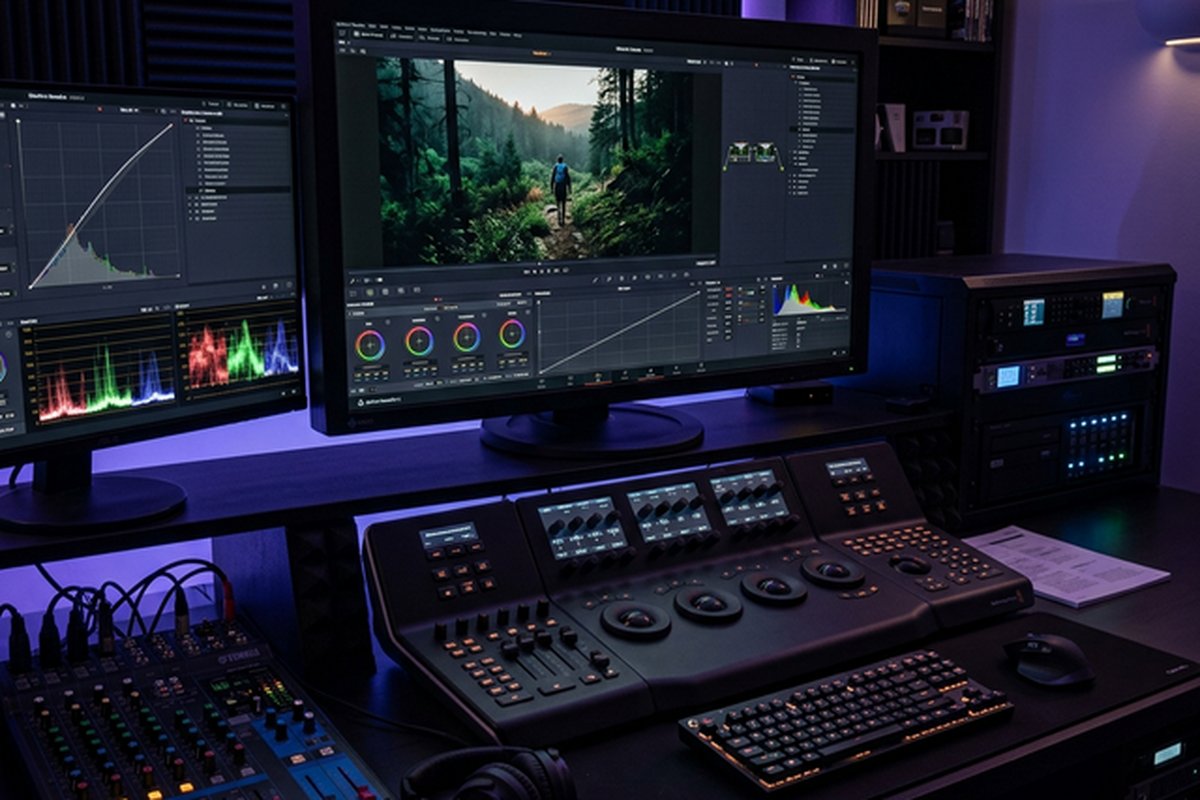
DaVinci Resolve integrates with Blackmagic Design’s hardware products including capture cards, monitoring
hardware, control panels, and camera systems. The DaVinci Resolve control panels — Mini, Micro, and
Advanced — provide dedicated physical controls for color grading operations that experienced colorists
prefer over mouse-based grading workflows. Blackmagic cameras record directly in Blackmagic RAW format
for optimal integration with DaVinci Resolve’s RAW processing pipeline. The ATEM switching hardware
integrates with DaVinci Resolve for live production workflows that combine real-time switching with
post-production editing and grading.
This hardware-software ecosystem integration provides a complete post-production infrastructure from a
single manufacturer, offering tightly integrated workflows that mixed-vendor setups cannot match. The
free availability of DaVinci Resolve software means that the hardware investment is the primary cost
consideration, making professional post-production infrastructure accessible at hardware-only cost
without software licensing expenses. For independent production companies and educational institutions
building post-production facilities, the Blackmagic ecosystem provides a cost-effective path to
professional capability that includes capture, monitoring, grading hardware, and software.
The Studio version adds specific advanced capabilities: GPU-accelerated neural engine features including
facial recognition, speed warp retiming, and AI-based tools; collaborative multi-user workflow support for
team editing projects; certain high-end HDR grading tools; stereoscopic 3D editing support; additional
Resolve FX plugins; and export resolution beyond 4K UHD. For the majority of independent creators, small
production teams, educational users, and hobbyist editors, the features restricted to Studio are advanced
capabilities that most projects never require, making the free version genuinely sufficient for
professional-quality output.
The Edit Page
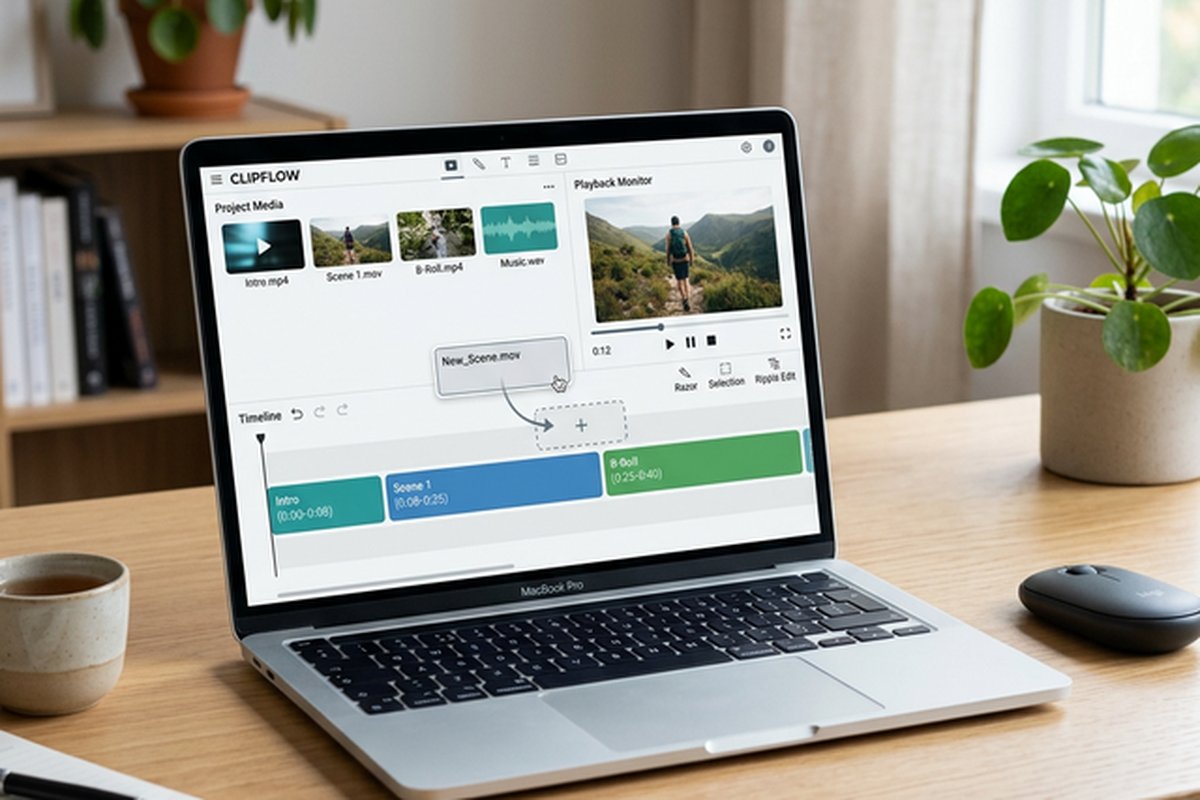
The Edit page provides DaVinci Resolve’s primary timeline-based editing environment, offering tools
comparable to Adobe Premiere Pro and Final Cut Pro. The magnetic and freeform timeline modes accommodate
different editing preferences — the magnetic timeline automatically manages clip placement and gap
elimination similarly to Final Cut Pro’s approach, while freeform mode provides traditional track-based
editing where clips are placed and trimmed with full manual control on unlimited video and audio tracks.
Trim tools include ripple, roll, slip, and slide operations with precise frame-level control, providing the
editing precision required for professional narrative, documentary, and commercial editing. The inspector
panel provides comprehensive control over clip properties including transform, cropping, dynamic zoom,
compositing modes, speed changes with optical flow retiming, and stabilization. Multicam editing enables
synchronizing and switching between multiple camera angles in real time, essential for live event coverage,
interview editing, and multi-camera production workflows where reviewing and selecting angles efficiently
determines editing productivity.
The Cut page offers a streamlined editing interface optimized for fast-turnaround editing workflows,
particularly suited for social media content, news packages, and projects where editing speed takes priority
over complex timeline manipulation. The dual timeline display shows both the full project timeline and a
zoomed detail view simultaneously, enabling rapid navigation and precise trimming without constantly
adjusting zoom levels. Source tape mode presents all imported media as a continuous stream for rapid clip
selection, reducing the time spent browsing individual clips in traditional bin-based workflows. Smart
Insert, Append, and Close Up editing modes enable rapid assembly that can significantly accelerate the
initial edit assembly phase.
Color Grading Excellence
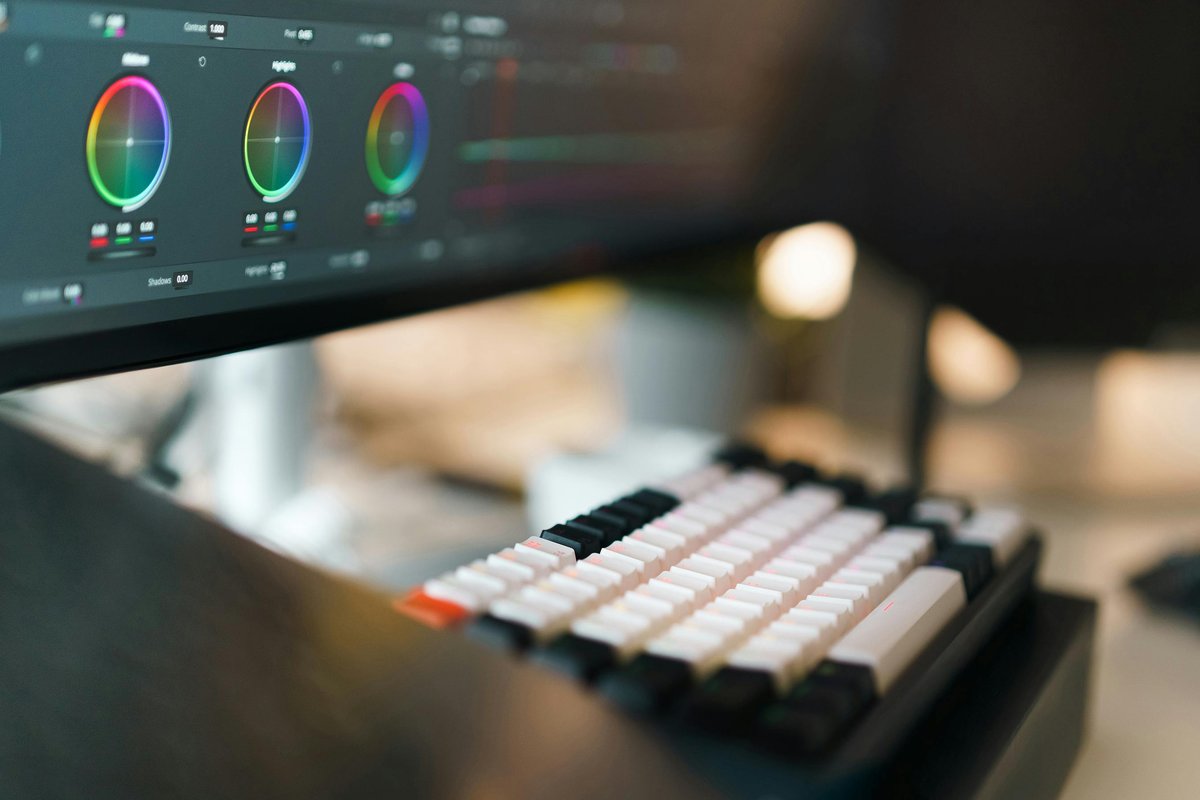
Color grading represents DaVinci Resolve’s original strength and remains its most significant competitive
advantage over every competing editing platform. The Color page provides the same primary and secondary
correction tools used to grade major feature films — a heritage that no other consumer-accessible editing
software can claim. The primary color wheels, bars, and curves provide intuitive controls for adjusting
exposure, contrast, saturation, and color balance with precision that the color tools in competing editors
cannot match.
The node-based correction system allows building complex color grades by connecting individual correction
operations in a node graph, where each node applies a specific correction — primary balance, secondary
isolations, creative looks, film grain — and the cumulative result flows through the node chain. This node
architecture provides virtually unlimited correction complexity while maintaining the ability to modify or
bypass individual corrections without disrupting the overall grade. Power windows enable precise isolation
of specific regions within the frame for targeted corrections, while qualifiers provide HSL-based isolation
for selecting and adjusting specific color ranges within the image.
Color management through DaVinci’s YRGB color science and ACES workflow support ensures accurate color
handling across different camera formats, display standards, and delivery specifications. The ability to
work natively with camera RAW formats from Blackmagic, RED, ARRI, Sony, Canon, and other cinema cameras
provides colorists with maximum latitude for exposure and color recovery. HDR grading tools support Dolby
Vision, HDR10, HDR10+, and HLG workflows for high dynamic range content delivery. These capabilities
position DaVinci Resolve’s color grading as genuinely professional-grade, not merely adequate for consumer
use.
Fusion Visual Effects
The Fusion page integrates a complete visual effects and motion graphics compositing environment directly
within DaVinci Resolve, eliminating the need for external VFX applications for many compositing and motion
graphics tasks. Fusion uses a node-based compositing architecture where individual effects operations —
keying, tracking, particle generation, 3D rendering, text animation — are connected in a flow graph that
provides both visual clarity and unlimited compositing flexibility. This node-based approach contrasts with
the layer-based compositing model used by After Effects, offering advantages in complex compositions where
layer management becomes unwieldy.
Keying tools include chroma key operations for green screen and blue screen removal, luminance keying, and
delta keying for challenging foreground extraction scenarios. The 3D workspace enables creating and
compositing 3D elements including cameras, lights, geometry, and particle systems within the same
environment used for 2D compositing, enabling effects that combine 2D footage with 3D elements without
round-tripping to separate 3D applications. Planar and point tracking enable attaching elements to moving
surfaces and points within footage for screen replacements, sign changes, and stabilization.
Fairlight Audio
The Fairlight page provides a complete digital audio workstation within DaVinci Resolve, supporting up to
2,000 audio tracks with professional mixing, equalization, dynamics processing, and spatial audio
capabilities. The audio tools include a full mixer with faders, panning, aux sends, and submix buses that
replicate the functionality of dedicated audio workstations. Built-in audio effects include parametric EQ,
compressor, limiter, gate, de-esser, and reverb processors that cover the essential audio processing
requirements for most video post-production scenarios.
Fairlight’s audio editing capabilities include sample-level precision editing, ADR recording tools for
dialogue replacement, foley recording and editing workflows, and loudness metering for broadcast delivery
compliance. For video editors who previously needed to round-trip audio to separate DAW applications for
professional audio finishing, Fairlight’s integration within DaVinci Resolve eliminates the workflow
complexity and time overhead of managing audio in a separate application while maintaining professional
audio processing quality.
System Requirements and Performance
DaVinci Resolve is available for Windows, macOS, and Linux, providing cross-platform compatibility that most
professional editing software cannot match. The software performs best with dedicated GPU acceleration,
particularly for real-time playback of color-graded footage, Fusion effects rendering, and neural engine
features in the Studio version. While DaVinci Resolve runs on modest hardware for basic editing, demanding
workflows with high-resolution footage, complex color grades, and Fusion compositions benefit significantly
from modern dedicated graphics cards with substantial VRAM.
The software’s performance characteristics differ from lighter editing applications — DaVinci Resolve is a
large, full-featured application that requires more system resources than consumer editors like iMovie or
basic free editors. Users with older hardware or integrated graphics should test the free version on their
specific system before committing to DaVinci Resolve as their primary editor, as performance limitations on
underpowered hardware can create a frustrating editing experience that does not reflect the software’s
capabilities on appropriate hardware.
Strengths and Honest Limitations
DaVinci Resolve’s free version provides genuinely professional editing, color grading, visual effects, and
audio post-production capabilities that justify its position as the most capable free video editor
available. The color grading tools are the best available in any editing platform at any price. The
integrated workflow eliminates the need for multiple applications in many post-production scenarios. For
comparison with the industry-standard paid alternative, our Adobe
Premiere Pro review examines the subscription-based editing platform.
Limitations include a learning curve that is steeper than consumer-oriented editors, system resource
requirements that exceed lighter editing alternatives, an interface that can feel overwhelming to beginners
encountering professional editing tools for the first time, and the absence of certain advanced features
that require the paid Studio upgrade. For beginners seeking a simpler starting point, our Filmora
review covers a more approachable alternative, and our free video
editing comparison provides broader context across free options.
Features and pricing referenced in this article are based on information available at the time of writing
and are subject to change. Please verify current details on the official Blackmagic Design website.