Final Cut Pro for Mac – Apple Professional Video Editor
Final Cut Pro represents Apple’s vision of professional video editing — a platform that combines the
capability required for broadcast television, feature film editing, and high-end commercial production with
the design philosophy and user experience sensibilities that define Apple’s approach to software
development. As a Mac-exclusive application available through a one-time purchase rather than subscription
pricing, Final Cut Pro occupies a distinctive market position that appeals strongly to professional editors
committed to Apple’s hardware ecosystem who prefer permanent software ownership over ongoing subscription
costs. The software leverages Apple’s hardware capabilities extensively, providing performance optimization
for Apple Silicon processors that produces genuinely impressive playback and rendering speeds on current Mac
hardware.
Final Cut Pro’s development history traces back to its original creation as a professional editing tool that
rapidly gained market share in broadcast and independent film production during the 2000s. The controversial
transition to Final Cut Pro X in 2011 — which rebuilt the application from scratch with a fundamentally
different interface and workflow architecture — initially alienated many professional users but ultimately
established the foundation for a modern editing platform that has matured significantly over the subsequent
years. The current version of Final Cut Pro has addressed the professional feature gaps that prompted
complaints at launch and now provides a genuinely complete professional editing environment within its
distinctive workflow architecture.
The Magnetic Timeline
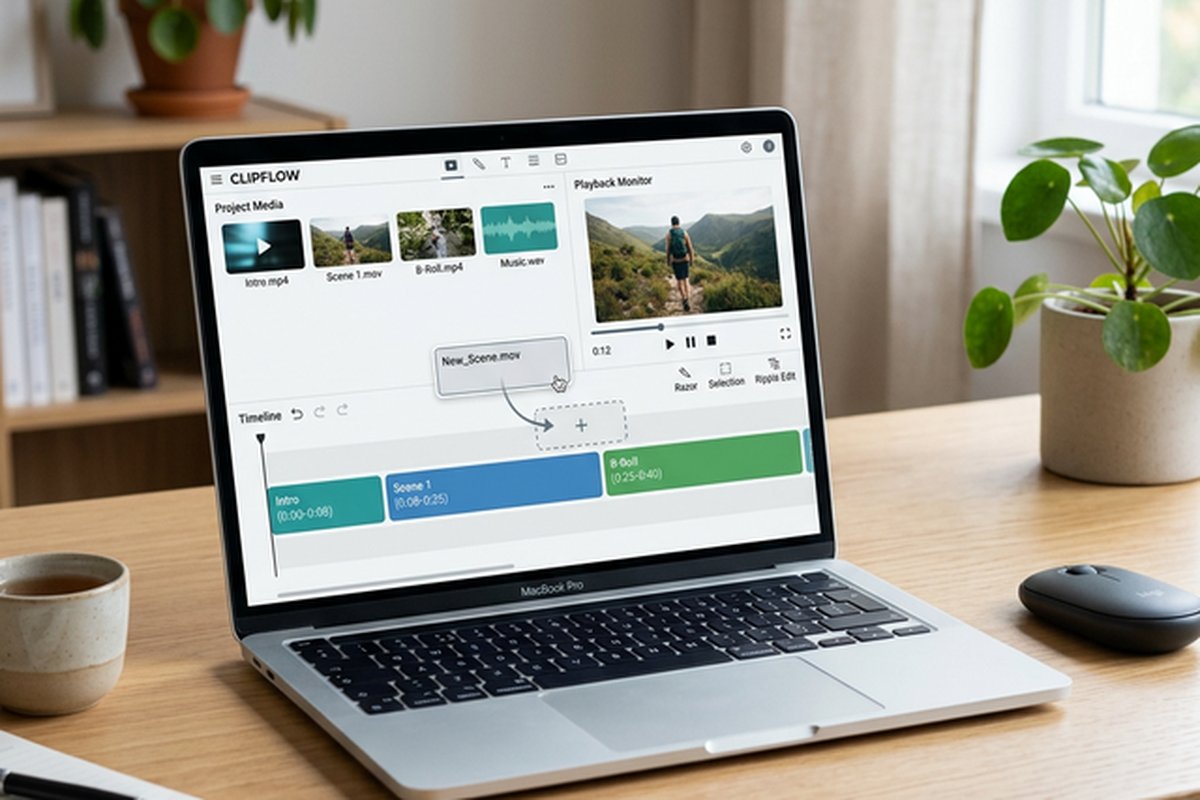
Final Cut Pro’s magnetic timeline represents the most significant architectural difference between Final Cut
Pro and its primary competitors. Unlike traditional track-based timelines used by Premiere Pro, DaVinci
Resolve, and most other professional editors, the magnetic timeline uses a trackless design where clips
automatically arrange themselves without creating gaps or synchronization conflicts. When a clip is removed,
surrounding clips automatically close the gap. When a clip is inserted, subsequent clips move to accommodate
it. This automatic gap management eliminates the common editing frustration of manually managing empty
spaces, out-of-sync audio-video relationships, and misaligned clips that waste time in track-based editing
models.
The magnetic timeline organizes clips through storylines — a primary storyline that forms the backbone of the
edit, and connected storylines that attach secondary video, audio, titles, and effects to specific points on
the primary storyline. Connected clips maintain their relationship to the primary storyline clip they are
attached to, moving together when the primary clip is repositioned or removed. This relationship-based
organization replaces the vertical track assignment model with a more intuitive approach where the
organizational structure reflects the editorial relationships between clips rather than arbitrary track
numbers.
Roles provide organizational categorization for clips, replacing traditional track-based organization with a
metadata-based system where each clip is assigned roles — Dialogue, Music, Effects, Titles, Video — that
determine how clips are displayed, filtered, and exported. The roles system enables sophisticated
organizational workflows including isolating specific content types for review, exporting individual roles
as separate stems for audio mixing, and color-coding timeline content by type for visual organization
without the rigidity of fixed track assignments.
Apple Silicon Performance
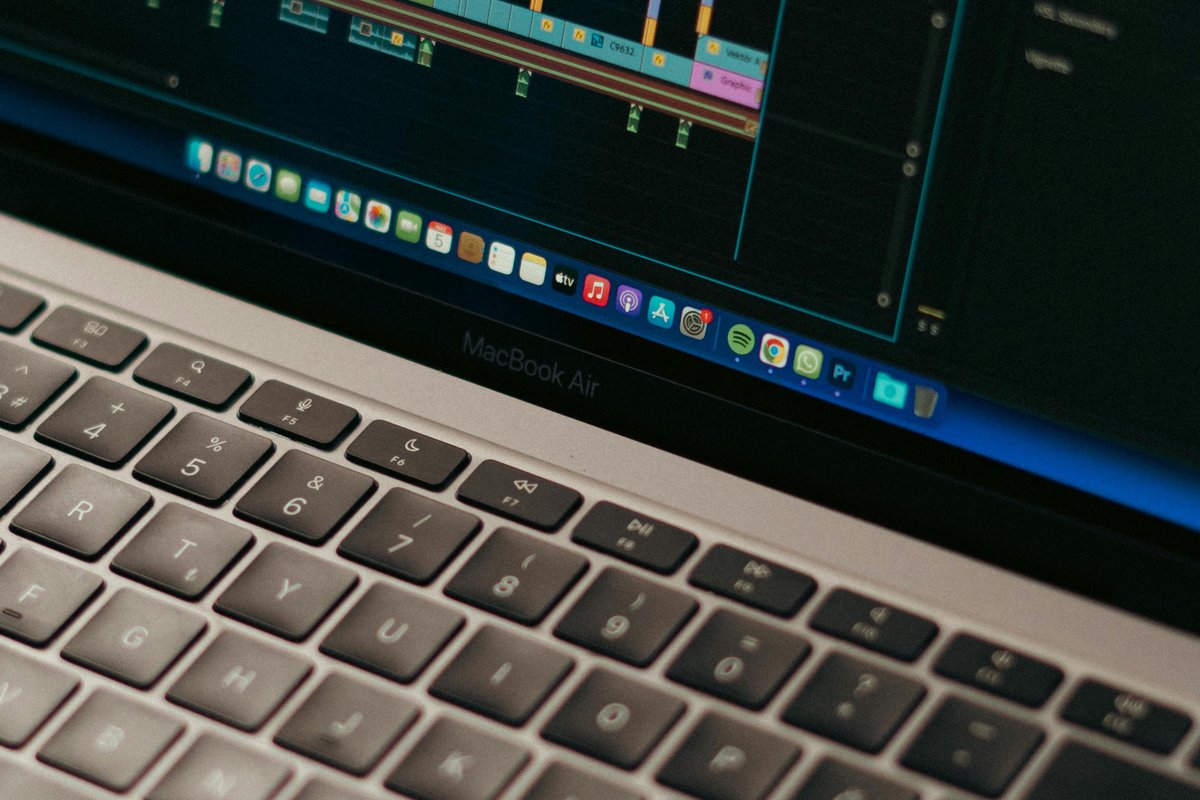
Final Cut Pro’s optimization for Apple Silicon processors — M1, M2, M3, and subsequent generations — delivers
editing performance that represents the strongest argument for choosing Final Cut Pro on current Mac
hardware. The native Apple Silicon architecture enables real-time playback of multiple streams of 4K and 8K
ProRes and H.265 footage without proxy workflows, real-time application of color corrections and effects
during playback, and rendering speeds that significantly outpace Premiere Pro and DaVinci Resolve on
equivalent Mac hardware. This performance advantage is particularly pronounced for ProRes workflows, where
Final Cut Pro’s integration with Apple’s ProRes codec provides playback and rendering efficiency that
third-party editors running on the same hardware cannot match.
The Neural Engine in Apple Silicon processors accelerates machine learning features including background
removal without green screen (Cinematic Mode footage support), Smart Conform for intelligent aspect ratio
conversion, scene detection for automatic clip segmentation, and object tracking for effects and color
correction masking. These AI-accelerated features demonstrate the advantage of a first-party application
optimized for proprietary hardware — Final Cut Pro can leverage Apple Silicon capabilities that third-party
developers have limited or delayed access to, providing performance and features that are not immediately
available in competing editors running on the same Mac hardware.
Color Grading and HDR Support
Final Cut Pro’s color grading tools provide professional color correction and creative grading capabilities
directly within the editing environment. The Color Board, Color Wheels, Color Curves, and Hue/Saturation
Curves interfaces offer multiple approaches to color adjustment that accommodate different correction tasks
and editor preferences. The Color Inspector consolidates all active color adjustments for efficient review
and modification. Comparison viewers enable side-by-side evaluation of corrected and uncorrected footage,
and the ability to save and apply custom color presets streamlines consistent grading across clips and
projects.
HDR content creation support includes native workflows for HDR10, HLG, and Dolby Vision, with real-time HDR
preview on compatible displays. The HDR tools enable viewing, editing, and delivering high dynamic range
content with proper tone mapping and display adaptation. For productions targeting streaming platforms that
increasingly support HDR delivery, Final Cut Pro’s integrated HDR workflow provides a streamlined path from
camera to delivery without requiring external HDR processing tools.
Motion Graphics and Effects
Apple Motion serves as Final Cut Pro’s companion motion graphics application, enabling creation of custom
titles, transitions, effects, and generators that integrate directly into Final Cut Pro’s effects browser.
Motion projects published to Final Cut Pro appear as standard effects with customizable parameters exposed
in the Final Cut Pro inspector, enabling editors to apply and modify complex motion graphics without opening
Motion or understanding its internal workings. This publishing architecture enables motion graphics artists
to create sophisticated, reusable template elements that editors can apply with simple parameter
adjustments.
Final Cut Pro includes a substantial library of built-in effects, transitions, titles, and generators that
cover common production needs without requiring custom creation in Motion. The 360-degree VR editing
capabilities support equirectangular footage editing, VR-specific effects and titles, and delivery for VR
headset platforms. Object tracking enables attaching effects, corrections, and graphical elements to moving
subjects within footage, providing motion-tracked effects application that previously required
round-tripping to compositing applications.
Media Management and Organization
Final Cut Pro’s library-based media management organizes all project files, media references, and render
files within a structured library container that simplifies project backup, archiving, and transfer between
systems. Libraries contain events, which organize media into logical groups, and projects that contain the
actual timeline edits. This three-level organizational hierarchy — Library, Event, Project — provides
structured organization that scales from simple single-project workflows to complex multi-project
production libraries spanning hundreds of media files and dozens of projects.
Smart Collections automatically organize media based on metadata criteria including camera type, frame rate,
media type, favorites rating, and keyword assignments. Keyword-based organization enables tagging clips
with descriptive keywords that create an instantly searchable metadata system for finding specific content
within large media libraries. The combination of automatic Smart Collections and manual keyword tagging
provides powerful organizational capabilities that help editors manage the increasing volumes of footage
that modern multi-camera production workflows generate.
Multicam Editing
Final Cut Pro provides industry-leading multicam editing capabilities that automatically synchronize footage
from multiple cameras using audio waveform analysis, timecode, or file creation date. The angle editor
enables switching between camera angles in real-time during playback, creating edit decisions by simply
clicking the desired angle as the multicam clip plays. This real-time angle switching approach is faster
and more intuitive than manually cutting between individual camera clips on separate timeline tracks.
Multicam clips support up to 64 camera angles, accommodating large multi-camera productions including
live events, concerts, conferences, and multi-camera interview setups. Individual angles within multicam
clips retain full editing capability including color correction, effects, and trim adjustments. The
angle viewer displays all synchronized angles simultaneously during playback, enabling editors to
evaluate all available angles while making switching decisions.
Export and Delivery
The export system provides role-based delivery where individual roles — dialogue, music, effects, video
— can be exported as separate stems for professional audio mixing, subtitle creation, or regulatory
compliance requirements. Compressor, Apple’s companion encoding application, extends export capabilities
with additional format support, batch processing, hardware-accelerated encoding, and distributed
rendering across multiple Mac systems. Direct publishing to YouTube, Vimeo, and other platforms
streamlines delivery for web-focused content creators.
ProRes export provides the highest-quality output for professional delivery and archival purposes, with
multiple ProRes format variants balancing quality and file size for different delivery requirements.
H.264 and H.265/HEVC export serves web delivery and social media publishing with hardware-accelerated
encoding through Apple’s VideoToolbox framework. The export process leverages Apple Silicon’s
media engine for dramatically faster encoding times on M1 and later Mac hardware compared to
software-only encoding on previous Intel-based Macs.
Final Cut Pro for iPad
Apple has extended Final Cut Pro to iPad, providing a touch-optimized version of the professional editor
that enables editing on Apple’s tablet platform with Apple Pencil support for precise timeline
manipulation. The iPad version supports the magnetic timeline, multicam editing, color grading, and
a subset of the Mac version’s effects and transitions. While the iPad version does not provide
complete feature parity with the Mac application, it enables meaningful editing work on a portable
device that can serve as either a complementary editing platform or a primary editing tool for
simpler projects.
The subscription pricing model for the iPad version differs from the Mac version’s one-time purchase,
providing monthly or annual access rather than permanent ownership. Projects can be shared between
Mac and iPad versions through iCloud, enabling workflows where initial editing occurs on iPad during
travel or on-location shoots and is refined on Mac for final delivery. This cross-device capability
positions Final Cut Pro as the only professional editing platform with native, optimized applications
for both desktop and tablet usage within the same editing ecosystem.
Apple Silicon Performance Advantages
Final Cut Pro’s optimization for Apple Silicon processors — M1, M2, M3, and subsequent generations —
delivers editing performance that significantly exceeds what competing editors achieve on the same
hardware. The dedicated media engine in Apple Silicon chips handles ProRes and H.265 encoding and
decoding in hardware, enabling real-time playback of multiple 4K ProRes streams simultaneously
without dropped frames on hardware that would struggle with equivalent playback in competing
editors. This performance advantage makes Final Cut Pro particularly compelling for users who
already own or plan to purchase Apple Silicon Macs, as they receive editing performance that
competes with workstation-class hardware running competing editors on more expensive systems.
The energy efficiency of Apple Silicon processing means that demanding editing tasks including
color grading, effects preview, and final rendering consume less battery power on laptop
Macs than equivalent work in less optimized editors.
Strengths and Honest Limitations
Final Cut Pro’s strengths include exceptional performance on Apple Silicon hardware that exceeds competing
editors on the same hardware, the magnetic timeline workflow that accelerates editing for editors who
embrace its organizational model, one-time purchase pricing that eliminates ongoing subscription costs,
comprehensive built-in effects and transitions, excellent media management through the library system,
industry-leading multicam editing with support for up to 64 angles, and deep integration with Apple’s
hardware and software ecosystem including native iPad support. The role-based audio organization and
export capability provides unique workflow advantages for productions requiring separate audio stem
delivery. For comparison with the subscription-based industry standard, our Adobe
Premiere Pro review examines the primary cross-platform competitor.
Limitations include macOS exclusivity that prevents use on Windows and Linux systems, the magnetic timeline
that can feel restrictive to editors trained on traditional track-based editing models, a smaller
third-party plugin ecosystem compared to Adobe’s extensive marketplace, collaboration features that do not
match Premiere Pro’s cloud-based team editing capabilities for large multi-editor productions, and the
loss of direct After Effects integration that Premiere Pro users rely on for advanced motion graphics and
compositing work. The learning curve for editors transitioning from track-based editing can be significant
as the magnetic timeline requires fundamentally different organizational thinking. For free alternatives
that run on Mac, our DaVinci
Resolve review covers the most capable free option, and our comprehensive Premiere Pro
vs Final Cut comparison provides detailed side-by-side evaluation across all major criteria.
Features and pricing referenced in this article are based on information available at the time of writing
and are subject to change. Please verify current details on the official Apple website.