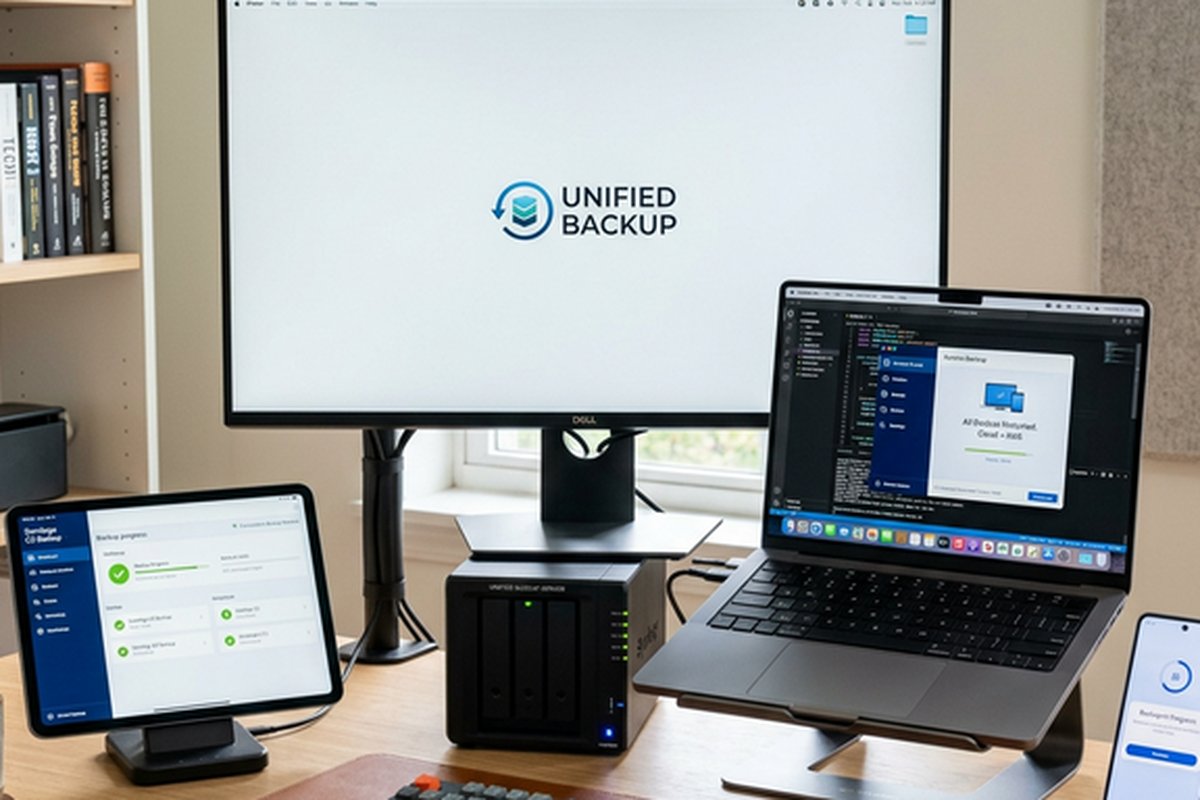
IDrive Multiple Devices – Unified Backup Solution
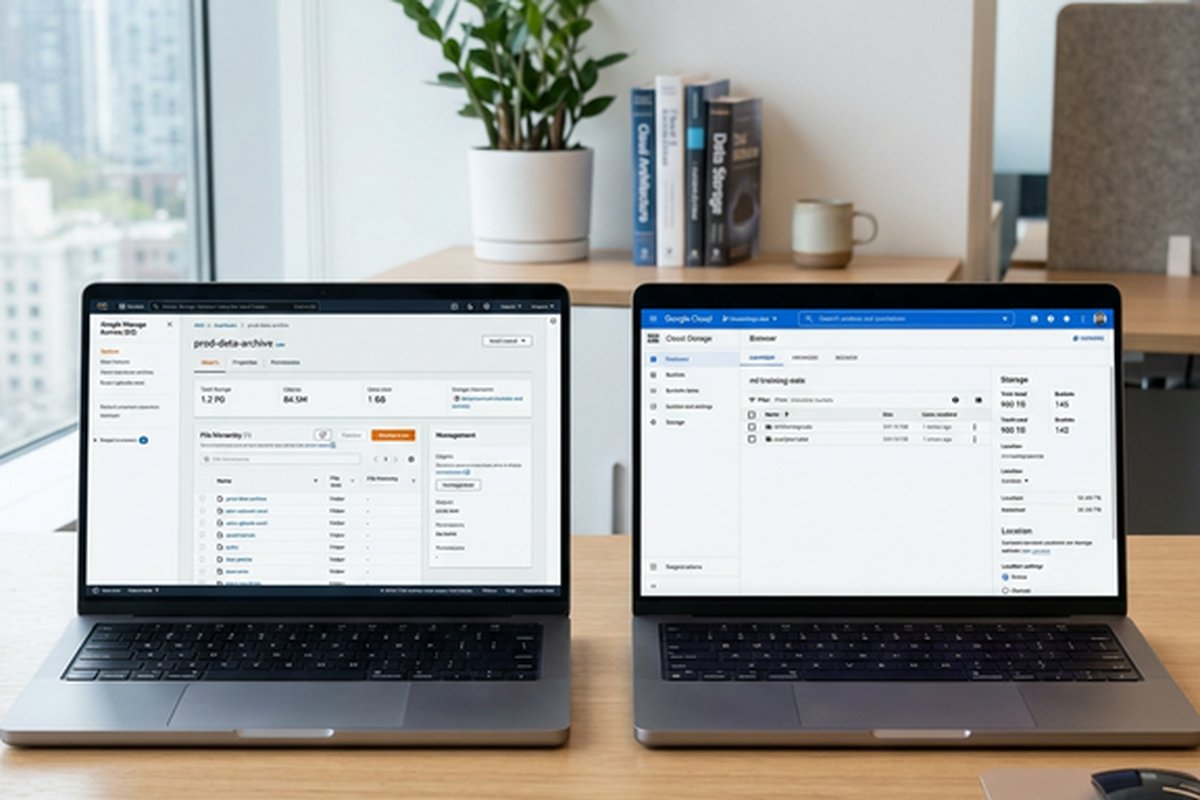
IDrive differentiates itself from mainstream cloud storage services by focusing on comprehensive backup
capabilities rather than file synchronization and collaboration. While services like Google Drive, Dropbox,
and OneDrive primarily serve as cloud file storage with synchronization and collaboration features, IDrive
is fundamentally a backup service designed to protect data across multiple devices — computers, phones,
tablets, network-attached storage devices, and external drives — within a single account and storage
allocation. This backup-first approach creates a meaningfully different product category from cloud storage,
addressing the specific need for data protection and disaster recovery rather than cloud-based file access
and team collaboration. The distinction matters because backup and storage serve different purposes, and
choosing the right tool depends on whether your primary concern is protecting existing data or accessing
and sharing files across locations.
Founded in 1995 under the parent company Pro Softnet Corporation, IDrive has operated in the online backup
space for nearly three decades, making it one of the oldest continuously operating cloud backup services.
This extended operational history provides both practical experience in backup technology and a track record
of business continuity that is relevant when evaluating a service trusted with protecting important data.
The company is headquartered in Calabasas, California, and operates data centers in the United States with
geographic redundancy to protect against regional infrastructure failures.
Multi-Device Backup Architecture
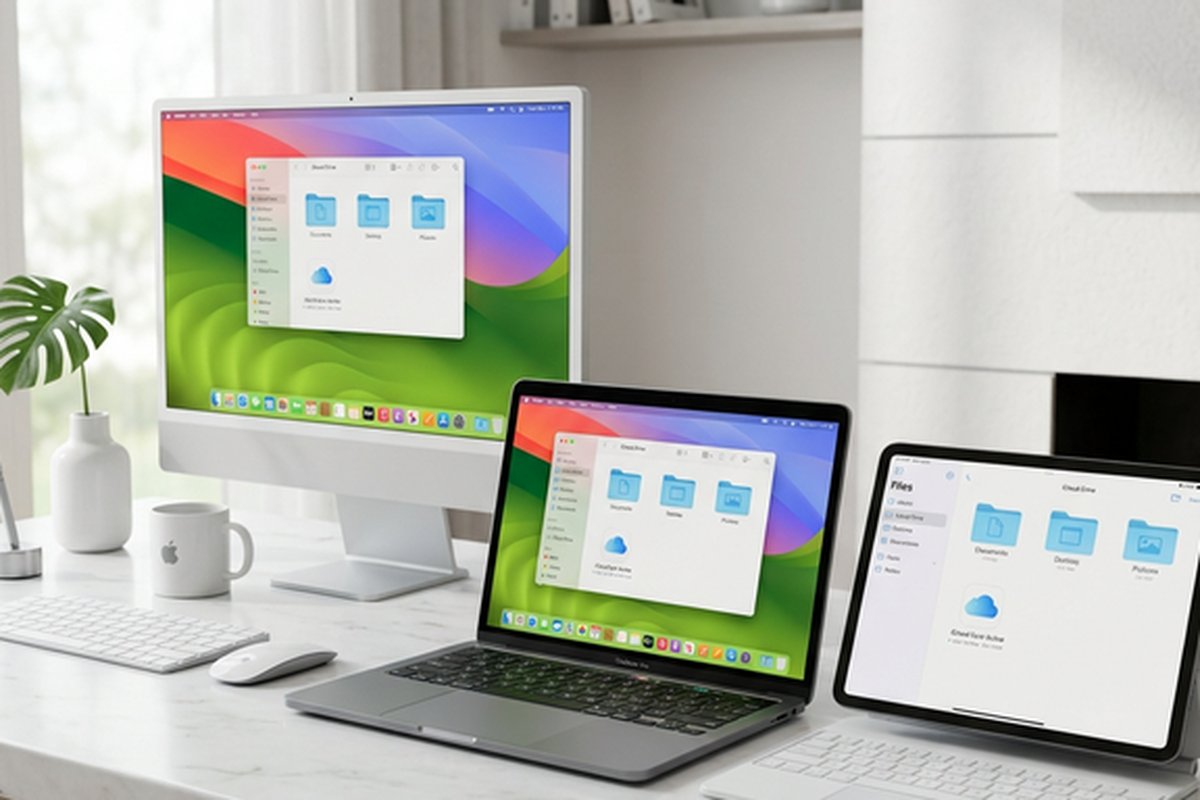
IDrive’s most distinctive feature is the ability to back up unlimited devices — computers, smartphones,
tablets, and external storage devices — to a single cloud storage account. While most cloud storage
services either limit synchronization to a single device folder or charge per-device fees for multi-device
access, IDrive allows connecting and backing up as many devices as needed within the storage quota of a
single plan. This unlimited device model makes IDrive particularly economical for users with multiple
computers, family members with separate devices, or small businesses with teams of workstations that all
need backup protection.
The backup client supports Windows, macOS, and Linux for computer backup, with mobile applications for iOS
and Android that back up contacts, photos, videos, and calendar data from smartphones and tablets. The
cross-platform support ensures comprehensive protection regardless of the specific device mix in use.
For NAS backup, IDrive supports backing up network-attached storage devices from manufacturers including
Synology, QNAP, Netgear, and Western Digital, extending cloud backup protection to local network
storage infrastructure that is otherwise vulnerable to local disasters.
Continuous Data Protection monitors designated files and folders for changes and initiates backup of
modified files automatically without waiting for scheduled backup intervals. This near-real-time backup
approach reduces the potential data loss window between the last backup and a data loss event, providing
more current protection than traditional scheduled backup approaches that may leave hours or days of
work unprotected between backup runs. For files that change frequently throughout the workday, this
continuous protection captures interim changes that scheduled backups would miss.
Backup Features and Data Protection
Snapshots provide point-in-time views of the backed-up data that allow restoring files and folders to their
exact state at previous backup points. This capability is particularly valuable for recovering from
ransomware attacks, where current file versions are encrypted by malware and the most recent backups may
also contain encrypted versions if the ransomware operated before the backup system detected the problem.
Historical snapshots provide clean recovery points from before the ransomware infection, enabling complete
data recovery to a known-good state.
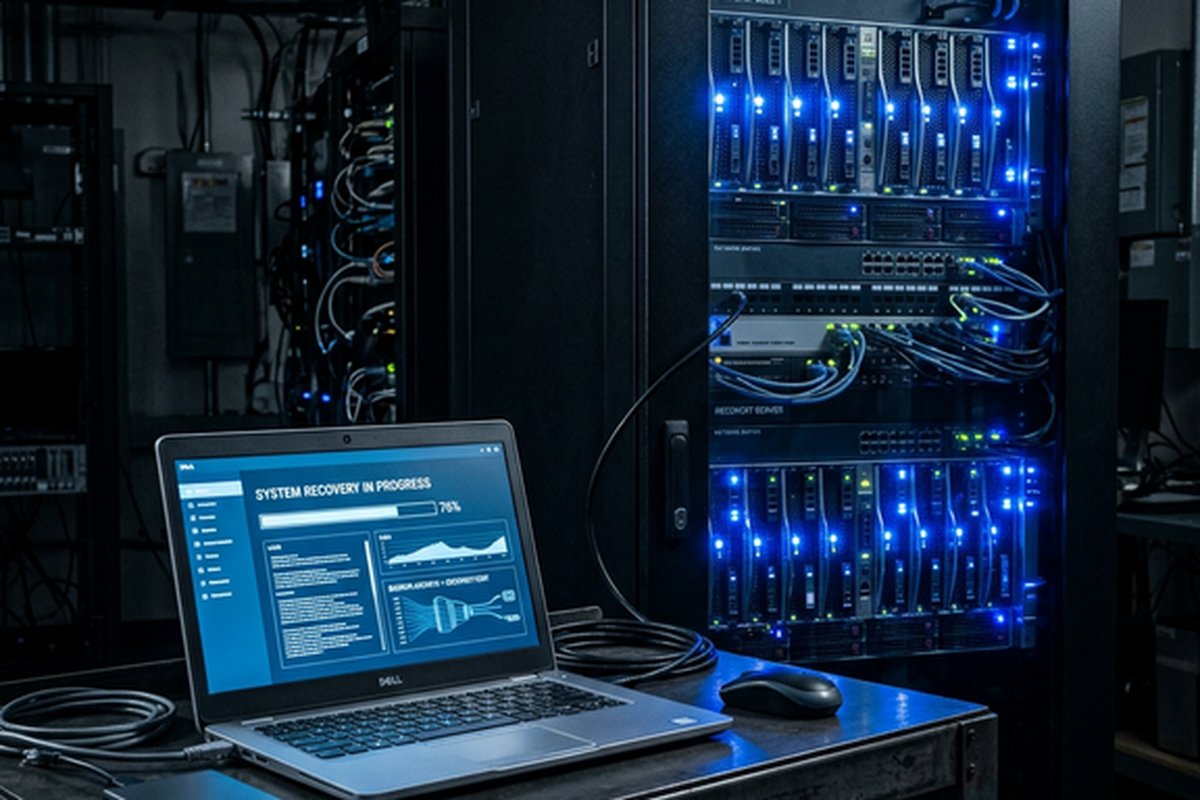
IDrive Express is a unique physical transport service where IDrive ships a physical hard drive to the user
for initial backup or large-scale data restoration. For users with terabytes of data that would take days
or weeks to upload over typical internet connections, IDrive Express allows copying data to the physical
drive and shipping it to IDrive’s data center for upload at data center network speeds. The reverse
process supports rapid restoration by shipping a drive containing the backed-up data directly to the
user. This physical transport option addresses the fundamental bandwidth limitation that makes large-scale
cloud backup impractical over typical residential and many business internet connections.
Server backup capabilities extend IDrive’s protection to server environments including Microsoft SQL
Server, Microsoft Exchange, Microsoft Hyper-V, VMware, Oracle databases, and Linux server applications.
This server backup support positions IDrive as a viable backup solution for small and medium businesses
that run server infrastructure alongside desktop workstations, providing unified backup management across
both server and desktop environments.
File versioning retains up to 30 previous versions of each backed-up file, enabling recovery of
earlier file states when current or recent versions have been corrupted, accidentally modified, or
overwritten. The version retention provides a safety net against data modification errors that
affect individual files without requiring full account restoration from snapshots.
Security and Encryption
IDrive encrypts backed-up data during transfer using 256-bit AES encryption over an SSL-encrypted
connection and stores data in encrypted form on IDrive’s servers. Users can choose between a default
encryption key managed by IDrive, which enables additional features like web-based file access, or a
private encryption key known only to the user that provides zero-knowledge encryption where IDrive
cannot access the backed-up data. The private key option provides stronger privacy protection but
disables some convenience features that require server-side data access, including web preview and
sharing capabilities.
The choice between managed and private encryption keys represents a practical trade-off between
convenience and privacy that users should evaluate based on their specific requirements. Users
backing up sensitive business data, legal documents, financial records, or other confidential content
benefit from private encryption keys. Users who value web-based file access, sharing, and the ability
for IDrive support to assist with backup recovery may prefer managed encryption keys that maintain
these capabilities.
Synchronization and File Access
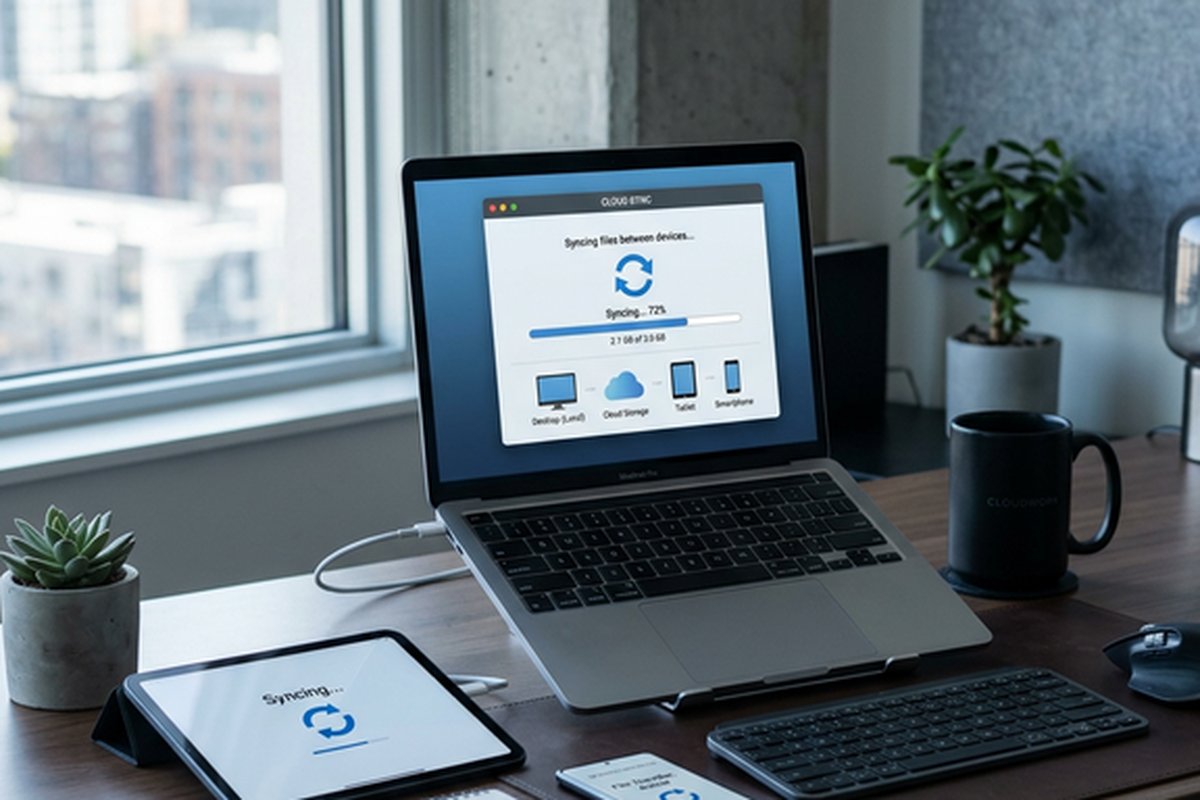
Although IDrive is primarily a backup service, it also includes a file synchronization feature through
IDrive Sync that provides Dropbox-style folder synchronization across devices. The sync folder maintains
consistent content across all connected devices, enabling cloud-based file access and sharing alongside
the backup capabilities. This synchronization feature makes IDrive a dual-purpose service that can serve
as both backup protection and basic cloud storage, though the synchronization implementation is less
refined than dedicated sync-first services.
Web-based file access through IDrive’s web interface allows browsing, previewing, and downloading
backed-up files from any browser without the desktop client installed. This web access is useful for
accessing specific files from computers where IDrive is not installed, though it is not designed as a
primary file management interface comparable to Google Drive or Dropbox’s web experiences.
Backup Scheduling and Management
IDrive’s backup scheduling system provides flexible control over when and how backup operations occur. Users
can configure scheduled backups to run at specific times — typically during overnight hours or periods of
low computer usage — to minimize the performance impact of backup operations on active work. The scheduler
supports daily, weekly, and custom interval configurations, allowing users to balance backup frequency
against bandwidth consumption and system performance impact based on their specific usage patterns and
data change rates.
Bandwidth throttling controls allow limiting the network bandwidth that IDrive uses during backup operations,
preventing backup uploads from saturating the internet connection and degrading performance for other
network activities. This throttling is particularly important for users on slower internet connections or
shared office networks where backup traffic could noticeably impact other users’ network experience. The
throttle settings can be configured with different limits for different times of day, allowing full-speed
backup during off-hours and reduced bandwidth usage during business hours.
The backup management dashboard provides centralized visibility into the backup status of all connected
devices, showing the last backup time, backup size, any errors or warnings, and the overall health of the
backup system. Email notifications alert users to backup failures, storage quota warnings, and other events
that require attention, ensuring that backup protection is actively monitored without requiring daily
manual checks. For business deployments, the administrative dashboard provides organization-wide backup
visibility across all team members’ devices.
Disaster Recovery Scenarios
IDrive’s multi-device and multi-platform backup architecture addresses several common disaster recovery
scenarios that affect individuals and businesses. Complete device loss through hardware failure, theft, or
physical disaster can be recovered by installing the IDrive client on a replacement device and restoring
backed-up data from the cloud. The restoration process can be selective — restoring only specific files or
folders — or comprehensive, restoring the entire backed-up content of the lost device. For situations
involving large data volumes where internet-based restoration would take prohibitively long, IDrive Express
physical restoration provides rapid recovery through shipped hard drives.
Accidental deletion recovery leverages the file versioning and snapshot capabilities to restore files that
were inadvertently deleted or overwritten. The 30-version retention for individual files and the account-
level snapshot capability provide multiple recovery options depending on whether the issue affects specific
files, folders, or the broader account contents. For businesses, the ability to recover specific file
versions from specific points in time supports compliance requirements for data retention and auditability
where specific document states at specific dates may need to be produced.
Pricing and Storage Capacity
IDrive’s pricing structure provides substantial storage capacity at competitive price points, with plans
offering 5 terabytes and 10 terabytes of storage that accommodate multi-device backup requirements for
most individual users and small teams. The first-year pricing typically includes significant promotional
discounts that make the initial year very affordable, though renewal pricing at standard rates is higher
and should be considered when evaluating the long-term cost of the service. Users should evaluate the
standard renewal price rather than the promotional first-year price when calculating the ongoing cost
of maintaining IDrive backup protection, as the renewal pricing more accurately represents the sustained
annual investment.
The free tier provides 10 gigabytes of storage, which is sufficient for evaluating the service and backing
up a modest collection of critical documents but insufficient for comprehensive device backup. The free
tier includes the core backup functionality, encryption options, and multi-device support, making it a
functional evaluation environment that demonstrates IDrive’s capabilities before committing to a paid
plan. Business plans scale from 250 gigabytes through multiple terabyte tiers with per-user pricing and
administrative management features appropriate for organizational deployment.
Strengths and Honest Limitations
IDrive’s strengths are centered on backup-specific capabilities: unlimited device backup within a single
storage allocation provides exceptional multi-device protection value that no competing service matches
at comparable pricing. Physical transport through IDrive Express solves the bandwidth bottleneck for
large-scale backup and restore operations that would otherwise be impractical over typical internet
connections. Continuous data protection reduces data loss windows between scheduled backups. Server
backup extends protection to business server infrastructure alongside desktop workstations. Snapshots
provide ransomware recovery capability that can restore entire systems to pre-infection states. The
combination of backup and sync functionality in a single service reduces the need for separate backup
and storage subscriptions, simplifying the software stack for cost-conscious users.
Limitations include a file synchronization experience that is less polished than dedicated sync services
like Dropbox or Google Drive, an interface that prioritizes backup management functionality over aesthetic
refinement, promotional first-year pricing that can mislead users about ongoing costs, and the absence
of integrated document creation and collaboration tools. For users seeking primarily collaborative cloud
storage rather than backup protection, our Google
Drive review and Dropbox
review cover platforms better suited to storage and collaboration workflows.
Features and pricing referenced in this article are based on information available at the time of writing
and are subject to change. Please verify current details on the official IDrive website.