Notion Team Workspaces – All-in-One Collaboration Platform
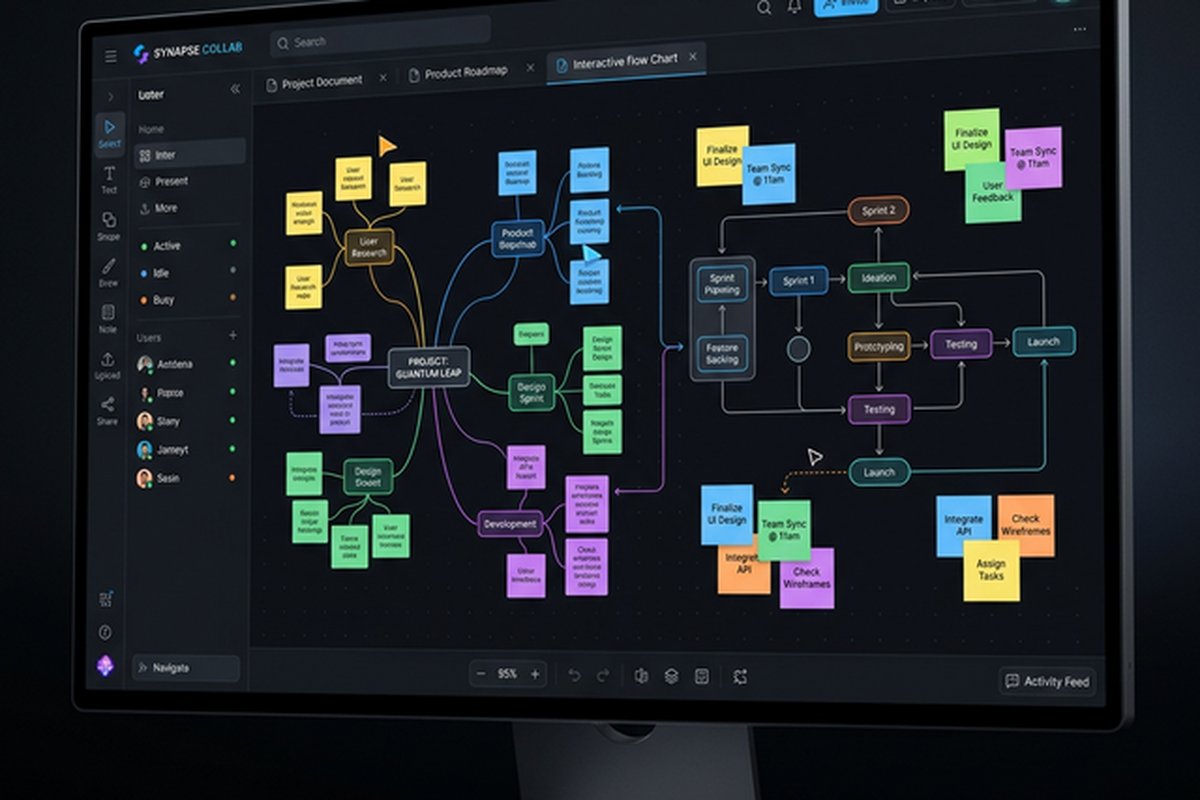
Notion’s approach to team collaboration challenges the conventional model where organizations
assemble their collaboration stack from separate specialized tools — a messaging app, a project
manager, a wiki, a document editor, a database tool — each requiring its own subscription, learning
curve, and integration configuration. Notion combines documents, databases, wikis, project tracking,
and knowledge management within a single flexible platform where these capabilities interconnect
natively, eliminating the fragmentation that occurs when team information is scattered across
disconnected tools. This consolidation creates a unified workspace where a project plan can
reference design documents, link to meeting notes, connect to a task database, and embed relevant
knowledge base articles — all within the same environment without cross-tool linking or
integration middleware.
The platform’s block-based architecture enables building custom workspace structures from modular
content blocks — text, headings, lists, tables, databases, embeds, toggles, callouts, and dozens
of additional block types that can be combined and arranged to create pages, documents, databases,
and workspace structures tailored to how each team actually works. This flexibility is simultaneously
Notion’s greatest strength and its primary challenge — teams with clear organizational needs and
the willingness to invest in workspace design create remarkably effective collaboration environments,
while teams without that investment may find Notion’s flexibility overwhelming compared to
purpose-built tools with prescribed workflows.
Team Wiki and Knowledge Base
Notion’s wiki capabilities enable teams to build comprehensive knowledge bases that organize
institutional knowledge, process documentation, onboarding guides, policy references, and
technical documentation in structured, searchable, interconnected page hierarchies. Unlike
traditional wikis that present flat page lists with basic categorization, Notion’s nested
page structure enables creating intuitive knowledge hierarchies where information is organized
in logical groupings that mirror organizational structure, functional areas, or topic taxonomies.
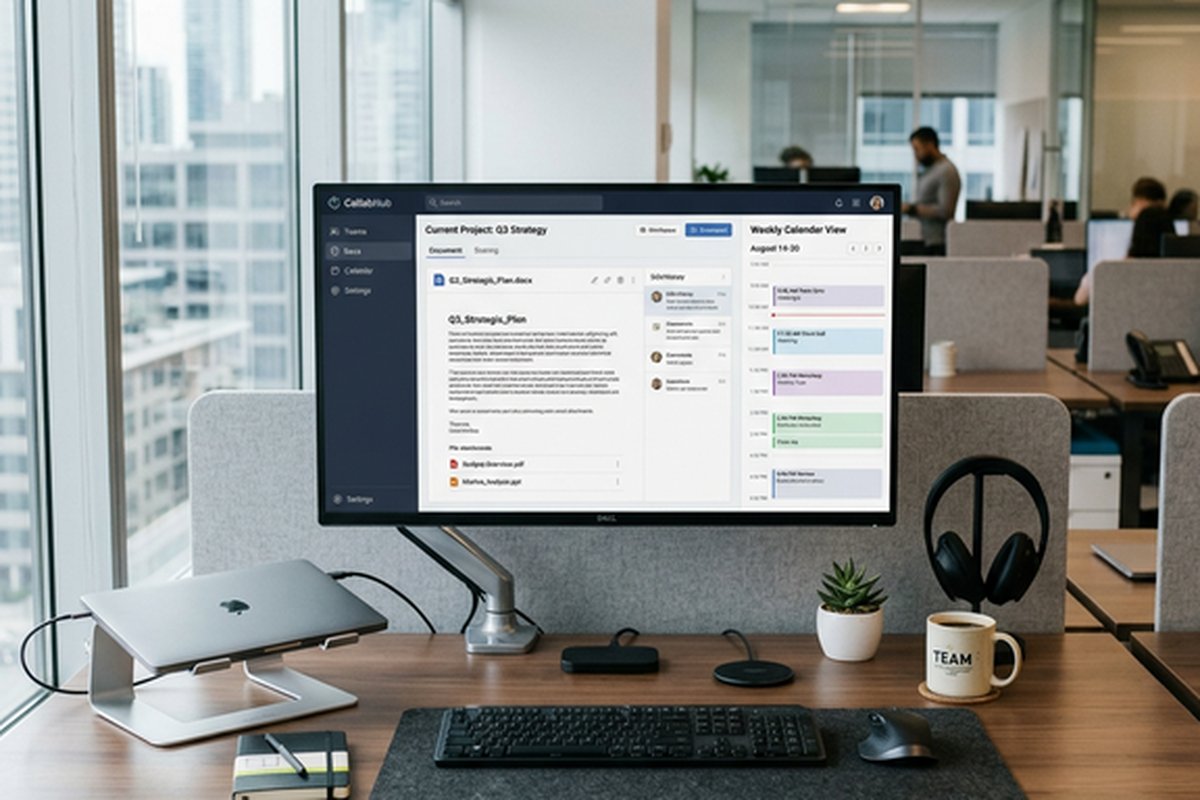
The collaborative editing model enables multiple team members to contribute to wiki pages
simultaneously, with edit history tracking that shows when changes were made and by whom.
Comments and discussions can be attached to specific content blocks within pages, enabling
contextual feedback and questions directly alongside the content they reference rather than
in separate comment threads disconnected from the material under discussion. The verification
feature enables marking wiki pages as verified by designated owners, providing confidence
that content is current and accurate — addressing the common wiki challenge where documentation
becomes stale because there is no system for tracking content freshness and ownership.
Database Flexibility
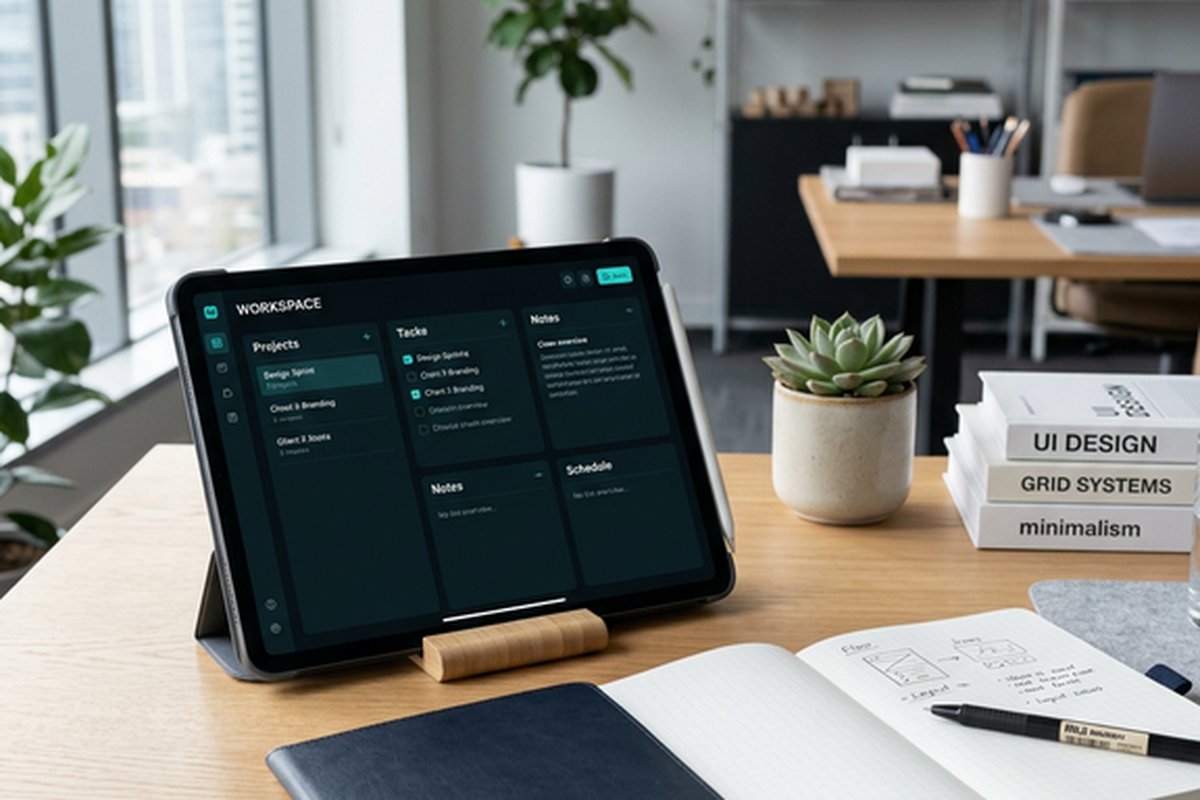
Notion databases provide structured data management with multiple view types — table, board
(Kanban), calendar, timeline (Gantt), list, and gallery — that display the same underlying
data in different visual formats optimized for different consumption patterns. A project
database can be viewed as a Kanban board during sprint planning, as a timeline during
scheduling discussions, as a table for detailed property editing, and as a calendar for
deadline tracking — all showing the same data without duplication or synchronization
complexity. Properties support text, numbers, dates, select/multi-select options, checkboxes,
URLs, relations to other databases, rollups that calculate values from related databases,
and formulas that compute derived values.
The relation and rollup properties enable connecting databases to create structured data
relationships — projects relate to tasks, tasks relate to team members, team members relate
to departments — creating a relational data layer within the workspace that eliminates
the data silos that separate specialized tools create. This connected data model enables
building dashboards that aggregate information across databases, tracking project progress
through related task completion, and maintaining organizational views that connect strategic
objectives to operational activities. For teams comparing Notion’s database-driven project
tracking with dedicated project management tools, our Notion
project management guide covers the project tracking capabilities in depth.
Teamspaces and Organization
Teamspaces provide organizational boundaries within a Notion workspace, enabling different
teams or departments to maintain their own workspace areas with independent page structures,
access controls, and organizational patterns while sharing a common workspace. Engineering,
marketing, design, and operations can each have dedicated teamspaces with content organized
for their specific needs, while shared spaces provide cross-functional access to company-wide
documentation, announcements, and collaborative projects.
Permission controls at the teamspace, page, and database levels enable managing information
access with appropriate granularity. Public pages are accessible to the entire workspace,
teamspace pages are accessible to teamspace members, and private pages are accessible only
to specific individuals or groups. Guest access enables inviting external collaborators —
clients, contractors, partners — to specific pages without providing access to the broader
workspace. This layered permission model enables maintaining appropriate information
boundaries while supporting the cross-team collaboration that shared workspaces should
facilitate.
The sidebar navigation provides customizable organization of pages and databases with drag-and-drop
reordering, favoriting for quick access to frequently used pages, and section grouping that
organizes sidebar content into logical categories. Custom sidebar sections enable pinning
important pages, databases, and teamspaces for immediate access, reducing the navigation
overhead of finding commonly used content within large workspaces. The breadcrumb navigation
shows the page hierarchy path, enabling quick upward navigation through nested page structures
and providing spatial context about where the current page sits within the workspace organization.
Templates and Standardization
Notion’s template system enables creating standardized structures for recurring work patterns —
meeting note templates that ensure consistent agenda formatting, project brief templates that
capture required information consistently, sprint retrospective templates that guide team
reflection through established frameworks, and onboarding templates that provide new team
members with structured orientation content. Templates can include pre-configured databases,
page structures, content blocks, and linked content that provides complete starting
structures rather than blank pages.
The template gallery provides community and Notion-created templates across categories including
project management, engineering, design, marketing, HR, education, and personal productivity.
Organizations can create internal template libraries that standardize how teams document
decisions, track projects, plan sprints, and manage processes — ensuring consistent practices
across teams without requiring rigid process enforcement tools. The template system bridges
the gap between Notion’s flexibility and organizational need for consistency by providing
established structures that teams can adopt, adapt, and standardize around.
AI Integration
Notion AI provides AI-powered capabilities integrated directly into the workspace including
content generation assistance, summarization of long documents and databases, Q&A that
answers questions by searching across workspace content, translation, tone adjustment,
and action item extraction from meeting notes. The AI integration operates within the context
of the workspace’s content, enabling it to reference and synthesize information across the
team’s documents, databases, and knowledge base rather than operating as a generic AI
without organizational context.
The practical value of Notion AI for teams centers on reducing the friction of common content
tasks — summarizing lengthy discussion pages, drafting initial content for documentation
pages, extracting action items from meeting notes into task databases, and answering team
members’ questions by searching across the workspace’s accumulated knowledge. While AI
capabilities are evolving rapidly across all productivity platforms, Notion’s integration
of AI within its existing content infrastructure provides contextual assistance that
leverages the team’s existing information rather than starting from zero context.
Integration with Team Tools
Notion’s integration ecosystem connects the workspace with external tools through native
integrations and API-based connections. Communication integrations with Slack enable sharing
Notion pages in Slack conversations, receiving notifications about page changes, and
creating Notion content from Slack messages. Development tool integrations with GitHub and
GitLab enable syncing code-related information into Notion’s project tracking databases.
Embed capabilities enable incorporating content from dozens of external services — Figma
designs, Google Maps, Loom videos, Typeform surveys, Miro boards — directly within Notion
pages for rich, contextual content assembly.
The Notion API enables building custom integrations that connect Notion databases and pages
with internal systems, automated workflows, and third-party services not covered by native
integrations. Automation partners like Zapier and Make extend integration possibilities
further, enabling trigger-based workflows that connect Notion with hundreds of additional
services. For teams comparing Notion’s integrated workspace approach with more communication-
focused platforms, our Slack
workspace guide covers the leading team messaging platform, and our Confluence
review covers Atlassian’s dedicated team documentation solution.
Projects and Sprint Management
Notion’s Projects feature provides structured project management capabilities built on the
platform’s database foundation, offering task tracking, sprint planning, and project portfolio
management within the collaborative workspace. Projects databases support custom properties for
status, priority, assignee, due date, sprint association, and any additional fields teams need
for their specific workflow. The timeline view provides Gantt-style visualization for project
scheduling, the board view supports Kanban-style sprint management, and the calendar view
shows deadline-oriented project planning.
Sprint management within Notion enables defining sprint periods, associating tasks with sprints,
tracking sprint progress through filtered views, and conducting sprint reviews using sprint-specific
database filters. The flexibility of Notion’s approach means that teams can adapt the sprint
management framework to their specific methodology — strict Scrum with fixed sprint lengths,
Kanban with continuous flow, or hybrid approaches that combine elements of both. Sprint
retrospective templates connect with the sprint’s task data, enabling structured reflection that
references actual sprint performance rather than relying on memory alone.
The portfolio view aggregates multiple project databases into a single dashboard that provides
executive visibility into project health, resource allocation, and timeline status across the
organization’s active projects. This portfolio management capability enables leadership to
monitor project progress without accessing individual project workspaces, receiving the
high-level view needed for organizational decision-making about priorities, resources, and
strategic alignment.
Automations and Connected Workflows
Notion automations enable defining trigger-action rules that automate recurring database
operations without manual intervention. Triggers include property changes (when status changes
to “Done”), date-based events (when a due date arrives), and page additions (when a new item
is created in a database). Actions include updating properties, sending notifications, creating
pages, and adding comments. These automations reduce the manual overhead of maintaining database
states and ensure that workflow transitions happen consistently without depending on individual
team members remembering to update statuses and notify stakeholders.
The button feature enables creating custom action buttons within pages and databases that
execute predefined operations — creating a new meeting notes page with pre-populated template
content, adding a task to the current sprint with default property values, or generating a
weekly report page from a template. Buttons reduce the friction of recurring page creation
and database operations by encapsulating multi-step processes into single-click actions that
any team member can execute without understanding the underlying page structure or property
configuration. The combination of automations and buttons creates a lightweight workflow
engine within the Notion workspace that handles routine operational tasks while teams focus
on the substantive work that requires human judgment and creativity.
Strengths and Honest Limitations
Notion’s strengths include unmatched flexibility in workspace design, the consolidation of
documents, databases, wikis, and project tracking within a single platform, powerful
database capabilities with multiple views and relational connections, collaborative editing
with commenting and verification, template standardization for consistent team practices,
AI integration that leverages workspace context, and an extensible architecture that
adapts to diverse organizational needs and workflows.
Limitations include a learning curve that requires investment in workspace design and team
training, performance that can slow with very large workspaces containing extensive content,
real-time collaboration that does not match the speed and presence fidelity of dedicated
collaborative editing tools, offline capabilities that remain limited despite improvements,
and the organizational dependency where workspace effectiveness requires ongoing maintenance,
curation, and governance to prevent the flexible structure from becoming disorganized over
time. Teams that need deeply specialized capabilities in any single area — advanced project
management, professional document collaboration, or enterprise knowledge management — may
find that dedicated tools provide deeper functionality in their specific area than Notion’s
consolidated approach.
Features and pricing referenced in this article are based on information available at the time of
writing and are subject to change. Please verify current details on the official Notion website.