Vegas Pro Video Editor – Professional Windows Editing Software
Vegas Pro maintains a loyal following among professional and enthusiast video editors who prefer its
particular approach to timeline editing, real-time processing, and workflow design. Originally developed by
Sonic Foundry as a professional audio editing application before expanding into video editing, acquired by
Sony Creative Software, and now owned and developed by MAGIX, Vegas Pro has undergone multiple ownership
transitions that have influenced its development trajectory while maintaining the core editing philosophy
that distinguishes it from competitors. The software is Windows-exclusive, which both limits its potential
user base and enables platform-specific optimizations that leverage Windows GPU acceleration capabilities
effectively.
Vegas Pro occupies an interesting market position between the subscription-based industry standard of Adobe
Premiere Pro and the free professional capabilities of DaVinci Resolve. Its one-time purchase pricing model
provides permanent software ownership without ongoing subscription costs, while its professional feature set
extends beyond what consumer-oriented editors like Filmora or CapCut provide. This positioning appeals to
professional and serious enthusiast editors who want professional capabilities with ownership-based pricing
on the Windows platform, particularly those who have invested time in learning Vegas Pro’s particular
editing workflows and preferences.
Timeline Architecture and Editing
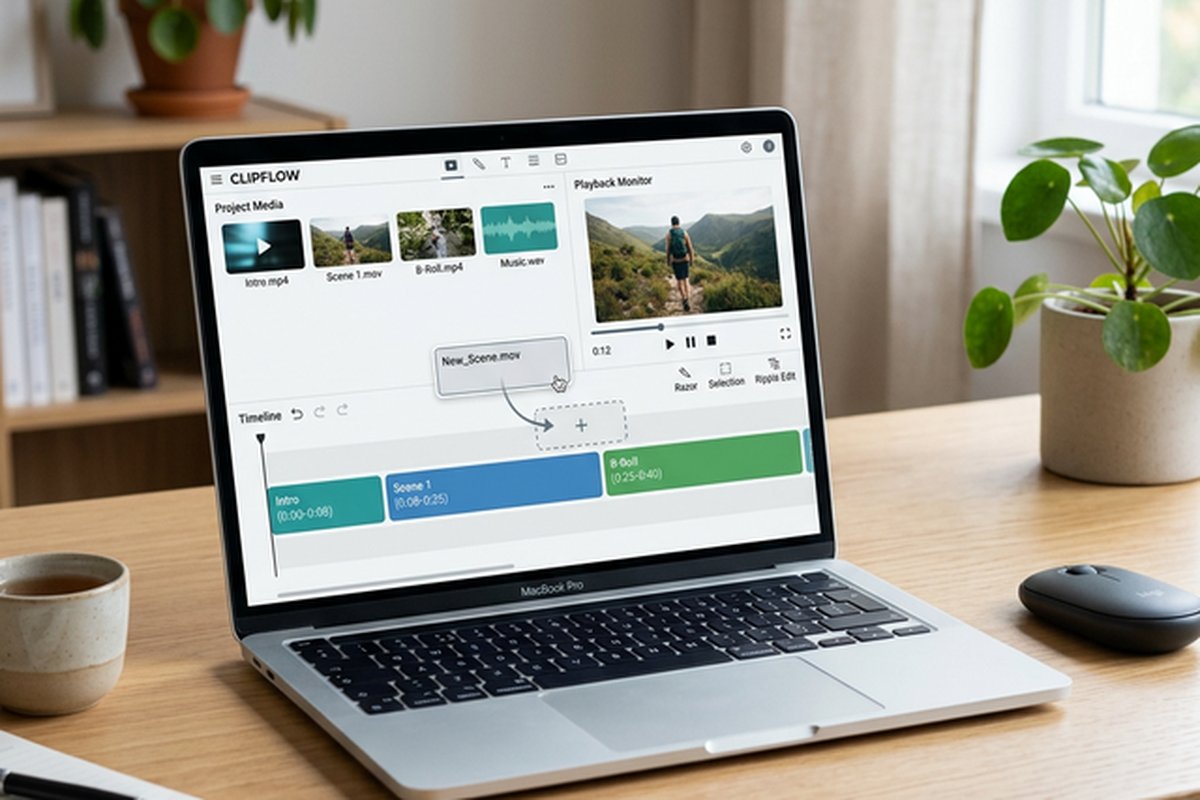
Vegas Pro’s timeline design emphasizes flexibility and real-time editing with drag-and-drop clip placement,
automatic crossfade generation when clips overlap, and in-timeline effect adjustment through direct
manipulation rather than separate effect panels. The automatic crossfade behavior — where overlapping clips
automatically generate a transition based on the selected default transition type — enables extremely rapid
edit assembly by simply dragging clips to overlap positions rather than manually inserting transitions. This
workflow characteristic distinguishes Vegas Pro from editors that treat transitions as explicit insertions
and contributes to the editing speed that experienced Vegas Pro users value.
Track-level effects, event-level effects, and media-level effects provide three distinct levels of effects
application that enable efficient organization of correction and creative effects across individual clips,
groups of clips on a track, and source media files. This three-level effects architecture reduces duplicate
effect application and enables efficient workflow patterns where corrections applied at the media level
automatically affect all instances of that media across the entire project. Nested timelines enable creating
composite sections that can be treated as single clips in the main timeline, providing organizational tools
for managing complex projects with multiple layers and effects.
GPU Acceleration and Performance
Vegas Pro leverages GPU acceleration extensively for real-time playback, effects processing, and rendering,
supporting NVIDIA, AMD, and Intel GPU hardware acceleration through optimized rendering pipelines. The GPU
acceleration enables real-time playback of multiple streams with effects applied, reducing the pre-render
time that interrupts editing workflow in less optimized applications. Smart proxy workflows enable editing
with lightweight proxy files generated automatically from high-resolution source media, with automatic
re-linking to full-resolution files for final rendering.
The rendering engine supports hardware-accelerated encoding for H.264, H.265/HEVC, and AV1 output formats
through GPU encoder hardware, significantly reducing export times compared to software-only encoding. NVIDIA
NVENC, AMD VCE/VCN, and Intel QuickSync hardware encoding support ensure that editors with modern GPUs
benefit from accelerated rendering regardless of GPU brand. The performance characteristics make Vegas Pro
competitive with Premiere Pro for real-time editing workflow responsiveness on comparable Windows hardware.
Color Grading and HDR
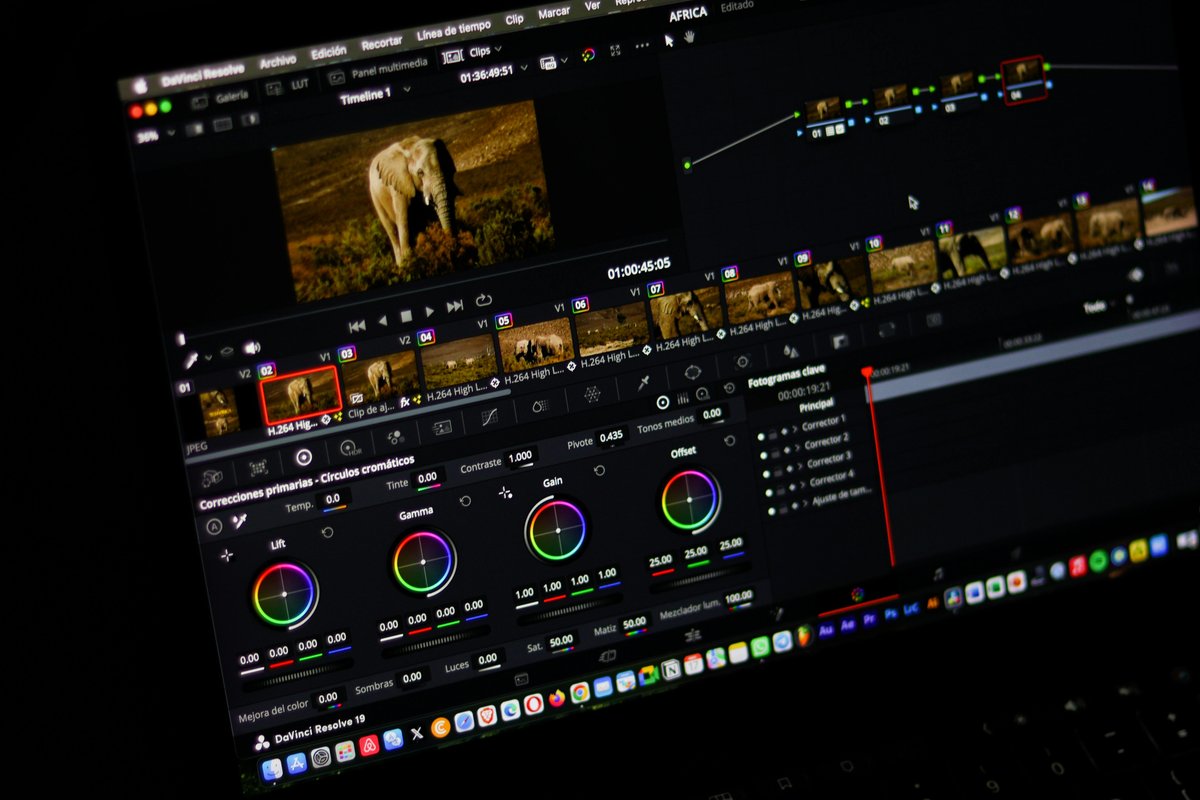
The color grading toolset provides color wheels, curves, and vectorscope-guided correction tools within the
editing environment. While the color grading capabilities do not approach the depth and sophistication of
DaVinci Resolve’s dedicated color page, they provide competent primary and secondary color correction that
covers the grading needs of most production scenarios outside of specialized color-critical work. HDR
support includes editing and delivery workflows for HDR10 and HLG content, with preview capabilities on
HDR-compatible displays.
The Unified Color Grading workspace consolidates color tools into a focused interface that provides
simultaneous access to color wheels, curves, and correction controls. LUT support enables applying look-up
tables for creative grading and camera-matching workflows. The color correction and grading tools integrate
with the real-time processing engine, enabling color adjustments to be previewed during playback without
requiring intermediate rendering steps that interrupt the creative evaluation process.
Audio Editing Heritage
Vegas Pro’s origin as an audio editing application provides audio capabilities that exceed what most video
editors offer. The audio editing tools include multi-track mixing with automation envelopes,
professional-grade audio effects including parametric equalization, compression, reverb, and delay, and
per-track audio routing that supports complex mix architectures. The audio envelope system enables drawing
volume, panning, and effects parameter automation directly on the timeline with curve shapes including
smooth, fast, slow, sharp, and hold variations.
The audio recording capabilities enable multi-track audio recording directly within the editing application,
supporting voice-over recording, ADR, and audio layering without requiring external recording applications.
Audio time-stretching and pitch-shifting enable adjusting audio duration and pitch independently, supporting
music editing, tempo matching, and creative audio manipulation within the editing environment. The strength
of Vegas Pro’s audio tools makes it particularly suitable for music video production, podcast video
creation, and any editing workflow where sophisticated audio handling is a significant component of the
production.
Visual Effects and Compositing
Vegas Pro includes built-in visual effects capabilities that provide compositing, motion tracking, and
effects
processing within the editing environment. The compositing model uses track-based layering with blend modes,
opacity controls, and masking tools that enable building multi-layer compositions directly on the timeline.
Bézier masking enables creating precise shape-based masks for isolating regions of footage for selective
color correction, effects application, or compositing operations. The mask animation tools enable keyframing
mask shapes and positions over time for following moving subjects or revealing content with animated mask
transitions.
Motion tracking enables attaching elements to moving objects within footage for text placement, graphic
overlays, and effects tracking. The stabilization tools analyze footage motion and apply corrective
transforms to reduce camera shake and movement artifacts. Chroma key effects provide green screen and blue
screen removal for background replacement compositing. While Vegas Pro’s VFX capabilities do not match
dedicated compositing applications, they cover common effects scenarios without requiring external VFX
software for many production needs. The Boris FX integration provides additional professional-grade effects
and titling capabilities through bundled plugin packages included with certain Vegas Pro editions.
Format Support and Media Management
Vegas Pro provides comprehensive format support including native reading of most common video and audio
formats
without requiring codec installation or format conversion. H.264, H.265/HEVC, ProRes, XAVC, XDCAM, AVCHD,
RED RAW, and numerous additional formats are supported natively, enabling editors to work directly with
camera
source files from virtually any modern production camera. The broad format support eliminates the ingestion
and conversion workflow steps that some editors require for certain camera formats.
The media management tools include intelligent media bins for organizing imported footage by type, date, and
custom categories. The media pool provides thumbnail browsing with hover scrubbing for rapid visual
identification of clip content. The trimmer window enables detailed clip review and subclip creation before
timeline insertion. Project archiving features collect all media referenced by a project into a single
location for backup, transfer, or long-term storage, ensuring that project files remain portable and
self-contained when moved between editing systems.
Scripting and Automation
Vegas Pro provides a scripting API that enables automating repetitive editing tasks, creating custom
processing workflows, and extending the application’s capabilities through user-created scripts. The
scripting environment supports C# and JavaScript-based scripts that can access timeline elements, modify
clip properties, apply effects, adjust rendering settings, and perform batch operations across entire
projects. This scripting capability addresses the workflow automation needs of editors who perform
repetitive
operations across large numbers of clips or projects.
Pre-built scripts included with Vegas Pro cover common automation scenarios including batch rendering,
timeline
cleanup operations, media management tasks, and format conversion workflows. The scripting community
provides
additional user-created scripts that solve specific workflow challenges and extend functionality beyond what
the built-in tools provide. For production environments that process high volumes of content with
standardized workflows, the scripting API enables creating custom automation that reduces manual editing
time and ensures consistent processing across projects.
Vegas Pro Versions and Pricing
MAGIX offers multiple Vegas Pro editions at different price points — Vegas Pro Edit, Vegas Pro, and Vegas Pro
Suite — with each tier adding capabilities including additional effects, bundled plugins, and companion
applications. This tiered pricing enables purchasing only the capability level needed rather than paying for
the full professional suite when simpler editing requirements do not justify the higher cost. The upgrade
pricing from previous versions provides a cost-effective path for existing users to access new features
without paying full purchase price, supporting the long-term customer relationships that sustained Vegas
Pro through its ownership transitions. Vegas Pro Suite includes companion applications for disc authoring,
effects processing, and media management that extend the editing workflow into complete production delivery
without requiring third-party supplementary tools.
Practical Use Cases and Target Users
Vegas Pro serves several distinct user communities effectively. Music video production benefits particularly
from Vegas Pro’s audio editing heritage, where the sophisticated audio tools, beat-synchronized editing
capabilities, and audio-visual synchronization features directly serve the demands of music-driven content.
Podcast video production leverages the multi-track audio mixing, audio effects processing, and simultaneous
audio-video recording capabilities. YouTube content creators on Windows who prefer one-time purchase pricing
over subscription models find Vegas Pro offers professional capabilities without ongoing costs.
Corporate video production teams on Windows that produce training videos, promotional content, and internal
communications benefit from Vegas Pro’s template capabilities, batch rendering for multiple delivery
formats,
and organizational features for managing multi-project production libraries. Wedding and event videographers
value the multicam editing, real-time effects processing, and GPU-accelerated rendering that enable
efficient processing of multi-camera event footage into finished deliverables.
Integration and Interoperability
Vegas Pro supports project interchange through standard exchange formats including AAF, XML, and EDL,
enabling workflows where editing begins in Vegas Pro and specific post-production tasks — color
grading, audio mixing, visual effects — are completed in specialized applications. This interchange
capability is essential for production environments that use multiple tools across different
post-production disciplines. The OFX plugin architecture provides access to third-party effects
including products from Boris FX, Red Giant, and NewBlueFX that extend Vegas Pro’s built-in
effects capabilities with professional-grade processing tools.
Vegas Pro’s media management includes bin-based organization, metadata tagging, and search
functionality for navigating large media libraries efficiently. The event-based timeline model
— where clips placed on the timeline are treated as independent events with individual properties
— provides flexibility that some editors prefer over the clip-based model used by most competing
editors. This event model enables overlapping clips, automatic crossfading, and flexible clip
manipulation that can accelerate specific editing tasks. The project archiving tools consolidate
all referenced media into a portable project package for backup, transfer, or long-term storage,
ensuring that projects remain portable and self-contained regardless of original media locations.
Strengths and Honest Limitations
Vegas Pro provides professional editing capabilities on Windows with a one-time purchase model, strong GPU
acceleration, excellent audio editing tools rooted in its audio software heritage, and a timeline workflow
that experienced users find exceptionally efficient. The automatic crossfade and nested timeline
capabilities support rapid editing workflows. The three-level effects architecture provides organizational
efficiency for complex projects. The scripting API enables workflow automation that addresses repetitive
production tasks. For comparison with the subscription-based industry standard, our Adobe
Premiere Pro review examines the primary competitor.
Limitations include Windows-only availability that excludes Mac and Linux users, a smaller third-party plugin
and template ecosystem compared to Adobe’s marketplace, the ownership transition history that has created
some uncertainty about long-term development direction, and collaboration features that do not match
Premiere Pro’s team editing capabilities. The user community and online learning resources are smaller than
those available for Premiere Pro, DaVinci Resolve, or Final Cut Pro, which can make finding solutions to
specific workflow challenges more difficult than on platforms with larger communities. For users seeking
free
professional-grade alternatives on Windows, our DaVinci
Resolve review covers the most capable free option, and our free video
editing comparison provides broader context across available free options.
Features and pricing referenced in this article are based on information available at the time of writing
and are subject to change. Please verify current details on the official MAGIX website.