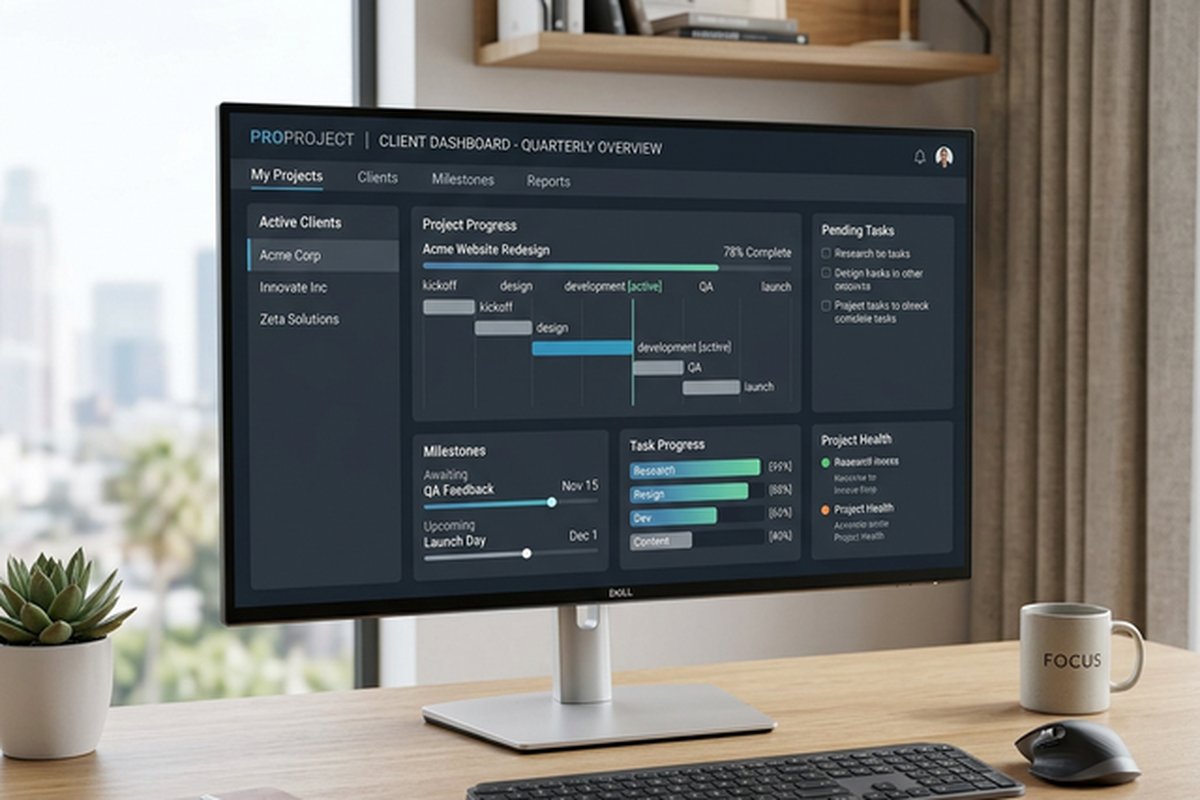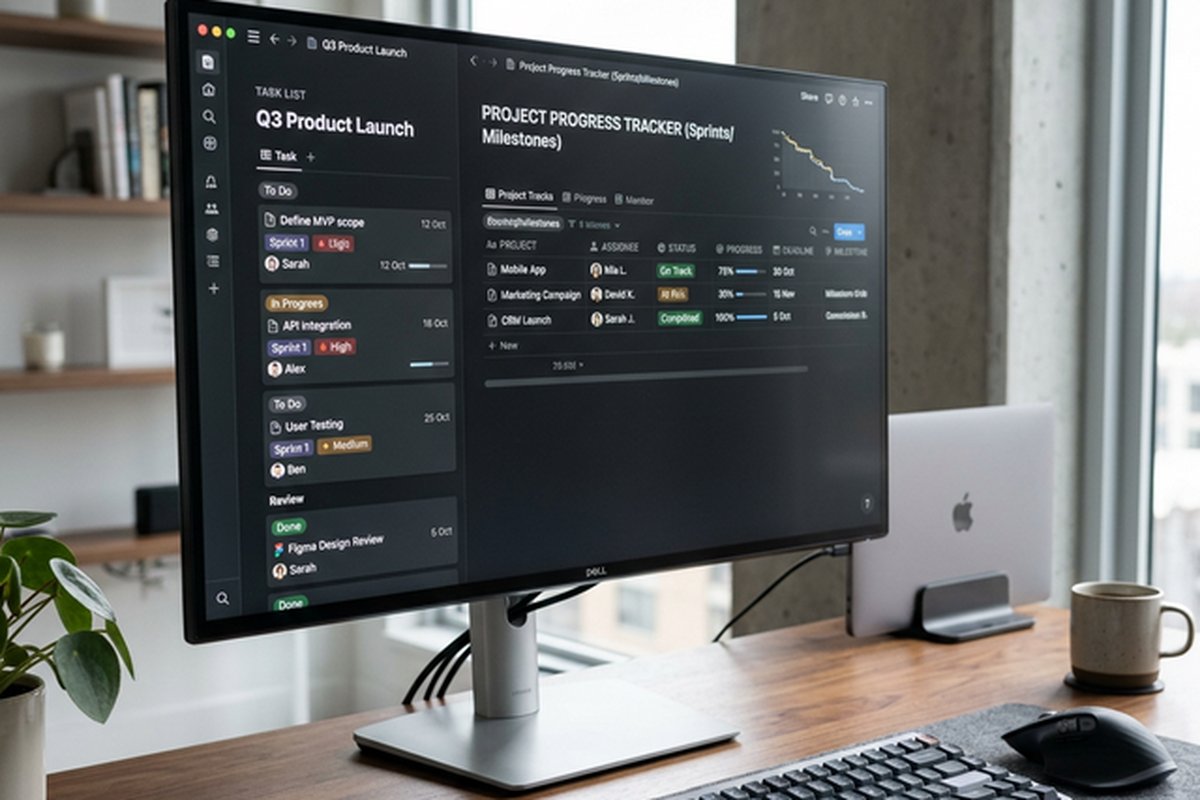
Zoho Projects Platform – Integrated Project Management Solution
Zoho Projects operates within the broader Zoho ecosystem — a comprehensive suite of over 45 integrated
business applications covering CRM, accounting, HR, marketing, IT management, and productivity — which
fundamentally shapes both its strengths and its competitive positioning. Unlike standalone project
management tools that must rely on third-party integrations to connect project workflows with other
business functions, Zoho Projects benefits from native, deep integration with Zoho CRM for connecting
projects to customer relationships, Zoho Books for linking projects to financial tracking, Zoho People
for connecting project assignments to HR management, and dozens of additional Zoho applications that
collectively create a unified business platform where project management data flows naturally between
related business systems without the fragility and maintenance overhead of third-party integration
connectors.
This ecosystem context is critical for evaluating Zoho Projects honestly — organizations already using
multiple Zoho applications receive integration value that standalone project management tools cannot
match through third-party connections, while organizations that do not use the Zoho ecosystem evaluate
Zoho Projects purely on its standalone project management capabilities, where it competes with
established alternatives including Asana, Monday.com, Jira, and ClickUp. Understanding this distinction
prevents the common evaluation mistake of assessing Zoho Projects in isolation without considering the
ecosystem advantages that may be the most compelling reason for its adoption within Zoho-committed
organizations.
Task Management and Organization
Zoho Projects provides hierarchical task management through a project-task list-task-subtask structure
that enables organizing work at multiple levels of granularity. Task lists group related tasks into
logical collections — design tasks, development tasks, testing tasks — within each project. Individual
tasks support assignment, due dates, priority levels, percentage completion tracking, time estimates,
and custom field extensions for capturing project-specific data attributes. Subtasks enable breaking
complex tasks into smaller work items while maintaining the parent task’s organizational context.
Task dependencies support the four standard dependency types — finish-to-start, start-to-start,
finish-to-finish, and start-to-finish — for defining relationships between tasks that must be
completed in specific sequences. These dependency definitions drive the Gantt chart visualization
and enable automatic schedule adjustment when predecessor tasks are delayed or completed ahead of
schedule. Recurring tasks automate the creation of periodic work items including weekly status
reports, monthly reviews, and other regularly scheduled activities. Task templates enable creating
standardized task structures for common project types, reducing setup time for new projects that
follow established patterns.
Gantt Charts and Timeline Planning
Zoho Projects’ Gantt chart provides visual timeline representation of project schedules with task
bars positioned according to start dates and durations, dependency lines showing task relationships,
milestone markers for significant project points, and critical path highlighting that identifies
the sequence of dependent tasks that determines the minimum project duration. The Gantt interface
supports interactive editing — dragging task bars to change dates, extending or shrinking durations,
and creating dependencies through click-and-drag connections between task bars.

Resource allocation visualization within the Gantt view shows team member assignments alongside task
timelines, enabling identification of over-allocated periods where team members have more work
assigned than their capacity allows. The baseline comparison feature enables capturing a project
plan snapshot and comparing it against current progress to identify schedule variance — essential for
project managers who need to track whether projects are progressing according to plan or drifting
from their original timeline. For teams comparing Gantt chart capabilities across platforms, our Wrike
Gantt chart review covers another strong implementation.
Automation and Blueprints
Zoho Projects’ automation capabilities enable defining rules that trigger automated actions based on
task events, status changes, and field value conditions. Automation rules can automatically assign
tasks to specific team members based on task attributes, send notification emails when tasks reach
specific statuses, update custom fields based on calculated conditions, and trigger webhook calls
to external systems when project events occur. This automation capability reduces manual overhead
for recurring project management activities that follow predictable patterns.
The Blueprint feature provides process automation for multi-step workflows by defining sequential
status transitions with conditions, approvals, and mandatory field requirements at each transition
stage. Blueprints enable enforcing process compliance — ensuring that tasks cannot move to the next
stage without required information, approvals, or preconditions being met. This structured workflow
automation serves organizations that need to enforce consistent processes across projects and team
members, ensuring that quality gates, review steps, and compliance requirements are followed
systematically rather than relying on individual team members to remember and follow correct
procedures voluntarily.
Time Tracking and Resource Management
Built-in time tracking enables team members to log time against tasks through manual time entry,
timer-based tracking that records active work duration, and timesheet views that provide weekly and
monthly summaries of logged time across projects and tasks. The time tracking data supports project
cost analysis by combining logged hours with hourly rates to calculate actual project costs against
budgeted amounts. This integrated time tracking eliminates the need for separate time tracking
applications and ensures that time data is directly associated with the tasks and projects it
relates to.
Resource utilization reports show how team members’ time is distributed across projects, enabling
managers to identify capacity issues, redistribute workload when team members are over-allocated,
and make data-driven decisions about staffing and project scheduling. The workload view provides
visual representation of each team member’s assignment distribution, making it straightforward to
identify team members with available capacity when new work needs assignment. For teams seeking
more advanced resource management, our Microsoft
Project review covers enterprise-grade resource management capabilities.
Issue Tracking and Bug Management
Zoho Projects includes a dedicated issue tracking module that functions as a bug tracking and issue
management system within the project management environment. Issues support severity and priority
classification, assignment, status tracking through configurable workflows, and linkage to related
tasks for tracking the work required to resolve identified issues. The issue tracking module provides
customizable views including list, kanban board, and detailed report formats for managing issue
backlogs and tracking resolution progress.
The classification system enables categorizing issues by type (bug, enhancement, task), severity
(critical, major, minor, trivial), module or component, and custom fields that capture project-
specific classification attributes. This integrated issue tracking is particularly valuable for
software development projects that need to manage bug reports alongside feature development tasks
within the same project context, though organizations with more complex software development
requirements may need Zoho Projects’ integration with Zoho Sprints for comprehensive agile
development workflow management.
Collaboration and Communication
Zoho Projects provides collaboration features including a project-level forum for structured
discussions organized by topic threads, document sharing and management within project contexts,
task-level comments for discussion directly associated with specific work items, @mention
notifications for directing attention to specific team members, and activity streams that provide
chronological records of project actions and updates. The forum system enables maintaining organized
discussion threads about project decisions, requirements, and planning that remain accessible as
a project knowledge base rather than disappearing into email threads or chat message history.
The document management capabilities support file storage, version tracking, and shared document
access within project contexts. Integration with Zoho Docs enables collaborative document editing
directly within the project environment, while integration with external storage providers including
Google Drive, Dropbox, and OneDrive enables incorporating files from external storage into Zoho
Projects workflows without requiring file migration. The chat integration through Zoho Cliq
provides real-time messaging within the project context for quick communications that do not
require the structure of forum discussions or task comments.
Zoho Ecosystem Integration
The native integration between Zoho Projects and the broader Zoho ecosystem provides workflow
connections that standalone project management tools must achieve through third-party integration
platforms. Zoho CRM integration enables creating projects directly from CRM deals, linking
project milestones to customer relationship stages, and providing customer-facing project
visibility through client portals. Zoho Books integration connects project time tracking and
expenses to accounting workflows for automated invoicing based on logged project work.
Zoho People integration connects project assignments to HR management for tracking employee
workload alongside leave management, performance reviews, and organizational structure.
Zoho Analytics integration enables creating advanced project performance dashboards and reports
that combine project data with data from other Zoho applications for cross-functional business
intelligence. Zoho Flow enables creating automated workflows between Zoho Projects and other
Zoho applications — or third-party services — using a visual automation builder that connects
triggers and actions across applications without programming requirements.
Reporting and Analytics
Zoho Projects provides built-in reports covering task status distribution, milestone progress,
resource allocation, time tracking summaries, and issue tracking analytics. Custom reports enable
building project-specific reporting views with filtered data, calculated fields, and visualization
options. The dashboard system provides overview displays with configurable widgets showing key
project metrics, recent activity, and status summaries across individual projects or the complete
project portfolio.
The Zoho Analytics integration extends reporting capabilities beyond what the built-in reports
provide, enabling advanced data analysis including trend analysis over time, cross-project
comparative reports, and multi-dimensional analysis that combines project data with financial,
CRM, or HR data from other Zoho applications. This extended analytics capability provides the
deeper business intelligence that organizations need for portfolio-level project performance
assessment and strategic decision-making about resource allocation across multiple concurrent
projects.
Pricing and Plan Structure
Zoho Projects offers a free plan for limited use, a Premium plan, and an Enterprise plan with
progressively expanding capabilities including more projects, more users, advanced automation,
Blueprint workflows, and portfolio management features. The pricing per user is competitive
with established alternatives, particularly for organizations already using other Zoho
applications where the incremental cost of adding Zoho Projects to an existing Zoho suite
subscription may be lower than adding a standalone project management tool.
The free plan enables evaluating Zoho Projects’ core capabilities without financial commitment,
though it limits the number of projects and excludes advanced features including automation,
Gantt charts, and custom views. For small teams evaluating free project management options,
our free
project management tools comparison covers the complete range of free options
available across different platforms.
Mobile Access and Client Portal
Zoho Projects provides mobile applications for iOS and Android that enable project access, task
management, time logging, and communication from mobile devices. The mobile applications provide
push notifications for task assignments, status changes, and forum activity, keeping team members
informed of project updates regardless of their access to desktop computers. Mobile time tracking
enables field workers, consultants, and remote team members to log time from their phones, ensuring
accurate time capture without requiring desktop access for time entry.
The client portal feature enables providing project visibility to external clients without granting
access to the full Zoho Projects environment. Clients can view project milestones, approved tasks
and timelines, shared documents, and project status updates through a controlled portal interface
that presents relevant project information without exposing internal project discussions, resource
allocation details, or financial data. This client transparency capability supports service-oriented
businesses that need to keep clients informed about project progress while maintaining appropriate
boundaries between internal project management and external stakeholder communication.
Strengths and Honest Limitations
Zoho Projects’ strengths include deep native integration with the comprehensive Zoho business
ecosystem, built-in time tracking that eliminates the need for separate time tracking tools,
Gantt chart capabilities with critical path analysis and baseline comparison, Blueprint
workflow automation for enforcing process compliance, integrated issue tracking for software
development projects, competitive pricing particularly for existing Zoho ecosystem users,
and the strategic advantage of managing projects within the same platform that handles CRM,
accounting, HR, and other business functions. For teams comparing workflow approaches, our ClickUp
review covers another all-in-one project management alternative.
Limitations include a user interface that, while functional, does not match the visual polish
and modern design aesthetic of competitors like Asana, Monday.com, or ClickUp. The learning
curve for leveraging the full Zoho ecosystem integration requires understanding multiple Zoho
applications, which can be overwhelming for teams that only need standalone project management.
The mobile application experience is adequate but less refined than native mobile experiences
from competitors that prioritize mobile-first design. The platform’s value proposition is
strongest for organizations committed to the Zoho ecosystem — teams not using other Zoho
applications lose the integration advantages that represent Zoho Projects’ most distinctive
competitive feature. For teams evaluating traditional vs modern PM approaches, our Asana
vs Monday.com comparison covers the leading modern alternatives.
Features and pricing referenced in this article are based on information available at the time of
writing and are subject to change. Please verify current details on the official Zoho website.