Zoom Video Conferencing – Features Beyond Basic Meetings
Zoom became synonymous with video conferencing during the period when remote work transitioned from
an occasional convenience to a global necessity, growing from approximately 10 million daily meeting
participants in December 2019 to over 300 million by April 2020. This explosive adoption was driven
by a combination of genuine technical quality — Zoom’s video and audio performance consistently
outperformed competitors on less-than-ideal network connections — and interface simplicity that
made joining meetings effortless for participants with no prior video conferencing experience.
However, the perception of Zoom as simply a video meeting tool dramatically understates the
platform’s current capabilities, which now extend into team chat, phone systems, email, calendar,
digital whiteboarding, and AI-powered meeting intelligence.
Zoom’s evolution from a focused video conferencing tool into the “Zoom Workplace” platform reflects
the company’s strategic expansion beyond the meeting room into the broader collaboration landscape.
While competitors like Microsoft Teams and Google Workspace approach collaboration from existing
productivity suites, Zoom approaches from the opposite direction — building outward from its video
conferencing foundation into adjacent collaboration capabilities. Understanding what Zoom offers
beyond basic meetings is essential for organizations evaluating whether Zoom serves as a
standalone collaboration platform or as a best-of-breed video conferencing tool within a
broader toolset.
Meeting Features and Experience
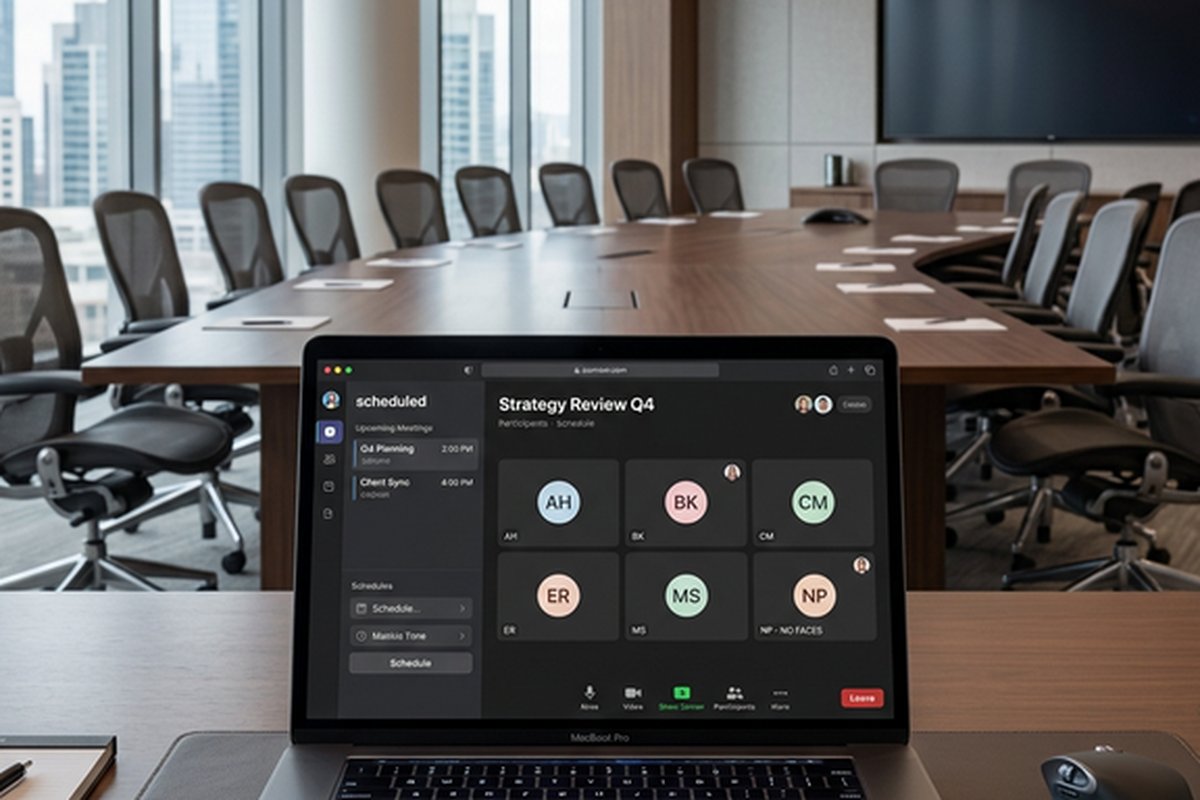
Zoom’s core meeting experience remains its strongest competitive differentiator, with video quality,
audio clarity, and connection reliability that consistently rank at or near the top of independent
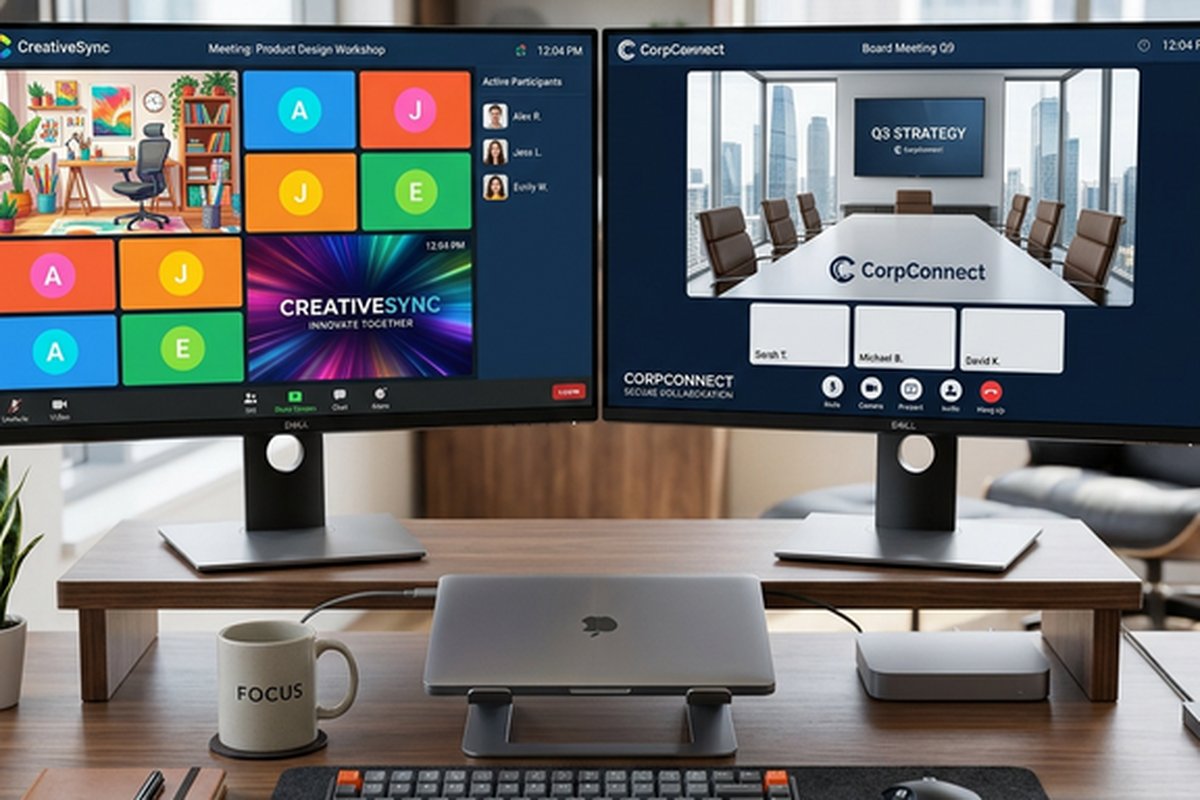
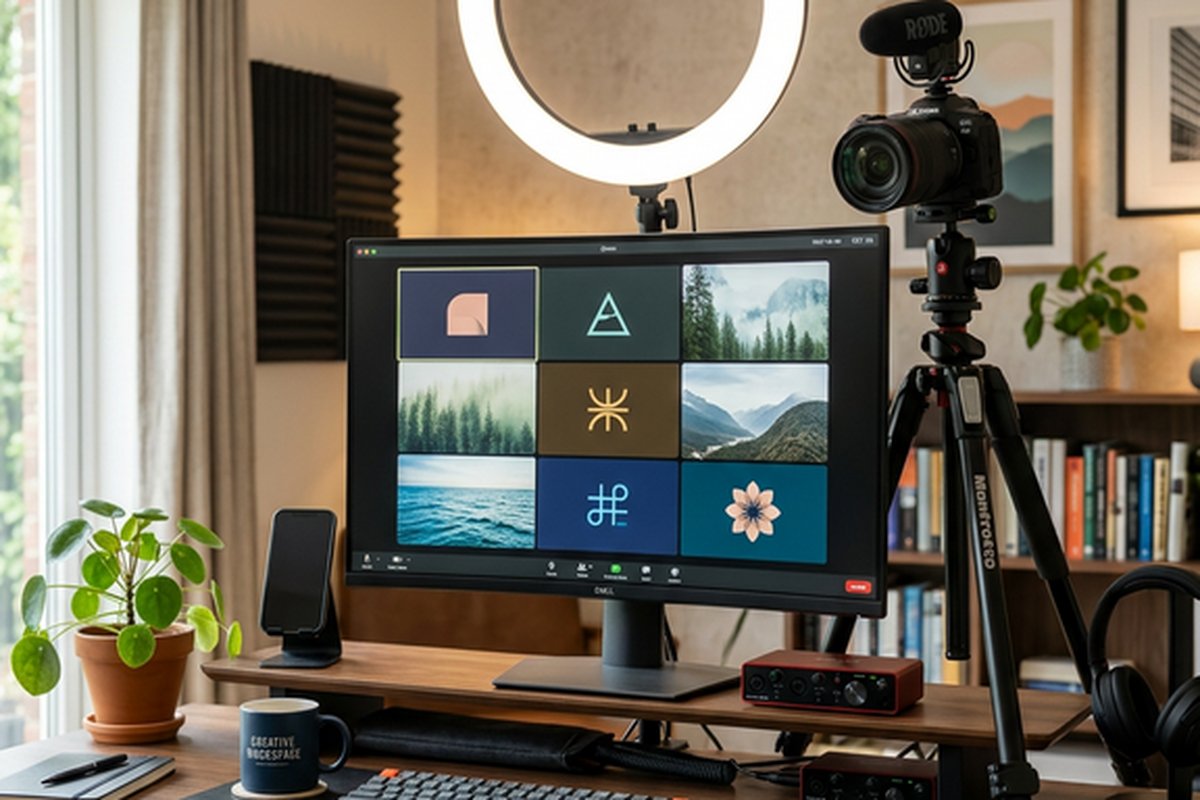
performance comparisons. The gallery view displays up to 49 participants simultaneously in a grid
layout, the speaker view highlights the active speaker with thumbnails of other participants, and
immersive view places participants’ video feeds into virtual shared environments. Virtual
backgrounds and background blur use AI-powered processing to replace or obscure physical
backgrounds, providing professional presentation regardless of the actual environment.
The meeting toolbar provides screen sharing with annotation capabilities, in-meeting chat for
text communication alongside video, polling for real-time audience feedback, and reactions
(emoji feedback) that enable non-verbal participation without interrupting speakers. The
waiting room feature gives hosts control over when participants enter the meeting, and
meeting locks prevent additional participants from joining after a meeting begins. Scheduling
integration with Google Calendar, Outlook, and other calendar systems enables one-click
meeting creation with automatic calendar invitations and reminders. Recording options include
both local recording to the host’s device and cloud recording with automatic storage,
playback, and sharing through Zoom’s cloud infrastructure.
Breakout Rooms and Workshop Features
Breakout rooms enable splitting a meeting into smaller sub-groups for focused discussions,
exercises, or collaborative work before returning to the main meeting. Hosts can create
breakout rooms manually with specific participant assignments, automatically with random
distribution, or allow participants to self-select rooms based on topics or preferences.
Breakout rooms support up to 50 simultaneous rooms with configurable timers, broadcast
messaging from hosts to all rooms, and the ability for participants to request host
assistance without leaving their room.
These workshop features make Zoom particularly effective for educational settings, training
sessions, and collaborative workshops where mixing large-group presentation with small-group
work is pedagogically important. The combination of breakout rooms, screen sharing, whiteboard,
polling, and annotation creates a virtual facilitation environment that supports most of the
interactive teaching and workshop methodologies that facilitators use in physical settings.
For organizations specifically focused on facilitating remote collaborative workshops, our
Miro
whiteboard review covers a platform that provides deeper visual collaboration
capabilities for structured workshop activities.
Zoom Phone and Communication Platform
Zoom Phone extends Zoom into cloud-based telephony, providing a business phone system that
replaces traditional PBX phone infrastructure with a cloud-hosted solution integrated into
the Zoom platform. Zoom Phone supports inbound and outbound calling with local and toll-free
numbers, call routing with auto-attendants, voicemail with transcription, call recording,
and call queue management. The integration between Zoom Phone and Zoom Meetings enables
seamlessly elevating phone calls to video meetings when conversations require visual
communication or screen sharing.
The strategic value of Zoom Phone for organizations already using Zoom for video meetings is
consolidation — replacing separate phone system vendors with a unified communication platform
that handles video, audio, phone, and messaging through a single provider and a single
application. This consolidation reduces vendor management overhead, simplifies billing,
and provides a consistent user experience across communication modes. SMS and MMS messaging
through Zoom Phone enables text-based business communication through the same platform,
and the global carrier partnerships enable international phone number provisioning for
organizations with distributed teams.
Webinars and Large Events
Zoom Webinars and Zoom Events extend the platform’s capabilities for large-scale broadcasting
and multi-session events that exceed the interactive meeting format. Webinars support up to
50,000 view-only attendees with panelist-audience separation, Q&A management, polling,
registration with custom fields, and post-webinar analytics. The host-panelist-attendee
structure provides appropriate controls for presentation-focused events where audience
participation is structured through Q&A and polling rather than open conversation.
Zoom Events provides a virtual event platform for multi-session conferences, trade shows, and
events with lobby areas, session tracks, sponsor booths, networking features, and event
analytics. The event platform supports both live and pre-recorded sessions, allowing event
organizers to mix presentation formats within a single event. For organizations hosting
recurring webinars, training sessions, or company-wide communications, the webinar
capabilities provide professional broadcasting tools integrated with Zoom’s familiar
interface and reliable infrastructure.
AI Companion and Intelligent Features
implementation provides practical value for the specific use case of capturing and
organizing meeting content for post-meeting reference and action.
Team Chat and Collaboration
Zoom Team Chat provides persistent messaging capabilities that complement the synchronous video
meeting experience with asynchronous text-based communication. Chat channels support
topic-based conversations, file sharing, message threading, and integration with third-party
applications. The chat interface is accessible within the same Zoom application used for
meetings, providing a unified communication environment rather than requiring separate
applications for video and messaging.
While Zoom Team Chat has improved significantly, it does not match the depth of dedicated
team messaging platforms like Slack or the integration breadth of Microsoft Teams’ chat
capabilities. The integration ecosystem is smaller, the channel organization tools are less
sophisticated, and the workflow automation capabilities are more limited than what mature
team messaging platforms provide. For teams that prioritize video conferencing quality and
need basic team messaging, Zoom Team Chat may suffice. For teams where team messaging is
the primary daily communication mode, dedicated platforms remain stronger options. Our Slack
workspace guide covers the leading dedicated team messaging platform.
Security and Privacy
Zoom’s security capabilities have been substantially enhanced following the security scrutiny
the platform received during its rapid 2020 growth. End-to-end encryption is available for
meetings, providing encryption where only meeting participants (not Zoom’s servers) can
decrypt content. Waiting rooms, meeting passwords, and meeting locks provide host control
over participant access. The security dashboard provides administrators with visibility into
security configuration across their organization’s Zoom configuration.
Administrative controls include SSO integration, managed domains for user provisioning,
role-based access controls, and compliance features including archiving, data retention
policies, and regional data processing controls. The transparency reports and security
documentation provide visibility into Zoom’s security practices and infrastructure that
enable informed security evaluation. For regulated industries, compliance certifications
including SOC 2, HIPAA (with BAA), FERPA, and others provide the compliance foundation
that organizational procurement processes require.
Zoom Whiteboard and Visual Collaboration
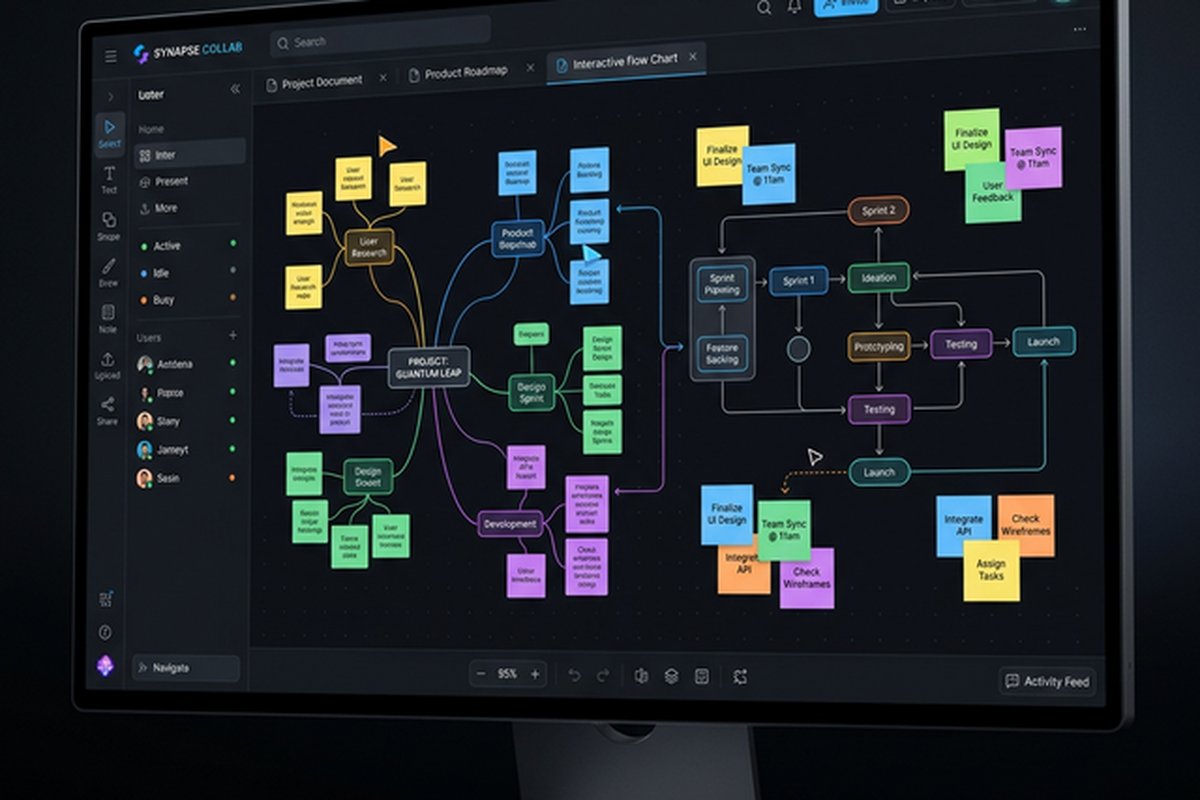
Zoom Whiteboard provides a persistent digital canvas for visual collaboration that extends beyond
meeting-time use into asynchronous visual teamwork. The whiteboard supports sticky notes, shapes,
connectors, text, drawing tools, and embedded images on an infinite canvas that can be accessed
during meetings and independently between meetings. Templates provide starting structures for
common visual collaboration activities including brainstorming, mind mapping, retrospectives,
and process diagramming.
The integration with Zoom Meetings enables seamless transition between meeting discussion and
visual collaboration — opening a whiteboard during a meeting that all participants can contribute
to simultaneously, then continuing to develop the whiteboard content asynchronously after the
meeting ends. Whiteboard persistence means that visual collaboration artifacts survive beyond
individual meetings, creating reusable visual documents that teams can reference and develop
over time. While Zoom Whiteboard does not match dedicated visual collaboration platforms in
depth and sophistication, its integration within the meeting workflow provides convenient
visual tools that eliminate the overhead of connecting separate whiteboard applications.
Zoom Workplace Platform
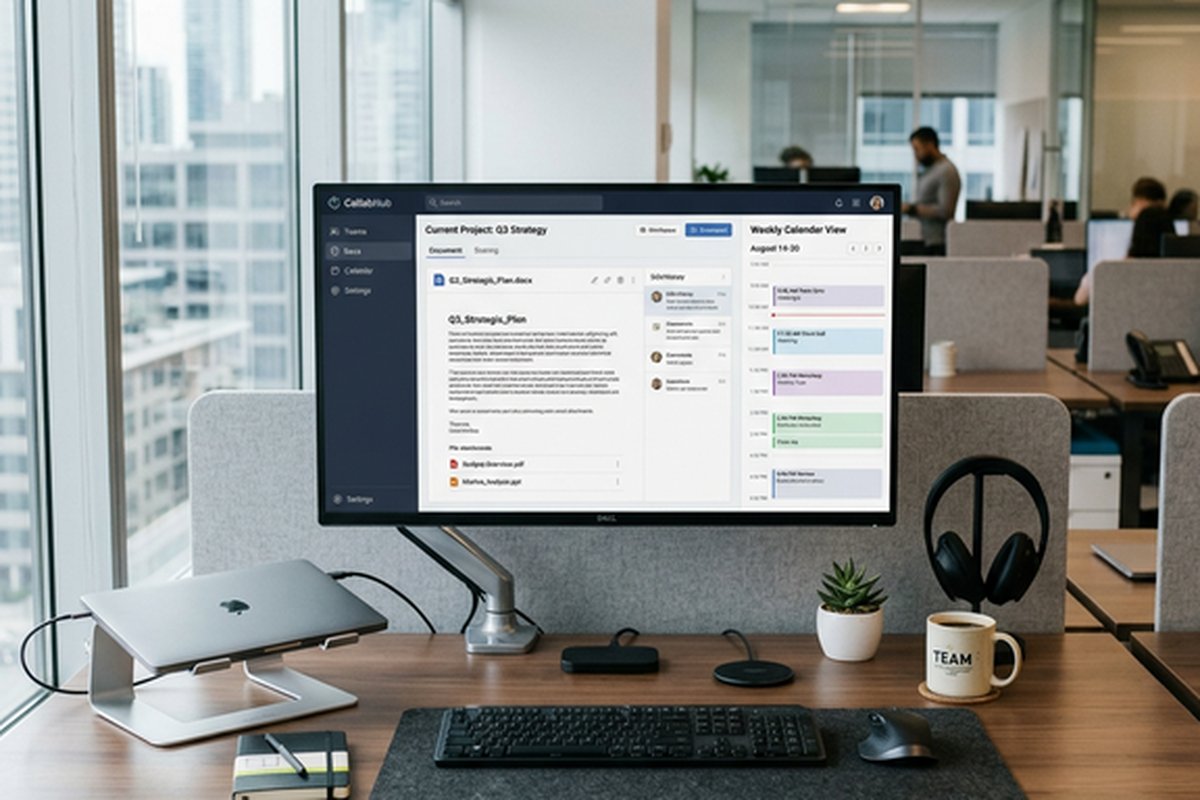
Zoom Workplace represents the platform’s evolution from a video conferencing tool into an
integrated collaboration environment combining meetings, team chat, phone, email, calendar,
whiteboard, and notes within a unified application. The workspace approach provides a single
application for multiple communication modes — starting a chat conversation, escalating to a
call, sharing a screen, opening a whiteboard, and scheduling a follow-up meeting without
switching between separate applications. The calendar integration supports both Google Calendar
and Microsoft Outlook, providing scheduling capabilities within the Zoom interface regardless
of the organization’s productivity ecosystem.
Zoom Notes provides collaborative document creation for meeting notes, agendas, and shared
documents within the Zoom environment. The email client handles business email within the
same application, consolidating another communication mode into the unified platform. While
each individual capability may not match the depth of dedicated tools, the unified experience
reduces the application sprawl and context switching that fragmented collaboration tool
stacks create, providing a streamlined daily workflow for teams that prioritize
communication efficiency over specialized tool depth.
Strengths and Honest Limitations
Zoom’s strengths include best-in-class video and audio quality with superior performance on
variable network connections, an intuitive user experience that minimizes barriers to meeting
participation, comprehensive meeting features (breakout rooms, polling, whiteboard, recording),
the Zoom Phone cloud telephony platform, webinar and events capabilities for large-scale
broadcasting, AI Companion features included at no additional cost, and the broadest device
and platform support across desktop, mobile, web, and conference room systems. For teams
comparing Zoom to Google’s competing platform, our Google
Meet vs Zoom comparison provides a direct feature comparison.
Limitations include team chat capabilities that lag behind dedicated messaging platforms,
the expanding feature set that has increased interface complexity beyond the original
simplicity that drove adoption, subscription costs that can be significant for large
organizations when compared to video conferencing included in Microsoft 365 or Google
Workspace subscriptions, and the platform’s evolution toward an integrated workspace that
competes with established productivity suites without matching their productivity tool depth.
Organizations must evaluate whether Zoom serves best as a focused video conferencing platform
paired with other collaboration tools, or as a unified workspace — and the answer depends on
which collaboration capabilities the organization prioritizes most highly.
Features and pricing referenced in this article are based on information available at the time of
writing and are subject to change. Please verify current details on the official Zoom website.