Airtable as Project Tool – Flexible Database Project Tracking
Airtable looks like a spreadsheet at first glance. The familiar grid of rows and columns creates an immediate
sense of comfort for anyone who has spent time in Excel or Google Sheets. But that surface resemblance is
genuinely deceptive. Beneath the spreadsheet-like interface lies a relational database engine that can be
shaped into a project management system, a CRM, an inventory tracker, a content calendar, a product catalog,
or virtually any other structured workflow your team needs to manage and collaborate around.
For project tracking specifically, Airtable offers an interesting and distinctive middle ground in the
crowded software market. It provides more structure and data integrity than a spreadsheet can maintain at
scale, more flexibility and customization than a traditional project management tool built around fixed
assumptions about how work should flow, and enough built-in views, automations, and interface-building
capabilities to function as a genuine work management platform rather than just a data storage container.
The question for any team evaluating Airtable for project management is whether that middle ground between
spreadsheet freedom and dedicated project management structure is precisely the right fit for their team’s
specific approach to organizing, tracking, and executing work.
This article examines how Airtable functions as a project tracking tool in practical daily use, looking at
its database foundations and why they matter for data quality, the field types that are most relevant to
project management workflows, the multiple views that bring project data to life for different audiences,
the automation capabilities that reduce tedious manual overhead, and the real scenarios where Airtable’s
unique approach creates clear advantages over both basic spreadsheets and more conventional purpose-built
project management alternatives.
The Database Foundation — Why It Matters
Understanding Airtable starts with understanding the fundamental difference between a spreadsheet and a
database, because this architectural distinction shapes absolutely everything about how the platform
handles, validates, connects, and presents your project data over time.
In a spreadsheet, cells are independent entities without enforced types or relationships. A cell in column C
can contain a number, a text string, a formula referencing other cells across multiple sheets, a date value,
or nothing at all, regardless of what the cells directly above and below it contain. This unrestricted
flexibility is precisely why spreadsheets have achieved universal adoption across every industry and role —
they accommodate literally any structure you choose to impose with zero configuration and zero setup time.
However, this same flexibility creates a kind of structural fragility that compounds silently over time,
especially as more team members access and modify the data. There is absolutely nothing preventing someone
from typing “TBD” or “check with Sarah” in a date column, entering a colleague’s name with a slightly
different spelling or capitalization each time they reference that person, accidentally overwriting a
critical formula with a hardcoded value that looks correct but breaks every downstream calculation, or
entering numerical data in a text format that appears identical to human eyes but fails in every
computational context.
In Airtable, columns are not merely columns — they are typed fields with defined data expectations and
validation rules. A date field accepts only valid dates and rejects text input that does not parse as a
date. A single-select field accepts only values from a predefined dropdown list that your team curates and
controls. A linked record field creates a validated, navigable connection to records in another table,
ensuring referential integrity across your data. A number field stores only actual numbers, with optional
controls for decimal precision, negative value allowance, currency formatting, and percentage display. This
structural enforcement means your project data stays consistent, queryable, reliably filterable, and
analytically trustworthy as your project tracking scales from dozens of records managed by one person to
hundreds or thousands of records managed by an entire team across months of active use.
Airtable organizes data into bases, each containing one or more tables. A project tracking base might include
separate tables for Projects, Tasks, Team Members, Clients, and Sprints or Milestones. Each table holds
records with fields that you define to capture the specific information relevant to that entity type. The
relationships between tables are where the database approach truly differentiates itself from spreadsheets.
A task record links to its parent project record. A project record links to its assigned client record. A
task links to the team member responsible for its completion. These relationships create a connected data
architecture that keeps related information synchronized without the data duplication, copy-paste errors,
and version inconsistency that spreadsheet-based project tracking inevitably produces as complexity grows.
When a client’s company name changes, you update it once in the Clients table, and every linked project
record and every linked task record automatically reflects the updated name without anyone touching those
records individually. When you need to see all tasks across all projects assigned to a specific team member
who is going on vacation next week, a filtered view pulls that information instantly and accurately from the
underlying relationships. Try doing that reliably across thirty interconnected sheets in a Google Sheets
workbook with hundreds of rows each, and the value of Airtable’s relational database approach becomes
viscerally and immediately clear.
Field Types That Matter for Project Management
Airtable offers over twenty field types, and selecting the right combination for your project tracking setup
directly impacts how usable, reliable, and analytically valuable your system becomes over time. Here are the
field types that matter most for project management use cases.
Status fields using the Single Select type create dropdown menus with predefined options like Not Started, In
Progress, Blocked, In Review, and Complete. Using a single select field instead of free-text entry ensures
absolute consistency across your entire database. Everyone selects from the same standardized set of options
rather than typing their own creative variations like “working on it,” “WIP,” “in progress,” or “started.”
Color coding each status option creates immediate visual differentiation across every view type, making it
possible to scan hundreds of records and instantly identify which items need attention.
Assignee fields using the Collaborator type link directly to actual Airtable users in your workspace rather
than storing plain text names that may contain spelling variations or refer to people who no longer exist.
Assigning someone via the collaborator field triggers notifications, makes the task appear in their personal
filtered views, and creates a verifiable record of responsibility that cannot be confused with
similarly-named colleagues or misspelled references.
Date fields support individual dates for simple deadlines and date ranges with distinct start and end dates
for tasks that span multiple days or weeks. Date fields integrate directly with calendar and timeline views
for visual scheduling, and they participate in formula calculations that automatically compute task duration
in working days, days remaining until deadline, or whether a task is currently overdue based on today’s date
compared to the due date.
Linked Record fields form the relational backbone of any Airtable project management system. Each linked
record field creates a navigable, bidirectional connection between two tables. A task record can link to its
parent project, and when you view that project record, it automatically displays a list of every task linked
to it. These relationship connections can cascade across multiple tables, creating a richly interconnected
web of information where navigating from a client to their projects to the individual tasks within each
project requires nothing more than clicking through linked record fields.
Rollup fields aggregate numerical or categorical data from records linked through a relation field. If each
task record has an estimated hours number field, a rollup field in the Projects table can automatically sum
the estimated hours across all linked tasks, providing an always-current total project effort estimate.
Available rollup functions include sum, average, count, minimum, maximum, and percentage-based calculations.
A particularly useful rollup for project management calculates the percentage of linked tasks that have
their status set to Complete, automatically generating a project completion percentage that updates in real
time as individual tasks are marked done.
Formula fields compute values based on other fields within the same record using a syntax similar to
spreadsheet formulas. Common project management formulas include calculating the number of working days
between a start date and end date to determine task duration, using an IF statement to flag whether a task
is overdue by comparing today’s date to the deadline, computing estimated cost by multiplying estimated
hours by a rate field, and concatenating text fields to generate standardized task identifier codes that
follow your organization’s naming conventions.

Views for Different Project Perspectives
Airtable’s view system is one of its most practically valuable features for project management, because it
allows you to create multiple completely different visual perspectives on the exact same underlying data.
Each view is a saved configuration of filters, sorts, field visibility settings, grouping rules, row height,
and display format. Creating or modifying views never changes the data itself — it only changes how you see
and interact with that data, which means every view is always perfectly consistent with every other view. A
status change made in a Kanban board view is instantly reflected in the grid view, the calendar view, and
every other view that includes that record.
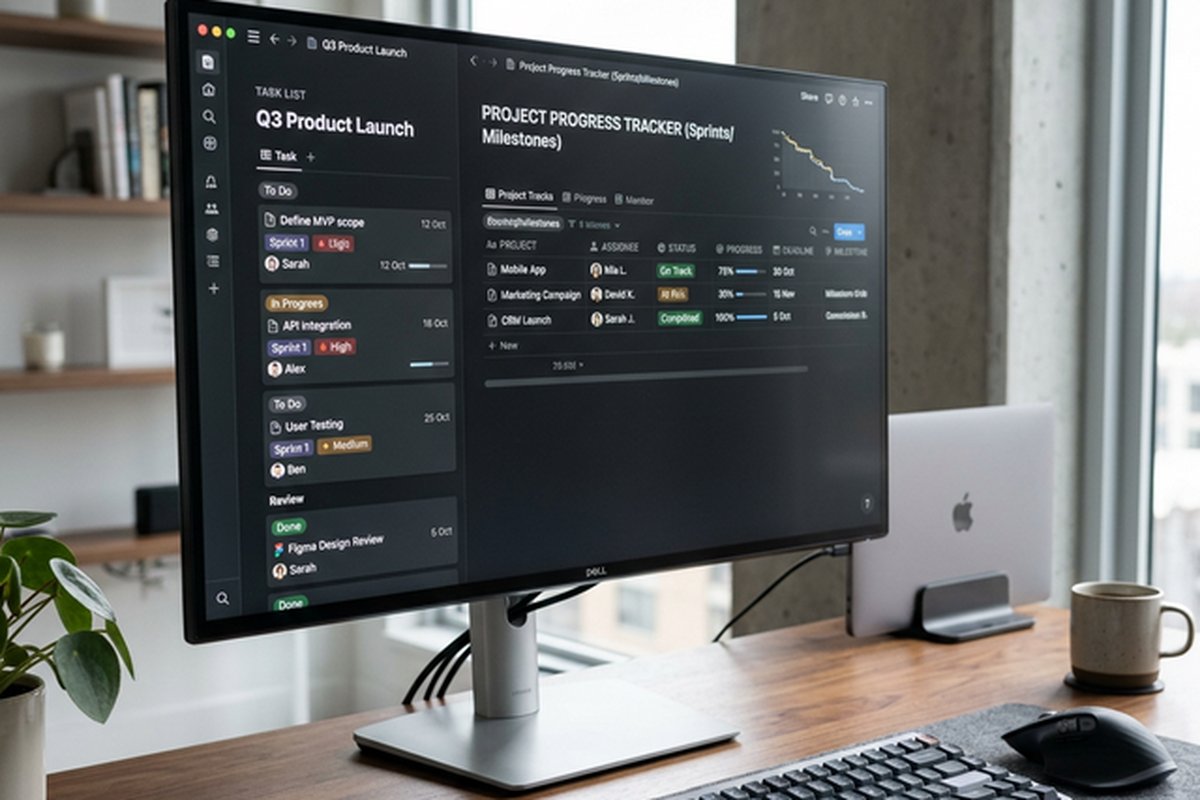
Grid View is Airtable’s default display format and resembles a well-organized, clean spreadsheet. Rows
represent individual records, columns represent fields, and you can sort, filter, group by any field, show
or hide specific columns, adjust row heights, and edit data directly inline without opening individual
records. Grid view is optimal when you need dense information display across many records simultaneously,
when performing bulk status updates, when auditing data quality across an entire task catalog, or when
entering new data into the system for the first time.
Kanban View organizes records into draggable columns based on a single select field or a collaborator field.
Grouping by a status field creates a classic Kanban workflow board where cards representing tasks move
visually from left to right through progressive workflow stages as you drag them between columns. Each card
displays a configurable selection of fields, allowing you to see priority level, assignee, due date, or any
other critical information at a glance without opening the full record detail. Kanban view is the natural
interface for teams that think about work in terms of flow — how many items are in each stage, where
bottlenecks are forming, and which tasks are ready to move forward.
Calendar View displays records on a monthly, weekly, or daily calendar grid based on date fields. This view
is the natural interface for deadline-driven project management, content calendar workflows, event planning,
release scheduling, and any scenario where understanding the temporal distribution of work matters more than
understanding its status distribution. Records can be dragged between dates to reschedule them instantly,
and clicking any record opens its full detail panel without leaving the calendar context.
Timeline View provides Gantt-style visualization using start and end date fields. Records appear as
horizontal bars spanning their duration across a configurable time axis, and you can group these bars into
separate lanes organized by assignee, project, status, priority, or any other field. Timeline view is
especially valuable for understanding how work overlaps across team members or workstreams, identifying
periods of resource overcommitment, and visualizing the overall schedule of a project phase or portfolio.
Gallery View presents each record as a visual card with a prominent cover image or content preview. While
less common for traditional task management, gallery view excels in creative project management contexts
where visual deliverables like design mockups, product photos, video thumbnails, or marketing assets are the
primary outputs being tracked and reviewed.
Form View generates a shareable form that creates new records in your table when external or internal users
submit responses. This is excellent for standardized intake processes including project requests from
business stakeholders, bug reports from QA testers, content briefs from marketing managers, or event
registrations from attendees. Submitted data flows directly into your tracking system with proper field
typing, without the submitter needing any Airtable access or training.
The practical impact of this multi-view system is that different team members can interact with the exact
same project data in whichever format makes the most sense for their role, their thinking style, and their
current task. A project manager might work primarily in timeline view for scheduling and capacity
assessment, while individual contributors use Kanban view for managing their personal task flow through
daily work, and executives review a filtered grid view showing only high-priority items flagged as at-risk
across all active projects.
Automations for Workflow Efficiency
Airtable’s built-in automation system uses a trigger-action architecture that can meaningfully reduce the
repetitive manual overhead that accompanies any project management practice. Each automation consists of one
trigger event that initiates the automation, optional conditions that determine whether the automation
should proceed, and one or more actions that execute when the trigger fires and conditions are met.
Available triggers include record creation events when new tasks are added, records entering a specific view
by matching that view’s filter criteria, field value changes when someone updates a status or reassigns a
task, scheduled times that fire at regular intervals, and form submission events that activate when someone
fills out and submits a connected form. Available actions include sending formatted emails to designated
recipients, posting messages to Slack channels or direct messages, updating field values within the
triggering record or related records, creating entirely new records in the same or different tables, running
custom JavaScript scripts for complex logic that cannot be expressed through the visual builder, and calling
external API webhooks for integration with systems outside the Airtable ecosystem.
Practical automation examples that directly reduce project management overhead include automatically sending
a Slack notification to the project lead whenever a new task is created with High or Critical priority,
sending an email reminder to the assigned team member three business days before a task’s deadline, updating
the parent project record’s last activity date whenever any linked task is modified, automatically assigning
incoming project requests submitted through a form to the designated intake coordinator and setting the
initial status to Pending Review, and updating a project’s status to Finished when a rollup calculation
shows that one hundred percent of linked tasks have been marked as Complete.
Automations operate on a usage-based consumption model where each pricing tier includes a monthly allocation
of automation runs. The free plan provides a limited number of runs suitable for individual use, while paid
business and enterprise plans provide scaled-up allowances appropriate for team-wide automation. Teams
planning to rely heavily on automation for workflow efficiency should carefully evaluate their expected
monthly automation volume against the run limits included in each pricing tier to avoid unexpected overages
or throttled automation execution.
Interfaces — Building Custom Dashboards
Airtable Interfaces is a feature that allows you to build custom, visually polished dashboards and
lightweight interactive applications on top of your existing base data without any coding. Unlike standard
database views that rearrange how you see a single table’s data, interfaces let you combine and present data
from multiple tables into a unified visual experience featuring real-time charts, summary metric cards
showing key numbers, filtered record lists highlighting items that need attention, and interactive elements
that allow users to update records without navigating the full database.
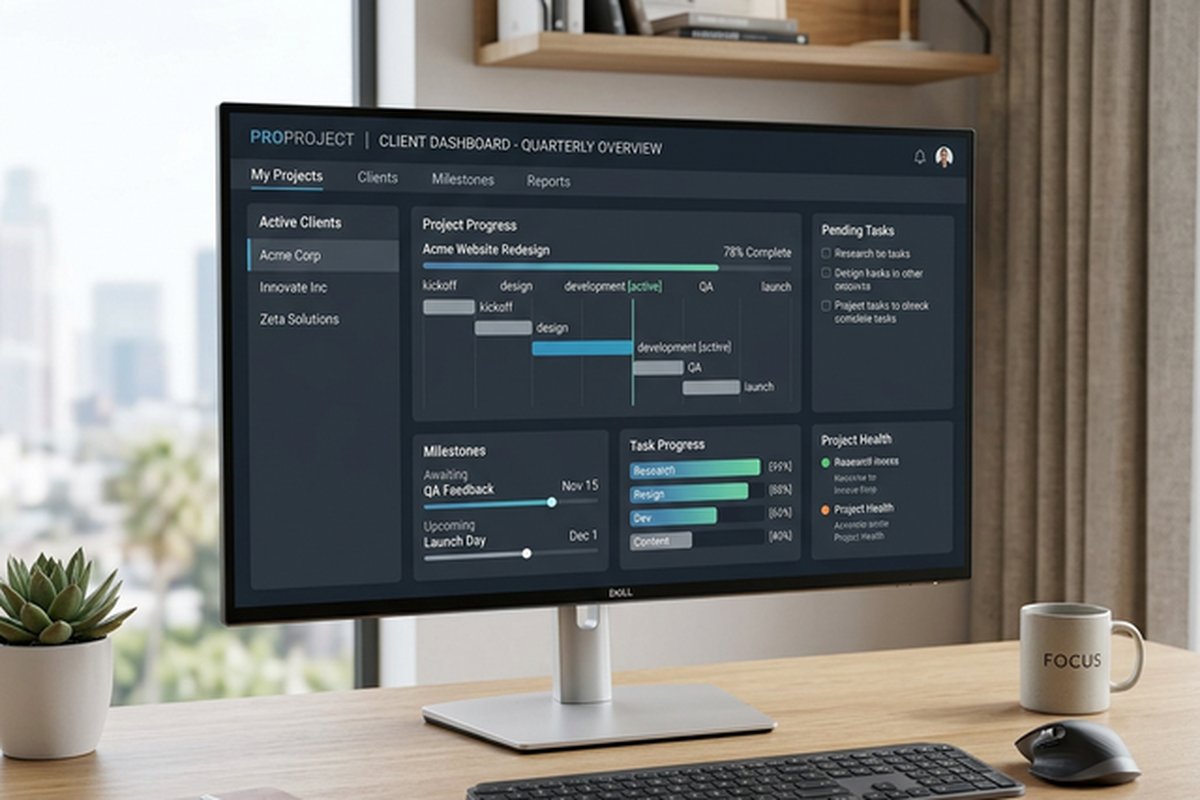
For project management, a well-designed interface might include a summary panel showing the total number of
active projects alongside a breakdown by status category, a donut chart showing the distribution of tasks
across status values, a filtered list of all overdue tasks pulled from the Tasks table with assignee and
days-overdue information, and a workload bar chart showing task count per team member across all active
projects. All of this information updates in real time as underlying records change, ensuring that the
dashboard always reflects current project reality without manual refresh or report generation.
Interfaces can be shared with stakeholders who need visibility into project status without navigating the
full complexity and detail of the underlying bases, tables, fields, and views. This separation between the
operational data layer where active team members create, modify, and complete tasks and the reporting
presentation layer where managers and executives consume aggregated summaries is valuable for organizations
where different audiences require fundamentally different levels of detail, interactivity, and information
density.
Integrations and Extensions
Airtable connects with external tools and services through three mechanisms that collectively provide broad
extensibility. Native integrations offer direct connections to platforms including Slack for real-time
notifications and workflow triggers, Google Workspace for document and calendar synchronization, Microsoft
365 for enterprise communication, Salesforce for CRM data synchronization, Jira for engineering ticketing
integration, and others. These native integrations typically enable bidirectional data synchronization,
notification routing, and automated cross-platform workflows with minimal configuration.
The Airtable Marketplace offers extensions that install and run directly inside your base, adding specialized
functionality without leaving the platform. Available extensions include chart builders with multiple
visualization types for visual data analysis, map views that plot records with address data on interactive
maps, page designers that generate formatted printable outputs from record data, scripting environments that
allow custom JavaScript logic to manipulate data in ways the standard interface does not support, and import
and export utilities for bulk data transfer.
Third-party automation platforms including Zapier, Make (formerly Integromat), and Workato enable connection
between Airtable and thousands of additional services. Events in Airtable can trigger actions in external
tools, and events in external tools can create or modify records in Airtable. This broad extensibility makes
Airtable viable as a central data hub within a larger tool ecosystem rather than requiring it to serve as
the sole platform for all work management needs.
Strengths for Project Tracking
Airtable brings several distinctive advantages to project tracking that differentiate it meaningfully from
both basic spreadsheets and traditional project management tools. Structural flexibility with data integrity
enforcement means you define exactly what your project data structure looks like without being locked into
another vendor’s assumptions about project management. Scalable complexity allows you to start with a single
straightforward table and progressively add fields, relationships, automations, and interfaces as your needs
grow without migrating platforms. Reliable data quality through typed fields, validated select options, and
verified collaborator references ensures that reports, filters, and rollup calculations produce trustworthy
results you can confidently present to stakeholders and make decisions from.
Limitations for Project Tracking
Airtable’s generalist database nature means it does not match specialized project management tools in several
important areas. There is no native dependency management with automatic schedule cascading. You can model
task relationships using linked record fields, but changing a predecessor task’s dates will not
automatically adjust the dates of downstream dependent tasks. Teams managing complex sequential workflows
with dozens of interdependent deliverables will find this gap significant. Built-in collaboration features
are limited to record-level comments. The platform lacks the threaded project discussions, team status
updates, and integrated communication features found in dedicated platforms. Record limits on lower pricing
tiers constrain database size, potentially forcing upgrades earlier than expected for teams managing large
volumes of active tasks. The setup investment in designing an effective table structure, planning
relationships, configuring fields with appropriate types, and building meaningful views is non-trivial and
requires database design thinking that many teams do not have experience with.
For teams whose primary need is structured collaborative task management with built-in team communication and
workflow automation, our reviews of ClickUp and
Asana vs
Monday.com cover platforms designed specifically for collaborative project execution rather than
flexible database-driven data management.
Features and pricing referenced in this article reflect information available at the time of writing and
may change. Please verify current details on the official Airtable website.