Figma for Team Design – Real-Time Collaborative Design Tool
Figma’s impact on design collaboration extends far beyond its capabilities as an interface design
tool — it has fundamentally changed how design teams work together and how non-designers
participate in the design process. Before Figma, collaborative design typically involved
designers working in isolated files on their individual machines, sharing static screenshots
or PDFs for feedback, and managing version conflicts through file naming conventions and
manual coordination. Figma replaced this workflow with a browser-based, multiplayer design
environment where multiple team members can view, edit, comment on, and collaborate within
the same design files simultaneously — bringing the collaborative editing model that Google
Docs brought to text documents into the visual design domain.
This collaborative foundation transforms design from a solitary creative activity into a team
sport where designers co-create in real-time, product managers review and comment alongside
active design work, developers inspect design specifications during implementation, and
stakeholders provide feedback directly on the designs rather than through disconnected
communication channels. Figma’s value for teams is not merely its design capabilities —
which are substantial — but the collaborative layer it adds to the design process that
eliminates the communication overhead, version confusion, and feedback delays that
traditional design tools impose on team-based design workflows.
Real-Time Multiplayer Collaboration
Figma’s real-time collaboration enables multiple users to work within the same design file
simultaneously, with each user’s cursor visible and labeled with their name, creating a
visual awareness of who is working where within the design. The “follow” feature enables
clicking on another user’s avatar to follow their viewport, seeing exactly what they see
and following their navigation through the file — essential for design walkthroughs, pair
design sessions, and review meetings where a presenter guides viewers through design
content.
The collaboration model supports both synchronous and asynchronous workflows. Synchronous
collaboration occurs during design sessions where team members actively work together,
pair-designing interfaces, collaborating on component iterations, or conducting live design
reviews. Asynchronous collaboration occurs through the comment system where reviewers leave
feedback on specific design elements, designers respond and resolve comments, and a
persistent conversation thread records the design discussion alongside the visual work it
references. The observation mode enables non-designers to watch design work in progress
without interrupting, maintaining awareness of design evolution without requiring scheduled
review meetings.

Design Systems and Component Libraries
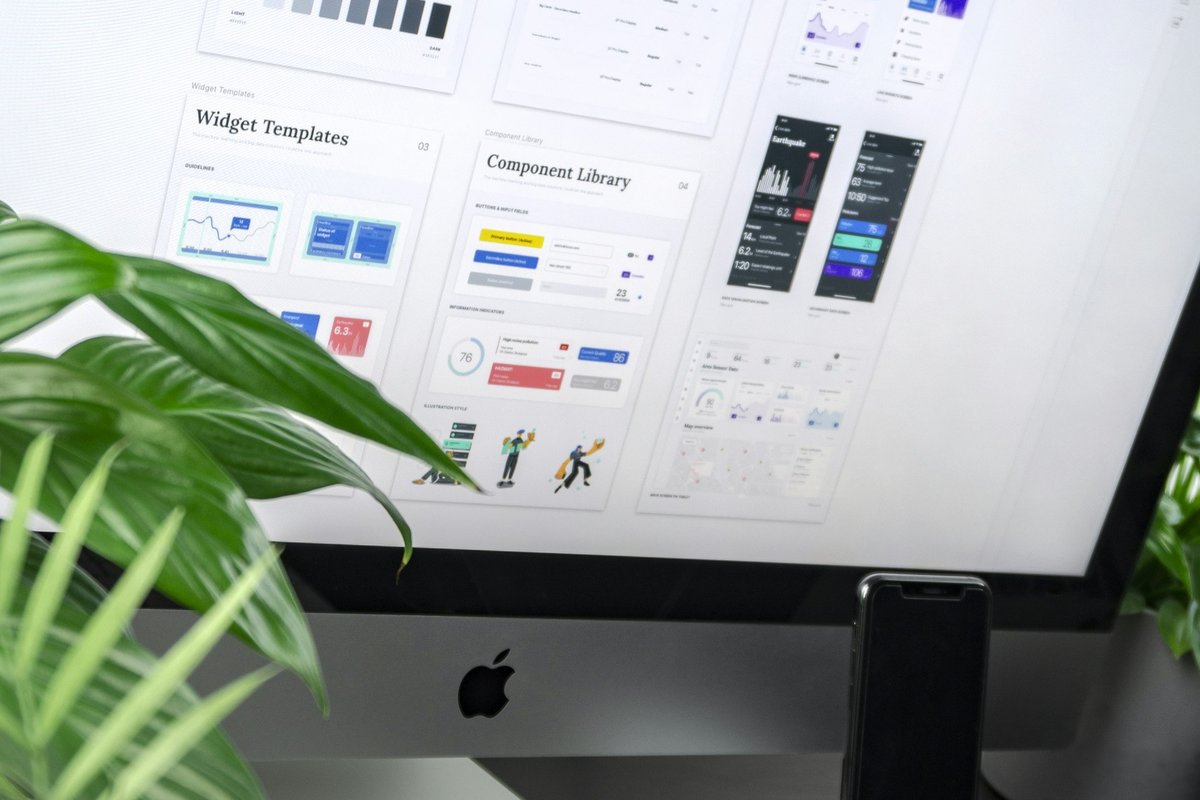
Figma’s component system enables building and maintaining design systems — reusable libraries
of interface components, design tokens, and patterns that ensure visual consistency across
products and enable efficient design production. Components in Figma support variants
(different states and configurations within a single component), auto layout (responsive
sizing behavior), and component properties that enable configuring component instances
without detaching from the source component. Published team libraries make components
available across all team files, ensuring that every designer uses consistent, approved
components.
The design system collaboration extends beyond designers to include developers through
design tokens and style documentation that translate design decisions into implementable
specifications. Design tokens for colors, typography, spacing, and effects can be
documented within Figma and exported in developer-friendly formats for implementation
in code. The ability to maintain a centralized design system in Figma that serves as the
single source of truth for both design work and development implementation eliminates
the specification drift that occurs when design and code maintain independent
definitions of the same visual language. For broader comparison of design tools, our
Figma
platform review covers the complete design feature set.
The update notification system alerts designers when published library components receive
updates, enabling them to review changes and accept or dismiss updates for their files.
This controlled update mechanism prevents disruptive automatic changes while ensuring
that design teams stay current with design system evolution. Analytics on component usage
across the organization provide design system maintainers with visibility into which
components are most used, which are underutilized, and which may need improvement based
on how teams interact with the system. The combination of shared libraries, controlled
updates, usage analytics, and collaborative contribution creates a design system
governance model that scales across large design organizations while maintaining the
consistency that design systems are built to provide.
FigJam Whiteboarding
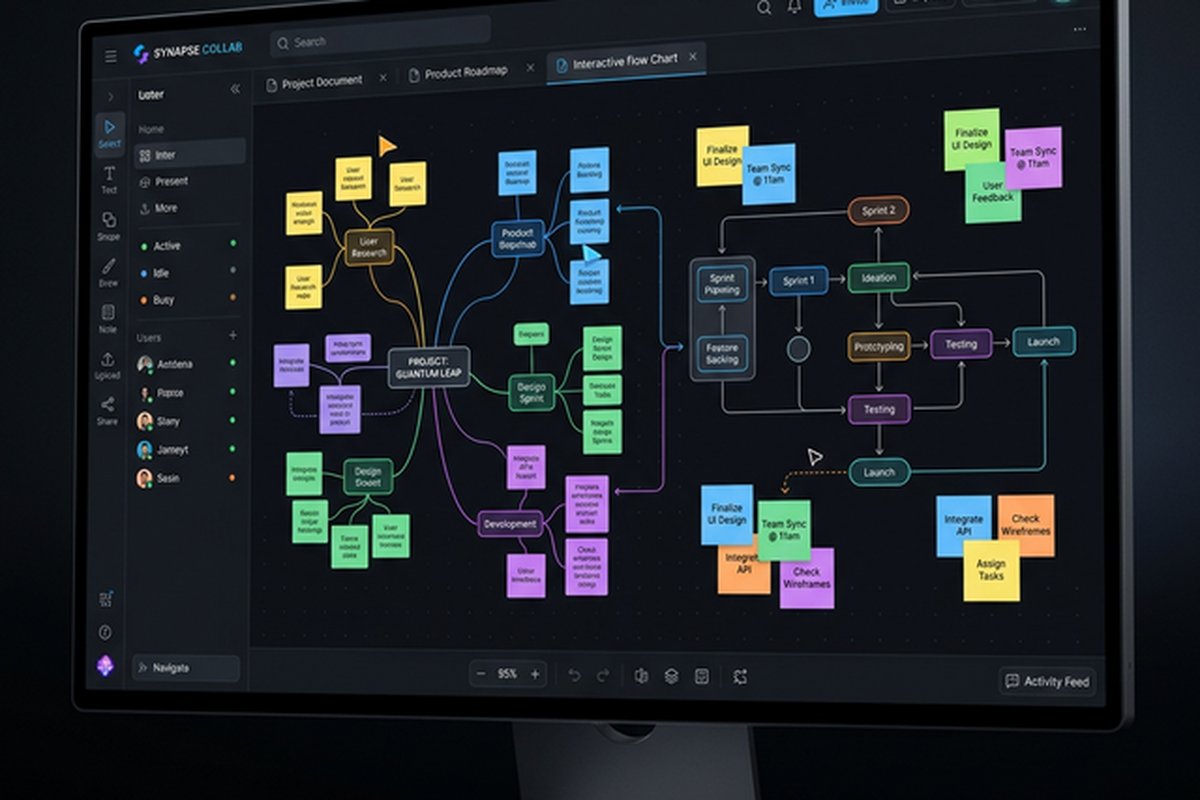
FigJam extends Figma’s collaboration model into visual whiteboarding and brainstorming,
providing an infinite canvas where teams can brainstorm, diagram, workshop, and plan
using sticky notes, shapes, connectors, stamps, and drawing tools. The strategic value
of FigJam within the Figma ecosystem is continuity — teams brainstorm and plan in FigJam,
then transition seamlessly to UI design in Figma files, maintaining the collaborative
context and design thinking that informed the design direction.
FigJam templates support structured activities including retrospectives, brainstorming
exercises, user journey mapping, stakeholder mapping, and planning frameworks. The
collaboration features include voting, timers, and emoji reactions that support facilitated
workshop activities. Audio chat within FigJam enables voice communication alongside visual
collaboration without switching to separate communication tools. The combination of Figma
and FigJam provides a unified design collaboration environment that covers the full
workflow from ideation through implementation specification. For teams needing more
extensive whiteboarding capabilities beyond FigJam’s scope, our Miro
review covers the leading dedicated whiteboard platform.
Dev Mode and Design-to-Code Handoff
Dev Mode provides a developer-focused interface within Figma that streamlines the handoff
between design and development. Developers can inspect design elements to see CSS, iOS,
and Android code snippets, access precise measurements and spacing values, view component
properties and states, and understand the design specifications needed for accurate
implementation. The inspection interface translates visual design decisions into the
technical specifications that developers need, reducing the communication overhead
traditionally required for design-to-development translation.
The ready-for-development workflow enables designers to mark design sections as ready for
implementation, providing developers with clear signals about which designs are finalized
and available for coding. Version comparisons within Dev Mode show what has changed between
design iterations, enabling developers to understand design updates without reviewing
entire screens for differences. Plugin integrations extend Dev Mode with code generation,
design token export, and development framework-specific output that further reduces the
translation effort between design files and code implementations.
Team Organization and Permissions
Figma’s organizational structure uses teams, projects, and files to organize design work
with layered permissions. Teams represent organizational groups (Design Team, Product Team)
with shared libraries and consistent settings. Projects organize files within teams by
product, feature, or any logical grouping. Files contain the actual design work with
pages for organizing design content within files. The sharing model enables inviting
collaborators with view or edit access, sharing link access for broader distribution,
and embedding Figma content in external tools and documentation.
The permission model supports the varied access needs of design team ecosystems — designers
need edit access, product managers need comment access, developers need inspect access
through Dev Mode, and external stakeholders may need view-only access to review designs.
The organization-level administration provides SSO integration, centralized billing,
design system governance, and usage analytics that enterprise deployments require for
managing Figma adoption across large design organizations.
Plugin and Integration Ecosystem
Figma’s plugin ecosystem extends capabilities with community-built and first-party plugins
covering accessibility checking, content population, design linting, icon management,
prototype analytics, and dozens of additional design workflow enhancements. The Community
resources provide shared files, templates, UI kits, and design resources that accelerate
design work through reusable assets contributed by the global design community.
Integration with team collaboration tools enables embedding Figma previews and prototypes
in Slack, Microsoft Teams, Notion, Confluence, and other platforms where design discussions
happen. Jira integration links design files to development tickets for traceability
between design artifacts and implementation tasks. The REST API enables programmatic
access to Figma data for building custom integrations, design system automation, and
workflow connections with organizational tools not covered by native integrations.
Prototyping and User Testing
Figma’s prototyping capabilities enable creating interactive prototypes directly within design
files without exporting to separate prototyping tools. Connections between frames define
navigation flows, transitions specify animation behavior between screens, and interactive
components respond to user interactions including hover states, click actions, drag gestures,
and keyboard inputs. The prototype preview provides a realistic simulation of the designed
experience that stakeholders can interact with on desktop and mobile devices through shareable
prototype links requiring no application installation.
The collaborative dimension of prototyping extends the team benefit beyond design creation
into design validation. Product managers can interact with prototypes and leave comments on
specific interaction points where the experience feels unclear or incorrect. User researchers
can use prototype links for moderated and unmoderated usability testing, gathering real user
feedback on designed interactions before development investment begins. Developers can
interact with prototypes to understand intended interaction patterns, animation behaviors,
and navigation flows that static design specifications cannot fully communicate. The
combination of collaborative design, interactive prototyping, and shared commenting creates
a feedback loop where design validation happens within the same environment as design
creation rather than through disconnected review processes.
Advanced prototyping features including variables, conditional logic, and expressions enable
creating prototypes that adapt based on user input, display different content states, and
simulate realistic application behavior. These capabilities reduce the gap between prototype
and production experience, providing more accurate validation of design concepts before
committing development resources to implementation.
Version History and Branching
Figma’s version history provides automatic saving with a timeline of changes that enables
reviewing and restoring previous versions of design files. Named versions can be created
at significant milestones — “v2.0 Design Review,” “Client Approved,” “Pre-Navigation Update”
— providing bookmarks in the design evolution that enable returning to known-good states and
comparing current designs against historical versions. The version history is particularly
valuable in collaborative environments where multiple designers contribute changes and the
ability to understand what changed, when, and by whom supports accountability and enables
reverting unintended modifications.
Branching enables creating independent design branches from a main file where designers can
explore alternative approaches, experiment with significant changes, or develop variations
without affecting the primary design that the broader team relies on. Branches can be merged
back into the main file when the explored direction is approved, bringing the branched changes
into the canonical design file. This branching model mirrors the Git workflow familiar to
software development teams, providing similar benefits of parallel exploration and controlled
integration for design work. The branching capability is particularly valuable for design
systems where changes to shared components must be tested and validated in isolation before
being published to the team library where they affect all consuming files across the
organization.
Strengths and Honest Limitations
Figma’s team collaboration strengths include the best real-time multiplayer design
experience available, FigJam whiteboarding for ideation within the design context,
design systems with published team libraries for organizational consistency, Dev Mode
for streamlined design-developer handoff, browser-based accessibility that eliminates
installation barriers and enables participation from any device, a rich plugin ecosystem,
and the collaborative design workflow that transforms how teams work together on visual
design. For teams also evaluating collaborative design alternatives, our Sketch
vs Figma comparison covers the Mac-native alternative.
Limitations include subscription pricing that can be significant for large design
organizations with many seats, performance limitations with extremely large and complex
design files that strain browser-based rendering, offline capabilities that remain
limited compared to native desktop applications, the FigJam whiteboard that provides
basic visual collaboration without the depth of dedicated whiteboard platforms, and
the design-centric focus that means non-design collaboration needs require additional
tools. Teams should evaluate whether Figma’s collaboration model genuinely improves
their design workflow or whether simpler tools with less sophisticated collaboration
would serve their actual working patterns more practically.
Features and pricing referenced in this article are based on information available at the time of
writing and are subject to change. Please verify current details on the official Figma website.