Google Meet vs Zoom – Video Platform Comparison for Business
The decision between Google Meet and Zoom for business video conferencing represents a choice between
two fundamentally different platform philosophies. Google Meet exists as the video conferencing
component of Google Workspace — deeply integrated with Gmail, Google Calendar, Google Drive, and
the broader Google productivity ecosystem. Zoom exists as a dedicated communication platform built
from the ground up for video conferencing, which has expanded into team chat, phone systems, and
workspace features. Neither platform is objectively superior — each serves different organizational
contexts more effectively, and the right choice depends on existing technology investments, meeting
patterns, integration requirements, and specific feature priorities.
This comparison evaluates both platforms across the dimensions that matter most for business video
conferencing decisions: meeting experience quality, integration with productivity ecosystems,
pricing and licensing structure, security and compliance capabilities, and advanced features
that differentiate for specific use cases. Understanding the genuine strengths and limitations
of each platform enables an informed decision rather than a choice driven by brand preferences
or incomplete feature comparisons.
Meeting Experience Comparison
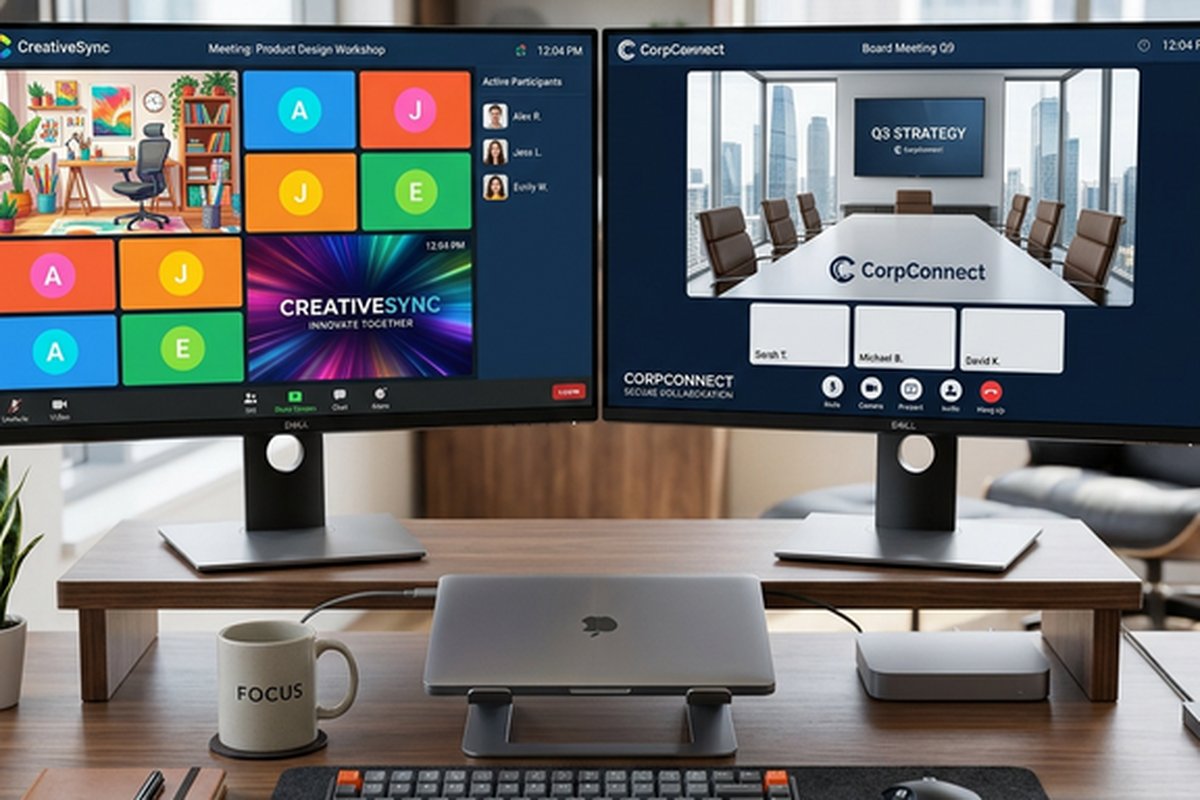
Zoom’s meeting experience has consistently led the market in video quality, audio clarity, and
performance on bandwidth-constrained connections. The video processing algorithms optimize quality
dynamically based on available bandwidth, maintaining usable video and clear audio where competing
platforms may drop quality more aggressively or disconnect entirely. The gallery view supporting up
to 49 simultaneous video tiles, customizable virtual backgrounds with AI-powered processing, and
the intuitive meeting controls reflect years of video-focused development and user experience
refinement. The participant experience — from joining to managing audio/video to sharing content —
feels polished and responsive in ways that reflect Zoom’s singular focus on the meeting experience.
Google Meet’s meeting experience has improved substantially and now provides professional-quality
video conferencing that satisfies most business meeting requirements. The integration with Google
Calendar enables one-click meeting joining directly from calendar events, and the browser-based
architecture means participants can join without installing applications — a meaningful advantage
for external participants joining from unfamiliar devices. Meet’s noise cancellation uses Google’s
machine learning capabilities to suppress background noise effectively, and the visual quality
provides clear, professional video for standard business meetings. However, the gallery view
supports fewer simultaneous video tiles than Zoom, and the meeting feature set — while adequate —
remains smaller than Zoom’s more extensive capability set.
Integration and Ecosystem
Google Meet’s integration advantage is its native position within Google Workspace. Meetings created
in Google Calendar automatically include Meet links, meeting attachments from Google Drive are
accessible within the meeting interface, and meeting recordings are saved directly to Google Drive.
The Gemini AI integration provides meeting summaries, note-taking assistance, and action item
extraction within the Google Workspace context. For organizations that use Gmail, Google Calendar,
Google Docs, and Google Drive as their primary productivity tools, Meet’s integration eliminates
the context switching and configuration effort required to connect a third-party video platform
with Google’s productivity ecosystem.
Zoom’s integration approach differs — it offers broad third-party integration with both Google
Workspace and Microsoft 365 (plus hundreds of additional business applications), but these
integrations are connector-based rather than native. Zoom’s Google Calendar integration works
well but requires setup and doesn’t match the seamless experience of Meet within Google Calendar.
Similarly, Zoom integrates with Microsoft 365 effectively but cannot match the native integration
depth that Microsoft Teams provides within the Microsoft ecosystem. Zoom’s integration strength
is breadth rather than depth — it connects with more platforms than either Google or Microsoft’s
native solutions, making it the better choice for organizations using mixed productivity
tool environments.
Feature Set Differences
Zoom provides a broader feature set for meeting facilitation and management. Breakout rooms with
flexible assignment options (pre-assignment, random, self-selection), comprehensive polling with
quiz functionality, annotation tools for collaborative screen sharing, and the virtual whiteboard
with persistent canvas provide facilitation capabilities that support interactive meetings,
workshops, and training sessions. Zoom’s webinar platform supports large-scale broadcasting
with registration, Q&A management, and analytics for marketing events and company-wide
communications.
Google Meet’s feature set is more focused, providing the capabilities most business meetings
require without the breadth of specialized features Zoom offers. Meet includes breakout rooms,
polling, Q&A, hand raising, and recording with transcription. The Gemini-powered features add
meeting summaries, automated note-taking, and real-time translated captions in multiple
languages. For standard business meetings — team syncs, client calls, presentations, and
collaborative discussions — Meet’s feature set is sufficient. Organizations that regularly
conduct interactive workshops, large-scale webinars, or training sessions with complex
facilitation requirements may find Zoom’s deeper feature set better suited to their needs.
Recording and Post-Meeting Content
Both platforms provide meeting recording with automatic transcription, though the storage and
accessibility models differ. Google Meet recordings save to Google Drive with automatic
organization in the meeting organizer’s Drive, and transcription files are created alongside
the recording for text-based search of meeting content. The Google Drive integration means
recordings are immediately shareable through Drive’s sharing controls and accessible alongside
related meeting documents and files.
Zoom recordings can be saved locally to the host’s device or to Zoom’s cloud storage, with
cloud recordings providing web-based playback, automatic transcription, and AI-generated
highlights that identify key moments within longer recordings. Zoom’s post-meeting AI features
include smart chapters that segment recordings into navigable sections, action item extraction,
and meeting summary generation. The more extensive post-meeting processing capabilities give
Zoom an advantage for organizations that heavily rely on meeting recordings as reference
materials and organizational knowledge resources.
Pricing and Value Analysis
The pricing comparison between Meet and Zoom requires evaluating total cost rather than isolated
video conferencing subscription prices. Google Meet is included in all Google Workspace plans,
which range from Business Starter through Enterprise tiers. Organizations already subscribing
to Google Workspace receive Meet at effectively zero incremental cost — the video conferencing
is part of the productivity platform they already own. The free Google Meet tier enables
meetings of up to 100 participants with a 60-minute limit for group calls.
Zoom’s pricing involves separate subscription tiers (Basic/free, Pro, Business, Enterprise) with
costs scaling by features and participant limits. The free Zoom tier allows unlimited one-on-one
meetings and 40-minute group meetings with up to 100 participants. For organizations not using
Google Workspace, Zoom’s pricing is competitive with standalone video conferencing costs. For
Google Workspace organizations, the relevant comparison is whether Zoom’s additional features
justify an incremental cost above the Meet capabilities already included in their existing
subscription. For many organizations, the answer depends on meeting complexity — simple meeting
needs favor the included Meet, while advanced facilitation needs may justify Zoom’s additional
cost. For teams comparing additional collaboration tools, our collaboration
platform comparison covers the broader landscape.
Security and Compliance
Both platforms provide enterprise-grade security with encryption, administrative controls, and
compliance certifications. Google Meet encrypts data in transit and at rest, with additional
client-side encryption available for organizations requiring enhanced control over encryption
keys. Meet inherits Google Workspace’s compliance certifications including SOC 1/2/3, ISO
27001, HIPAA, and FedRAMP, with data processing agreements available for GDPR compliance.
Google’s infrastructure provides distributed denial-of-service protection and abuse prevention
that benefits from Google’s massive-scale security operations.
Zoom provides end-to-end encryption as an option for meetings where only participants (not Zoom’s
infrastructure) can decrypt content. Zoom’s compliance certifications include SOC 2, HIPAA (with
BAA), FERPA, and others appropriate for regulated industries. Both platforms provide administrative
controls for managing meeting security policies, participant access, and organizational governance.
The security differences between the platforms are minimal for most business use cases — both
provide the security foundation that enterprise procurement processes require.
Hardware and Room Systems
Both platforms support conference room hardware for in-office meeting rooms. Zoom Rooms provides
a comprehensive conference room solution with certified hardware from multiple manufacturers,
touchscreen room controllers, and features designed specifically for room-based meeting
participation including intelligent gallery view and room awareness features. Google Meet
hardware includes Google-certified room kits from partners with integration into Google
Calendar for room booking and one-touch meeting joining.
Zoom’s conference room ecosystem is broader, with more certified hardware partners, more deployment
flexibility, and deeper room system features. For organizations standardizing conference room
video technology across multiple locations, Zoom Rooms provides a more mature and flexible
conference room platform. Google Meet hardware serves the needs of organizations preferring a
simpler, Google-ecosystem-aligned room solution with fewer configuration options but tighter
integration with Google Workspace’s room management and calendar systems.
Mobile Experience and Cross-Platform Access
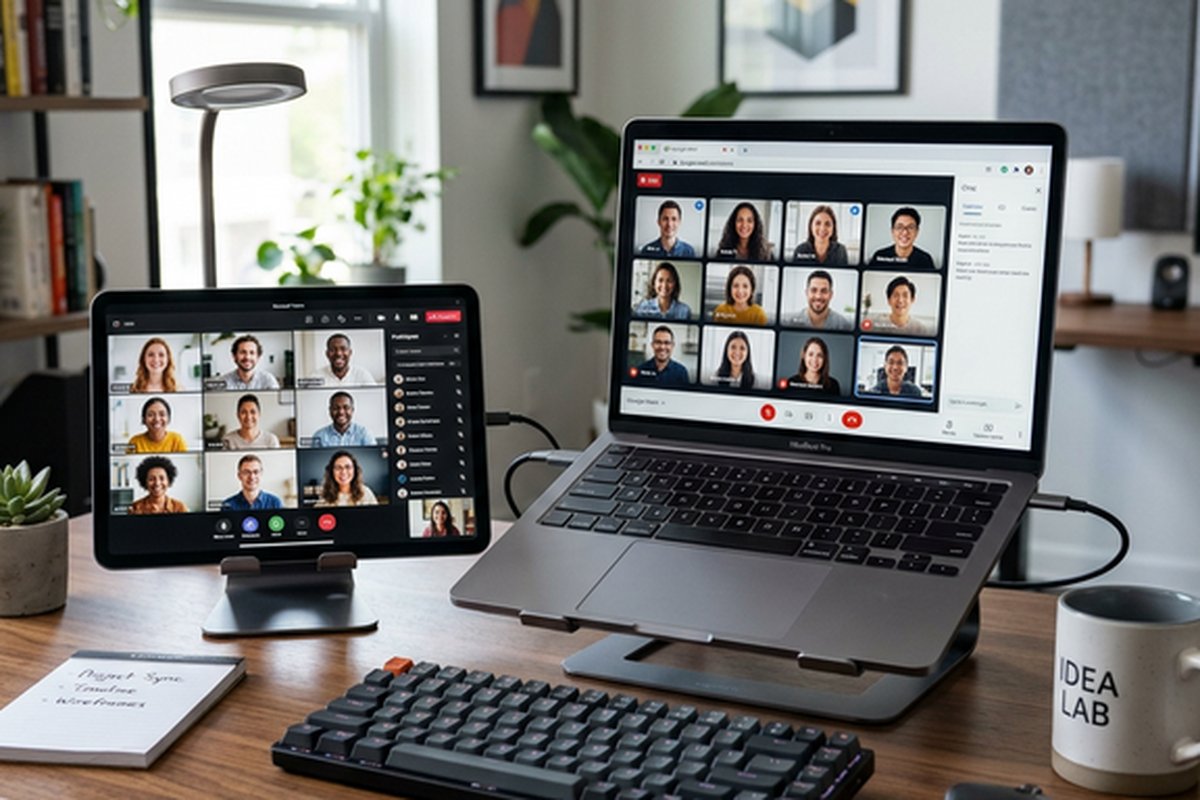
Both platforms provide mobile applications for iOS and Android that enable meeting participation
from smartphones and tablets. Zoom’s mobile app provides a mature, full-featured experience with
screen sharing from mobile devices, virtual background support on newer devices, breakout room
participation, and the full range of meeting interaction features available on desktop. Google
Meet’s mobile experience benefits from deep integration with the Google ecosystem — meetings
appear in the Google Calendar app with one-tap joining, and the Meet app integrates with
Google’s broader mobile productivity environment.
The browser-based architecture of Google Meet provides an advantage for participants joining from
shared or managed devices where application installation is restricted or undesirable. Meet runs
entirely in the browser with no plugin requirements, meaning any device with Chrome, Firefox,
Safari, or Edge can join meetings without installation. Zoom also supports browser-based joining
but the experience is more limited than the native application, with certain features unavailable
in the browser client. For organizations with BYOD policies, strict device management, or
frequent external participants joining from unfamiliar devices, Meet’s browser-first architecture
provides meaningful accessibility advantages.
Accessibility and Inclusivity
Both platforms invest in accessibility features that make video meetings inclusive for participants
with varying abilities. Google Meet provides real-time captions powered by Google’s speech
recognition technology, with support for multiple languages and real-time translated captions
that display translated subtitles for participants speaking different languages — a particularly
valuable feature for international teams. Zoom provides closed captioning with manual and
automated options, ASL interpreter view that pins sign language interpreters alongside speakers,
and keyboard navigation for participants who cannot use mouse interaction.
Screen reader compatibility, high-contrast mode support, and keyboard shortcut navigation are
available on both platforms, though the specific implementation quality varies between features
and platform versions. Organizations with specific accessibility requirements should test
current versions of both platforms against their particular accessibility needs, as these features
receive ongoing development with capabilities expanding regularly across both platforms. The
commitment to accessibility improvements reflects both platforms’ recognition that inclusive
meeting experiences are essential for diverse, modern organizations.
Recommendation Framework
Choose Google Meet when: the organization uses Google Workspace as its primary productivity
platform, meeting needs are primarily standard business meetings without complex facilitation
requirements, minimizing separate subscriptions and vendor relationships is a priority, browser-based
joining without application installation is valued for external participant accessibility, and
the included-at-no-additional-cost availability within Google Workspace aligns with budget
priorities. Google Meet serves these scenarios effectively while eliminating the management
overhead of a separate video conferencing platform.
Choose Zoom when: advanced meeting features (complex breakout rooms, comprehensive polling,
whiteboard, webinars) are regularly needed, video and audio quality on challenging network
conditions is a top priority, the organization needs cloud telephony (Zoom Phone) as part of
a unified communications platform, large-scale events and webinars are regular activities,
the organization uses mixed productivity tools rather than being committed to a single
ecosystem, and conference room deployment at scale requires the broader hardware ecosystem
and room system features Zoom Rooms provides. For deeper analysis of Zoom’s capabilities,
our Zoom
feature review covers the complete platform, and for teams evaluating Microsoft’s
competing platform, our Microsoft
Teams review covers the third major contender in business video conferencing.
Features and pricing referenced in this article are based on information available at the time of
writing and are subject to change. Please verify current details on the official Google and Zoom
websites.