Mega Generous Storage – Free Cloud Space with Security
Mega distinguishes itself in the cloud storage market through a combination of generous free storage
allocation and end-to-end encryption applied to all stored content by default. Founded in 2013 by Kim
Dotcom and later separated from its controversial founder, Mega has developed into a legitimate cloud
storage service headquartered in Auckland, New Zealand, with data stored in encrypted form across data
centers in multiple countries. The platform’s combination of substantial free storage and genuine
encryption provides a value proposition that very few competitors match: encrypted cloud storage that
does not require payment to use in meaningful quantities.
The encryption architecture and generous free tier position Mega as a particularly interesting option for
privacy-conscious users who want encrypted cloud storage without committing to paid subscriptions and for
users who need substantial free storage capacity beyond what mainstream services like Google Drive, Dropbox,
and OneDrive provide in their free tiers. Understanding Mega requires examining both its genuine security
capabilities and the practical trade-offs that its encryption-first architecture introduces compared to
services that prioritize ecosystem integration and collaboration features over privacy protection.
Free Storage and Plan Structure
Mega’s free plan provides 20 gigabytes of permanent storage along with limited transfer bandwidth per month.
This permanent free allocation compares very favorably to competitors: Google Drive offers 15 gigabytes
free, OneDrive provides 5 gigabytes, Dropbox offers only 2 gigabytes, and most encrypted storage services
provide even less free storage or no free tier at all. The 20-gigabyte free allocation provides genuinely
useful storage capacity for personal document backup, photo storage, and file sharing without any payment
requirement.
The transfer quota on the free plan limits the amount of data that can be downloaded from Mega’s servers
within a given time period. This transfer limitation primarily affects users who need to download large
quantities of stored data frequently — for example, streaming large video files or downloading entire
folder archives regularly. For typical usage patterns involving occasional file access, document editing,
and moderate sharing, the transfer quota is unlikely to create practical limitations. The quota refreshes
periodically, and Mega’s system shows the current transfer allowance and usage in the account dashboard.
Paid plans through Mega’s Pro tiers scale from 400 gigabytes through 2 terabytes, 8 terabytes, and 16
terabytes, with each tier providing proportionally more transfer bandwidth alongside increased storage
capacity. Business plans provide additional administrative controls, centralized billing, and flexible
per-user storage allocation. The pricing at paid tiers is competitive with mainstream cloud storage
services, and the inclusion of end-to-end encryption at no additional cost provides a security advantage
that encrypted alternatives like Tresorit often charge premium prices to match.
End-to-End Encryption Implementation
Mega encrypts all files on the user’s device before uploading them to Mega’s servers, using AES-128
encryption with keys that are derived from the user’s password and never shared with Mega’s servers.
This client-side encryption means that Mega’s servers store only encrypted data that Mega cannot decrypt,
providing zero-knowledge privacy protection as a default feature rather than an optional upgrade. The
encryption extends to file names and folder structure metadata, though not all metadata is encrypted to
the same depth as services like Sync.com that provide complete metadata encryption.
The encryption implementation processes cryptographic operations on the user’s device — in the desktop
application, mobile applications, and within the web browser using JavaScript cryptography. Browser-based
encryption enables encrypted file access from any device with a web browser without installing software,
though the JavaScript-based encryption introduces some performance overhead and relies on the security
of the browser environment for cryptographic operations. Desktop and mobile applications provide native
encryption implementations with better performance for large file operations.

Like all genuine zero-knowledge encryption services, Mega cannot recover accounts when passwords are lost.
Mega provides a recovery key during account creation that serves as a backup authentication method if the
original password is forgotten. Users are strongly advised to save this recovery key in a secure location
separate from their Mega account — losing both the password and the recovery key results in permanent loss
of access to all stored encrypted data. This trade-off between security and recoverability is inherent to
zero-knowledge encryption and represents a fundamental difference from non-encrypted services where the
provider can always reset passwords and restore access.
File Management and Synchronization
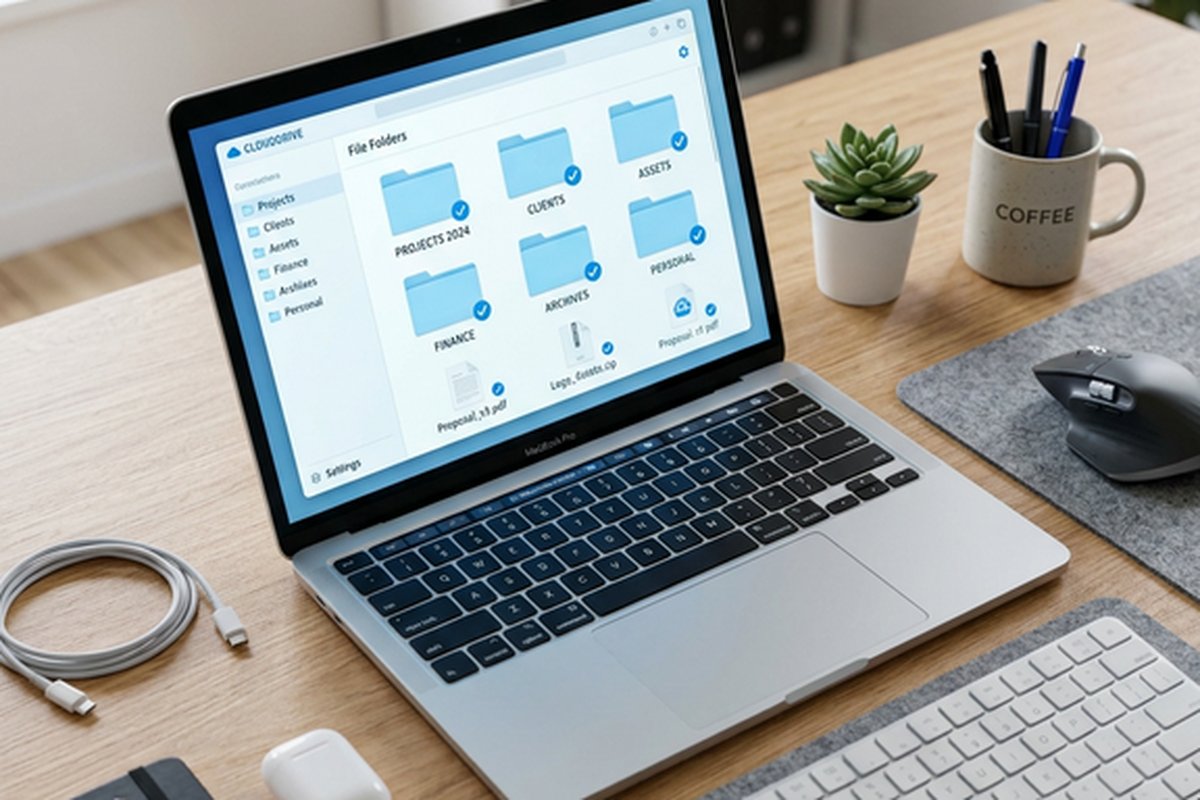
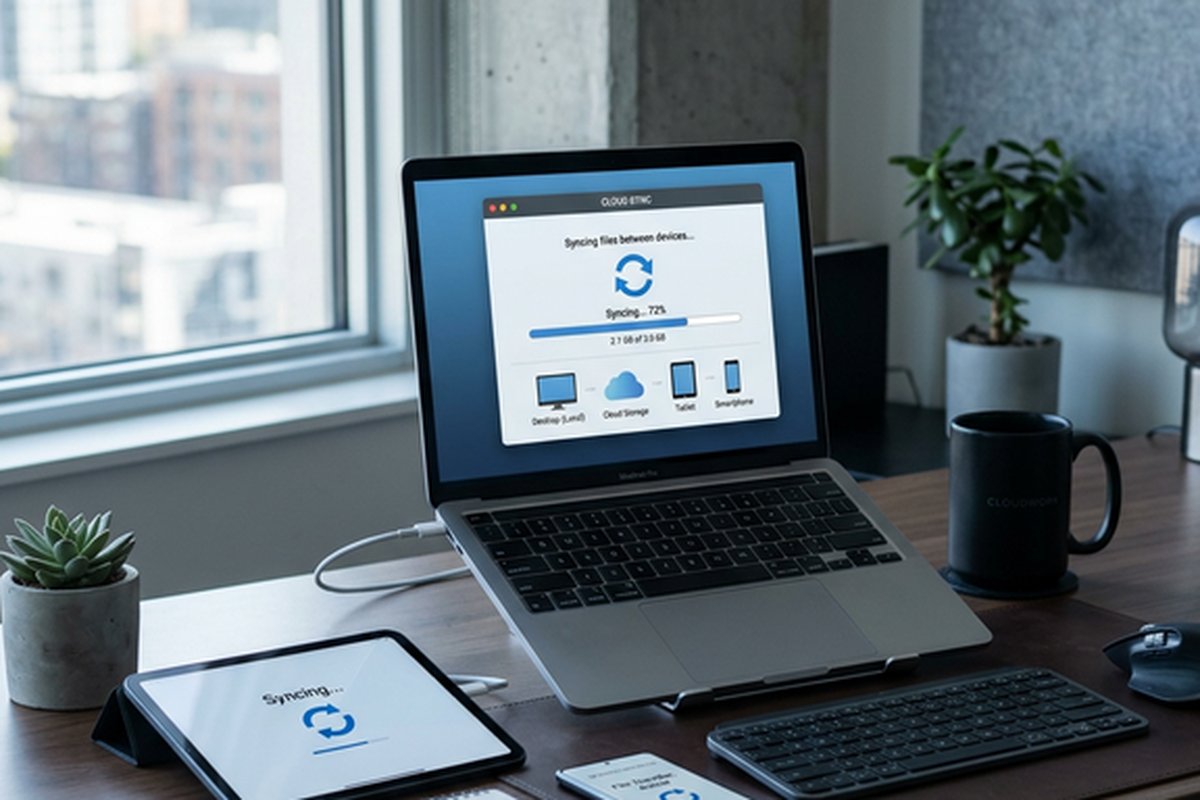
The Mega desktop application, MEGAsync, provides file synchronization between local folders and cloud
storage with automatic encryption during upload and decryption during download. The synchronization operates
bidirectionally, mirroring changes in either the local folder or cloud storage to maintain consistency
across all connected devices. Selective sync allows choosing which cloud folders synchronize to each local
device, managing local storage consumption for users with large cloud file collections.
The web-based file manager provides a comprehensive interface for managing cloud-stored files through any
web browser. File operations including uploading, downloading, moving, copying, renaming, deleting, and
organizing into folders can be performed entirely through the browser interface. The web file manager
includes built-in preview capabilities for images, documents, text files, and media files, processing
the decryption and rendering entirely within the browser. A built-in media player enables streaming
audio and video files from encrypted storage without downloading them first, decrypting the stream
in real-time within the browser.
Mobile applications for iOS and Android provide encrypted file access, camera upload for automatic photo
backup to encrypted cloud storage, and file sharing capabilities. The mobile camera upload feature
automatically encrypts and uploads new photos and videos from the device camera roll to Mega’s encrypted
storage, providing continuous encrypted backup of mobile photography without manual intervention. The
mobile applications also support offline access to selected files by downloading and decrypting them for
local storage on the mobile device.
Sharing and Communication Features
File sharing in Mega supports encrypted link-based sharing where shared files remain encrypted during
transfer and the decryption key can be either embedded in the share link or communicated separately for
additional security. When the key is embedded in the link, anyone with the link can access the shared
content — convenient for general sharing scenarios. When the key is communicated separately through a
different channel, accessing the shared content requires both the link and the separately provided key,
creating two-factor access protection that prevents unauthorized access even if the share link is
intercepted or leaked.
Folder sharing enables ongoing collaboration through shared encrypted folders where multiple Mega users
can access, contribute to, and manage shared content with encrypted synchronization across all
participants. Permission levels control whether shared folder participants have read-only access or full
read-write editing and contribution capability.
Mega also provides an encrypted chat and video calling feature called MEGAchat that enables encrypted
real-time communication between Mega users. The chat includes text messaging, file sharing directly from
Mega storage, and video calling capability with end-to-end encryption. While MEGAchat is not a replacement
for dedicated communication platforms, it provides a convenient encrypted communication channel for users
who already use Mega for encrypted storage and want to maintain encryption for their communications about
shared files and collaborative work.
Platform Availability and Access
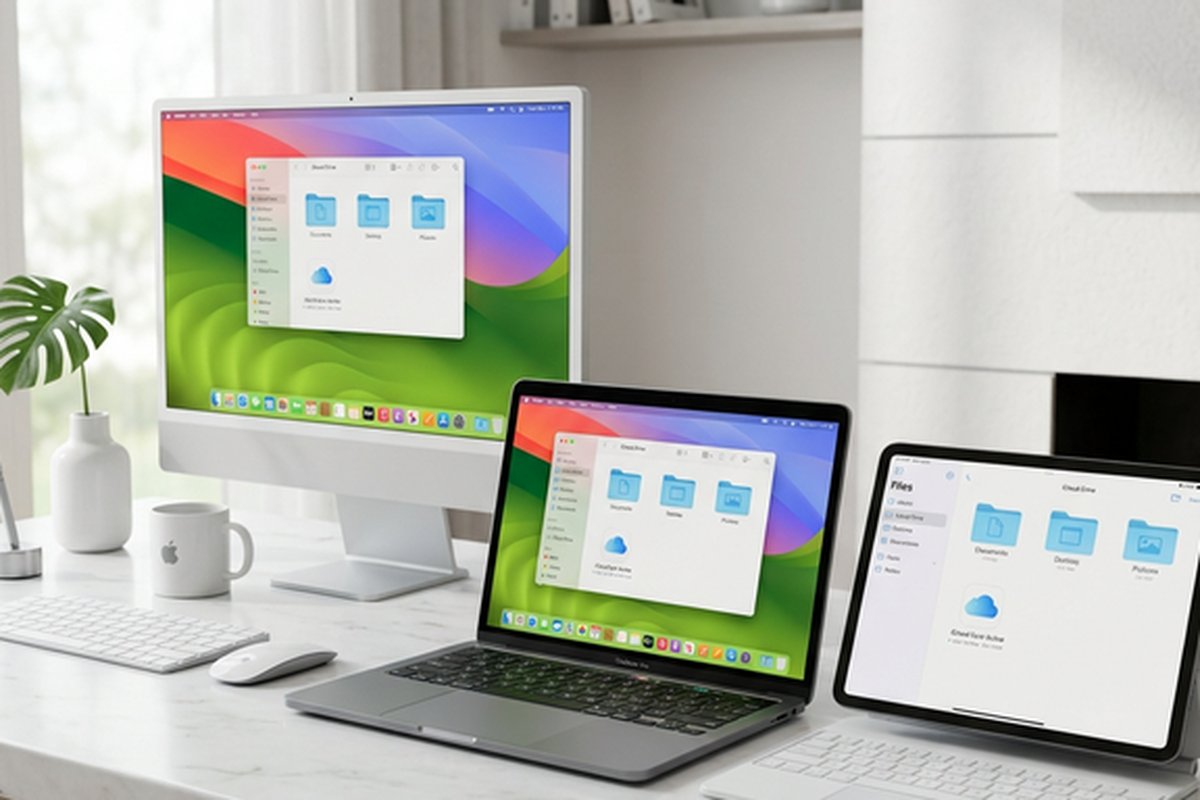
Mega is accessible through web browsers on any platform, desktop applications for Windows, macOS, and Linux,
mobile applications for iOS and Android, and a command-line interface for advanced users and automation.
The Linux desktop application availability is notable because several major cloud storage competitors
including OneDrive and iCloud do not provide official Linux clients, making Mega one of the more
accessible encrypted storage options for Linux users. Browser extensions for Chrome and Firefox enhance
the web-based experience with additional features and performance optimizations.
The command-line interface, MEGAcmd, enables scripted interaction with Mega storage for automation,
batch operations, and integration scenarios where graphical interfaces are impractical or unavailable.
MEGAcmd supports all core storage operations including upload, download, synchronization, sharing, and
account management through command-line commands that can be incorporated into shell scripts and
automated workflows.
Privacy Framework and Jurisdiction
Mega is incorporated in New Zealand and operates under New Zealand’s privacy laws, which provide reasonable
privacy protections though they are not as internationally renowned as Swiss privacy jurisdiction. The
company stores encrypted data across data centers in multiple countries, leveraging the geographic
distribution for performance and redundancy. Because all stored data is encrypted with user-controlled
keys, the geographic location of data storage is less privacy-sensitive than it would be for services
using provider-managed encryption — encrypted data that the provider cannot decrypt provides inherent
privacy protection regardless of the jurisdiction where the storage servers are physically located.
Mega has undergone independent security audits of its encryption implementation, and the client source
code is published for public review, enabling security researchers and technically capable users to
verify the encryption claims independently. This transparency about the encryption implementation
provides additional confidence beyond the company’s own security assertions, though users should
understand that published source code does not guarantee that the same code is running on Mega’s
production servers — a limitation shared by all service providers regardless of source code
publication practices.
Desktop Application Experience
The MEGAsync desktop application provides a system tray interface on Windows, macOS, and Linux that manages
synchronization between local folders and Mega’s encrypted cloud storage. The application supports
configuring multiple sync pairs, allowing different local folders to synchronize with different Mega
cloud folders. Upload and download speed limits can be configured to prevent Mega from consuming all
available bandwidth, which is particularly important during initial large-scale uploads that might
otherwise saturate the internet connection for extended periods.
The desktop application includes a file manager component that provides a graphical interface for
browsing and managing cloud-stored files without using the web browser. This native file manager
provides drag-and-drop file operations, context menu integration for sharing and link creation, and
direct access to file version history. For power users who manage large file collections, the desktop
file manager provides more responsive performance than the web interface, though both interfaces
access the same encrypted storage with the same security protections.
Strengths and Honest Limitations
Mega’s combination of generous free storage and default end-to-end encryption is genuinely unique in the
cloud storage market — no other service offers this combination of free capacity and encryption as a
standard, default feature. The 20-gigabyte free tier provides meaningful storage that can serve real
everyday needs rather than functioning merely as a service evaluation period. The cross-platform support
across web, desktop, and mobile ensures consistent encrypted access regardless of device. The open-source
client codebase provides transparency that proprietary competitors cannot offer, enabling independent
security verification by the technical community.
The paid plans offer competitive storage allocations with encryption included at every tier, making
Mega an attractive option for privacy-conscious users who need more than the free allocation provides.
The built-in media playback capabilities for music and video files stored in Mega’s cloud eliminate the
need to download media files for consumption, and the chat and communication features provide basic
encrypted messaging without requiring a separate communication platform.
Limitations include the transfer bandwidth quotas on the free plan that can restrict downloading for heavy
users, the absence of integrated productivity tools for document creation and collaborative editing, a
third-party integration ecosystem that is minimal compared to Google Drive or Dropbox, and ongoing
reputational associations with the platform’s controversial founder despite the company’s organizational
separation from him. Synchronization performance does not match Dropbox’s speed and efficiency for large
file operations. For privacy comparison context, our Sync.com
review examines a competing encrypted platform, while our cloud
storage comparison provides broader market perspective.
Features and pricing referenced in this article are based on information available at the time of writing
and are subject to change. Please verify current details on the official Mega website.