Shotcut Video Editor – Free Open Source Editing Software
Shotcut occupies a distinctive position in the free video editing landscape as a completely free,
open-source,
cross-platform editor that provides genuine editing capability without watermarks, feature restrictions,
trial limitations, or upselling to paid versions. Unlike many free editors that use free tiers as marketing
funnels for premium subscriptions, Shotcut is genuinely free in the open-source sense — the complete
application with all features is available at no cost, the source code is publicly available and modifiable,
and the software’s development is transparent and community-supported. Founded by Dan Dennedy and built on
the MLT multimedia framework, Shotcut has developed into a capable editing platform that serves users
ranging from first-time video editors to experienced creators who prefer open-source tools.
Shotcut’s technical foundation on the MLT (Media Lovin’ Toolkit) framework provides broad format support
through FFmpeg integration, GPU-accelerated processing, and a modular architecture that enables flexible
media handling without requiring proprietary codecs or format-specific licenses. This FFmpeg foundation
means that Shotcut can natively import and export virtually any video, audio, and image format without
requiring format conversion as a pre-processing step — a practical advantage for editors who work with
footage from diverse sources including different camera systems, screen recordings, downloaded media,
and mixed-format project elements that would require format conversion in some competing editors.
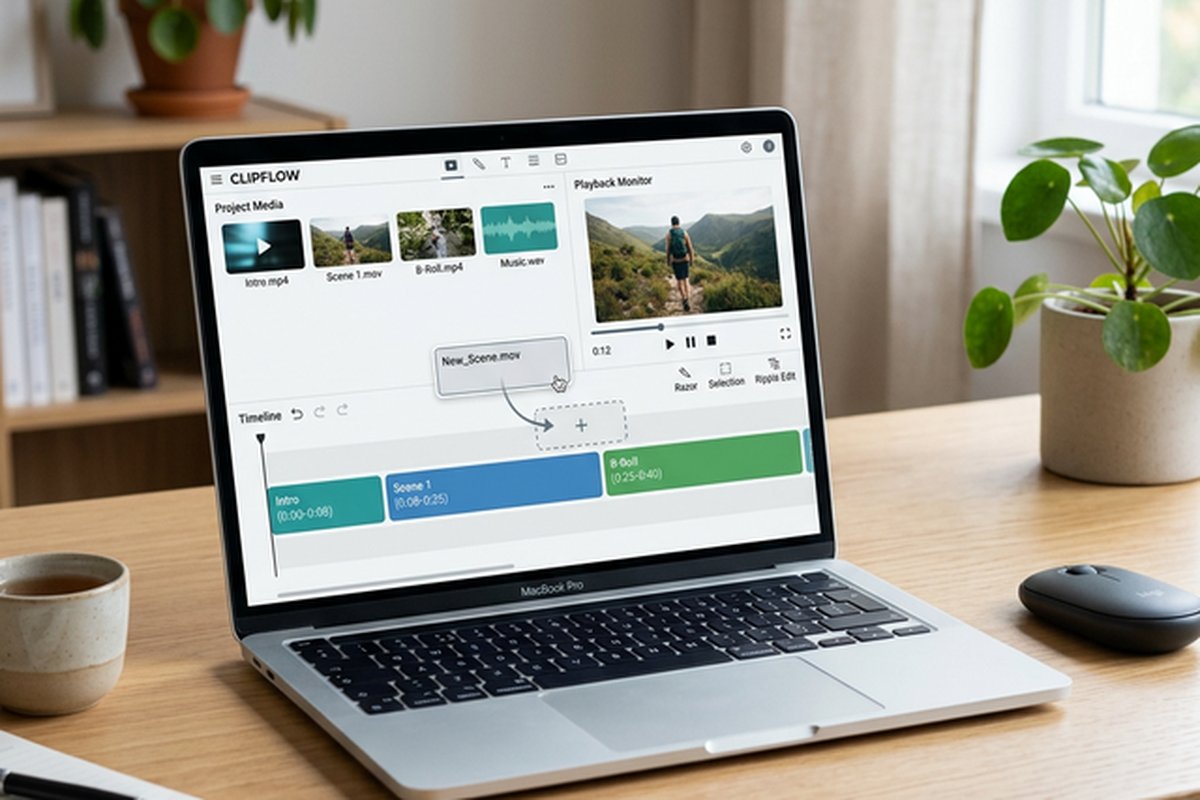
Timeline Editing Interface
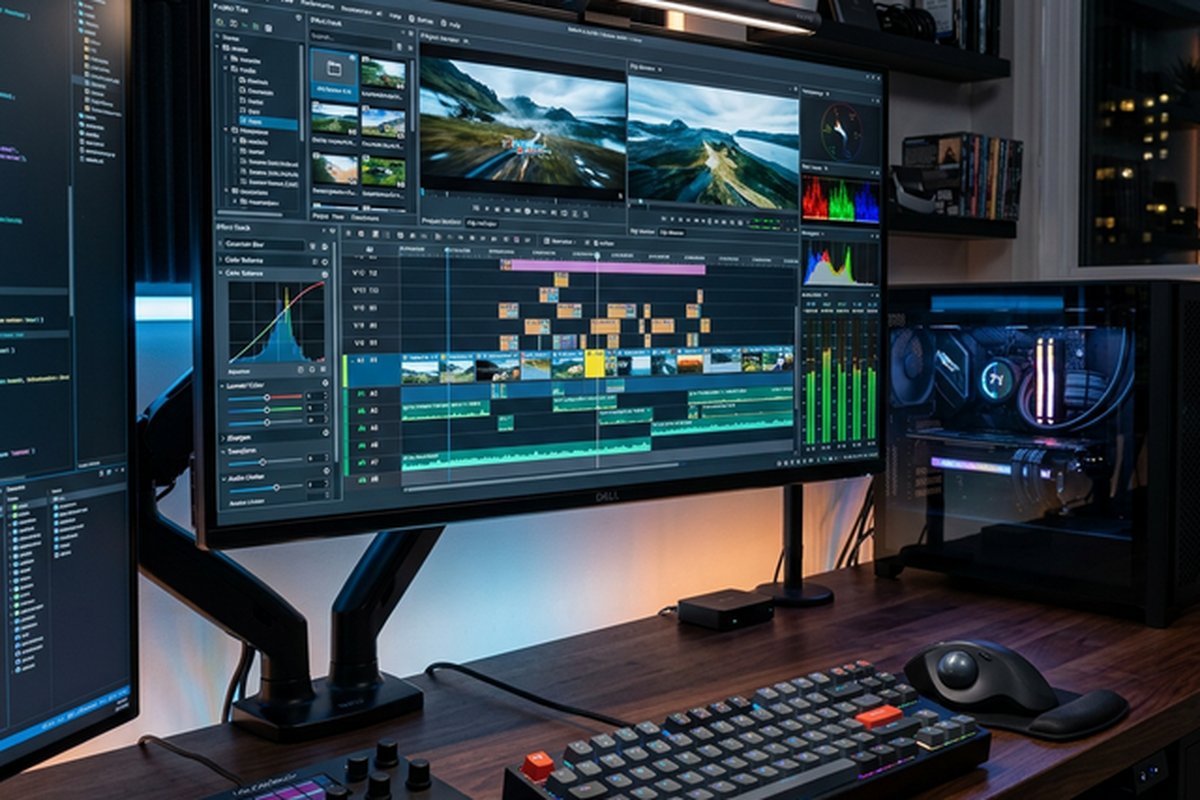
Shotcut’s editing interface provides a multi-track timeline with standard editing operations including cut,
copy, paste, insert, overwrite, ripple trim, and lift. The timeline supports multiple video and audio tracks
with per-track visibility, lock, and mute controls. Clips on the timeline can be trimmed, split, moved,
and transitioned using standard editing techniques. The interface layout positions the source monitor,
preview monitor, timeline, filter panel, and playlist panel in a configurable workspace that users can
customize to match their editing preferences and screen configurations.
The editing workflow supports both playlist-based and timeline-based approaches. The playlist provides a
simple clip arrangement mode for basic editing where clips are sequenced in order and trimmed, suitable for
simple projects that do not require multi-track complexity. The timeline mode provides the full multi-track
editing environment for more complex projects that require multiple layers, transitions, and audio mixing.
This dual workflow approach enables simple projects to be completed quickly without timeline complexity,
while providing full editing capability when projects demand it. The keyframe system enables animating
filter parameters over time for creating movement, transitions, and gradual effect changes that add
production polish to edited content.
Filter System and Effects
Shotcut’s filter system provides video and audio effects through a searchable filter panel where effects
are applied to individual clips or entire tracks. Video filters include color correction (white balance,
color grading, brightness/contrast, hue/saturation), crop and transform operations, blur and sharpen
effects, chroma key for green screen compositing, text overlay for titles and captions, and time-based
effects including speed adjustment and reverse playback. The HTML-based text overlay system supports
rich text formatting with configurable fonts, colors, sizes, and positioning for creating title cards,
lower thirds, and text annotations.
Audio filters include gain/volume adjustment, equalization, compression, limiting, normalization, and
balance/pan controls. The audio mixing capabilities enable adjusting per-track volume levels and applying
audio effects for achieving balanced, clean audio output. The filter system supports GPU-accelerated
processing for video effects that benefit from parallel processing, reducing the processing time for
effects-heavy projects on systems with capable GPUs. Filters can be copied between clips for applying
consistent treatment across multiple timeline elements, and filter parameter keyframing enables precise
control over how effects change over the duration of clips.
Format Support and Encoding
Shotcut’s FFmpeg foundation provides what is arguably the broadest native format support among any video
editor — free or commercial. Import support covers virtually every video and audio format including H.264,
H.265/HEVC, ProRes, DNxHD, VP8, VP9, AV1, MPEG-2, and dozens of additional codecs, container formats,
and image sequences. This comprehensive format support eliminates the format conversion step that many
editors require when working with footage from different sources, which is particularly valuable for
editors who combine footage from different cameras, screen recordings, and downloaded media within
single projects.
Export capabilities include configurable encoding profiles for common delivery targets with adjustable
quality, resolution, frame rate, and codec settings. Advanced users can customize export encoding
parameters at a granular level through the export panel’s codec-specific settings, providing control
over encoding options that some commercial editors abstract away. Hardware-accelerated encoding through
NVIDIA NVENC, Intel Quick Sync Video, and AMD VCE is supported where compatible hardware is available,
significantly reducing export rendering time compared to software-only encoding. The ability to create
and save custom export presets enables defining standardized output configurations for recurring
delivery requirements.
Proxy Editing and Performance
Shotcut supports proxy editing workflows where lightweight copies of high-resolution footage are created
for smooth editing, with automatic replacement to original-resolution media for final export rendering.
This proxy capability enables editing 4K and higher-resolution footage on hardware that would struggle
with real-time playback at full resolution, making professional-resolution editing accessible on
mid-range hardware configurations. The proxy generation system creates lower-resolution copies using
configurable resolution and encoding settings, balancing proxy file quality against storage and
playback requirements.
Real-time preview performance depends on hardware capability, project complexity, and the number of
active effects applied to timeline content. Timeline playback generally performs well for straightforward
editing with minimal effects on modern hardware, though complex multi-track compositions with multiple
active filters may require proxy editing or preview quality reduction for smooth playback. The
threading architecture utilizes multiple CPU cores for rendering and effects processing, and GPU
acceleration supports both preview playback and final export rendering on systems with compatible
graphics hardware.
Cross-Platform Availability
Shotcut runs natively on Windows, macOS, and Linux with consistent functionality across all three
platforms. The Linux support is particularly significant as it provides Linux users with a capable,
actively-maintained editing option alongside Kdenlive in the Linux editing landscape. The portable
version on Windows enables running Shotcut from a USB drive or any folder without system installation,
useful for editors who work across multiple computers or prefer applications that do not modify
system registries and installation directories. The consistent cross-platform experience means that
editing skills, keyboard shortcuts, and workflow knowledge transfer between operating systems without
relearning the application’s interface or discovering platform-specific differences.
The application’s relatively modest installation size and system resource profile make it practical on
a broader range of hardware than professional editing applications that require substantial disk space
and system resources for installation alone. Updates are distributed through the official website and
platform-specific channels, with the open-source nature enabling users to build the application from
source if they prefer or need customized builds for specific requirements. For Linux users evaluating
editing options, our Kdenlive
review covers the other major open-source editor available on Linux.
Transition and Compositing Features
Shotcut provides transitions between clips through overlap-based transitions where placing clips to
overlap on the timeline creates a transition zone with configurable transition type. Available transition
types include dissolve, barn door, matrix, iri circle, and various wipe patterns. The transition system
uses the compositing/blending capabilities of the MLT framework, which provides standard blending modes
for layering multiple video tracks. Track compositing enables creating picture-in-picture effects,
overlays, and multi-layer compositions through track blending and size/position filters.
The compositing capabilities, while functional, are simpler than what dedicated compositing environments
or advanced editing applications provide. Complex multi-layer compositions with sophisticated masking,
motion tracking, and effects stacking are better served by applications with dedicated compositing
workspaces. Shotcut serves the common use cases of straightforward compositing — titles over video,
picture-in-picture layouts, green screen compositing, and basic multi-layer arrangements — effectively
within its editing-focused workflow.
Community and Development
Shotcut’s development is led by Dan Dennedy with contributions from the open-source community. The
project maintains a consistent release cadence with regular updates that add features, fix bugs, and
improve performance. The forum-based community provides user support, feature discussion, and bug
reporting infrastructure that facilitates communication between users and developers. The open-source
development model enables transparency about development priorities, known issues, and planned features
that closed-source commercial alternatives do not typically provide.
Learning resources include official tutorial content, community-contributed guides, and YouTube tutorial
channels that cover Shotcut’s editing workflow and feature usage. While the learning resource ecosystem
is smaller than those available for major commercial editors, the available resources cover the
essential editing tasks and feature usage that new users need to become productive. The application’s
straightforward interface design reduces the amount of learning required compared to more complex
professional editors, making Shotcut accessible to beginners while providing sufficient depth for
intermediate editing projects.
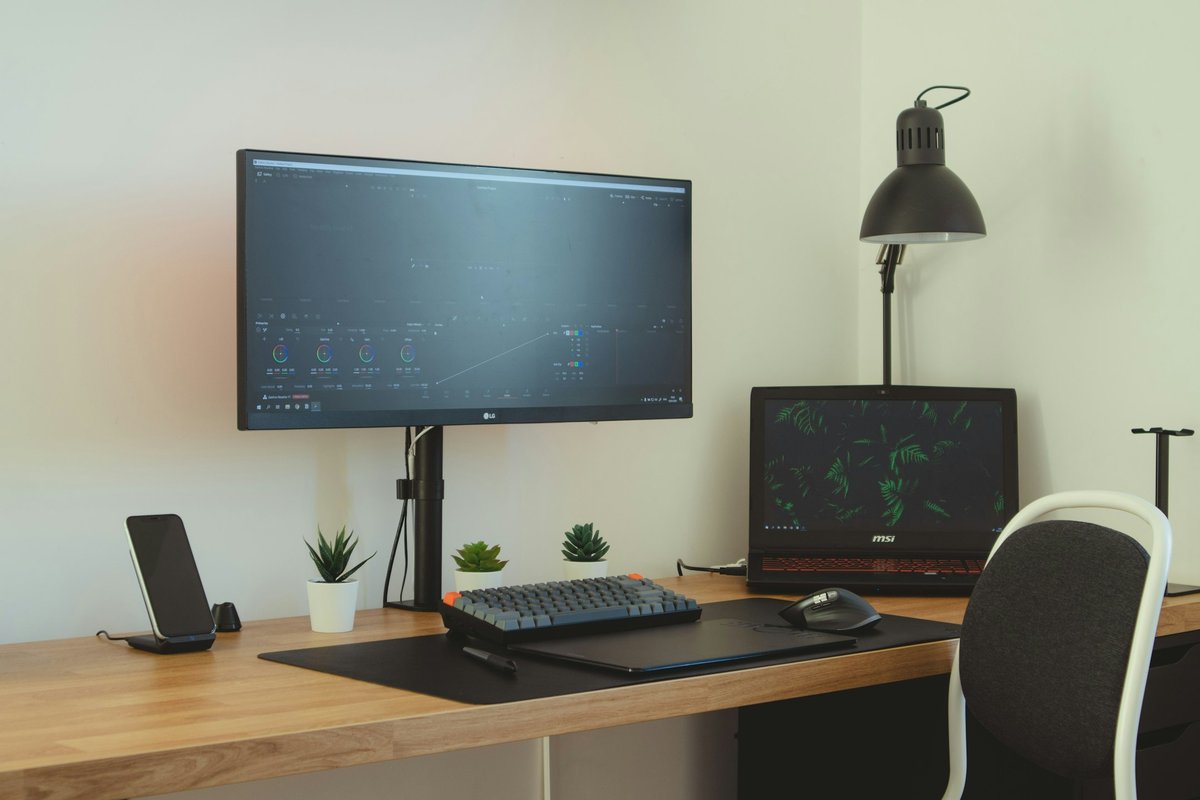
Color Correction and Grading Tools
Shotcut provides color correction filters that address the fundamental color adjustment needs of video
editing projects. The color grading filter enables adjusting lift, gamma, and gain values across shadows,
midtones, and highlights using color wheels — the standard three-way color correction interface used in
professional editing and grading applications. White balance adjustment corrects color temperature
issues from mixed lighting or incorrect camera white balance settings. The brightness, contrast, and
saturation filters provide simple adjustments for clips that need basic tonal correction without the
complexity of three-way color grading.
The waveform, histogram, and RGB parade scopes provide visual monitoring displays that show the tonal
and color distribution of the current frame, enabling informed color correction decisions based on
measured values rather than visual estimation alone. These scopes, while not as comprehensive as the
scope sets in professional grading applications like DaVinci Resolve, provide the essential
measurement tools that color correction requires. The LUT (Look Up Table) filter enables applying
pre-built color grades including film emulation LUTs, cinema-style grades, and custom LUTs
exported from professional grading applications, providing access to sophisticated color
treatments without manual grading complexity.
Use Cases and Target Audience
Shotcut serves a broad range of editing use cases where its combination of genuine capability,
complete freedom from cost and restrictions, and cross-platform availability align with user needs.
Content creators producing YouTube videos, educational content, podcast video versions, and social
media content find Shotcut provides the editing tools needed for producing polished content without
the cost or complexity of professional editing applications. Small business owners creating
marketing videos, product demonstrations, and promotional content benefit from capable editing
at zero cost.
Educational institutions use Shotcut for teaching video production fundamentals without requiring
software licensing budgets, and the cross-platform availability means students can use the same
application on their personal computers regardless of operating system. Journalists and documentary
creators working on independent projects value the professional format support that enables working
with footage from any source without conversion overhead. Open-source advocates and privacy-conscious
users who prefer transparent, community-developed software over proprietary alternatives find
Shotcut provides capable editing without the data collection and account requirements that some
commercial editors impose. The portable version option particularly serves shared computing
environments where software installation is restricted or impractical.
Strengths and Honest Limitations
Shotcut’s strengths include completely free, open-source availability with no restrictions, watermarks,
or premium tiers, the broadest native format support available through FFmpeg integration, genuine
cross-platform support including native Linux availability, proxy editing support for high-resolution
workflows on modest hardware, a portable version option on Windows, and transparent community-driven
development. The filter system provides adequate effects for common editing needs, and the keyframe
system enables professional-quality animation of filter parameters. For comparison with the most
capable free editor overall, our DaVinci
Resolve review covers the strongest free editing alternative.
Limitations include editing features that do not match the depth of professional editors — lacking
advanced multicam editing, sophisticated audio post-production tools, professional color grading
scopes and tools, and the advanced compositing capabilities that DaVinci Resolve or HitFilm provide
in their free versions. The transition system is simpler than what many commercial editors offer,
and the title tool, while functional, provides basic text capabilities rather than the motion
graphics and animated title systems available in more advanced editors. Interface polish and user
experience refinement lag behind commercial alternatives that invest heavily in interface design
and usability testing. For broader context on free editing options across different skill levels
and use cases, our free
video editing comparison evaluates the complete range of free editors available.
Features referenced in this article are based on information available at the time of writing and are
subject to change. Please verify current details on the official Shotcut website.