Free Video Editing Software – Budget-Friendly Editing Options
The free video editing landscape has evolved dramatically from the era when free editors meant basic cutting
tools with watermarked exports and severe capability limitations. Today, genuinely capable video editing
software is available at absolutely no cost, with options ranging from professional-grade editing platforms
that compete directly with paid software to specialized tools optimized for specific content types like
social media or screen recordings. The quality and capability of current free video editors means that cost
is no longer a legitimate barrier to producing professional-quality video content — the right free editor
exists for virtually every editing need from simple social media clips to broadcast-quality professional
production.
This comparison evaluates the major free video editing options across the criteria that matter most for
different use cases — editing capability, ease of use, visual effects features, audio tools, format support,
platform compatibility, and the specific strengths and limitations that make each option better suited for
certain types of projects and users. Understanding which free editor best matches your needs requires honest
assessment of your editing requirements, technical comfort level, hardware capabilities, and the types of
content you produce, because no single free editor is the best choice for every scenario.
DaVinci Resolve Free — The Professional Powerhouse
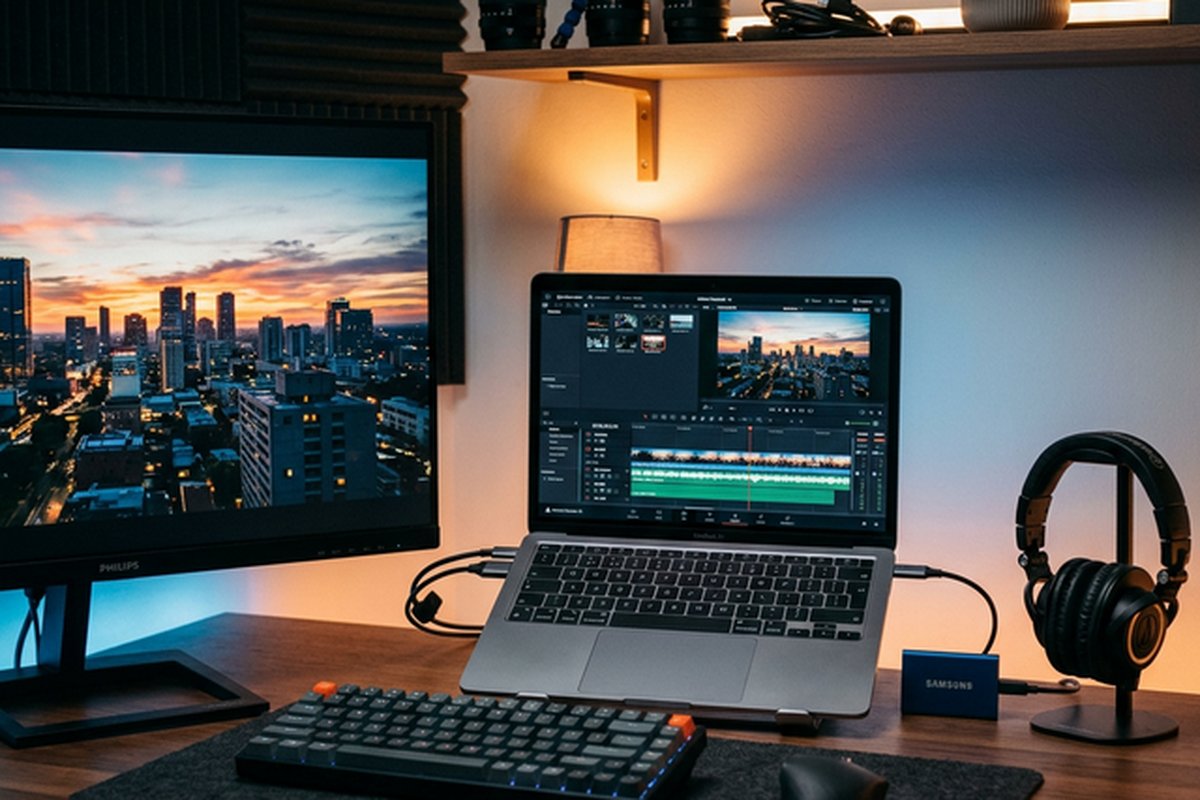
DaVinci Resolve’s free version stands apart from every other free editor by providing genuinely
professional-grade editing, industry-leading color grading, complete visual effects compositing through
Fusion, and full audio post-production through Fairlight — all without watermarks, export restrictions, or
time limitations. The free version provides capabilities that exceed many paid editors, making it the clear
best choice for users who need professional-level editing power and are willing to invest the time to learn
a complex professional application.
The trade-off is complexity and system requirements. DaVinci Resolve has the steepest learning curve among
free editors, the highest hardware requirements for smooth performance, and an interface designed for
professional editors rather than casual creators. Users with adequate hardware who are willing to invest in
learning the application gain access to editing capabilities that genuinely rival the paid industry standard
without spending anything. Our comprehensive
DaVinci Resolve review provides detailed analysis of its professional capabilities.
CapCut — Social Media Content Specialist
CapCut provides the most accessible and feature-rich free editing experience specifically designed for social
media content creation. The AI-powered tools — auto-captions, background removal, smart editing,
text-to-speech — automate tasks that would require technical expertise in traditional editors. The template
library provides instant access to trending content formats. The interface is designed for content creators
rather than technical editors, making polished social media content achievable within minutes of first use
on both desktop and mobile platforms.
CapCut’s focus on social media content means it excels at short-form vertical video, TikTok-style editing,
and trend-driven content but lacks the capability for professional broadcast, long-form, or complex
production work. The ByteDance ownership raises privacy considerations for some users. The dependency on
internet connectivity for many features limits offline editing. For creators focused primarily on social
media content, CapCut often provides a more efficient editing workflow than more capable but less
specialized alternatives. Our CapCut review
covers its features in depth.
HitFilm — Visual Effects Focus
HitFilm uniquely combines standard video editing with visual effects compositing in a single free
application, making VFX-enhanced content creation accessible without the cost of separate editing and
compositing software. The layer-based compositing workspace provides real 2D and 3D compositing
capabilities, green screen keying, particle effects, motion tracking, and 3D model compositing that are not
available in other free editors at this integration level.
The editing capabilities serve VFX-oriented content well but do not match dedicated editing applications in
depth. Performance can be demanding on modest hardware, especially with complex compositions and effects.
The add-on purchase model means some advanced effects require payment, though the base application provides
substantial VFX capability without purchase. For creators focused on effects-driven content, HitFilm
provides capabilities that would otherwise require expensive compositing software. Our HitFilm
review provides detailed coverage.
Kdenlive — Open Source Freedom
Kdenlive represents the best option for users committed to open-source software, providing capable
multi-track editing with comprehensive effects, proxy editing support, and genuine cross-platform
compatibility across Linux, Windows, and macOS. As the most professional-capable editing option for Linux
users, Kdenlive serves an important niche that commercial editors largely ignore. The open-source
development model ensures complete transparency and freedom from commercial licensing restrictions.
Stability and polish occasionally lag behind commercial alternatives, reflecting the community-driven
development model’s pace compared to well-funded commercial teams. The interface prioritizes functionality
over visual design. For Linux users or users who prioritize software freedom, Kdenlive provides the
strongest available option. For users on all platforms seeking the most capable free editing, DaVinci
Resolve generally provides superior capability. Our Kdenlive
review covers the platform in detail.
iMovie — Apple Simplicity
iMovie provides the most accessible editing experience available, pre-installed on Mac, iPhone, and iPad. The
guided creation approach through templates and themes enables complete beginners to produce presentable
videos immediately. The cross-device workflow between iOS and Mac provides flexible editing capability. For
Apple users who need basic editing without learning complexity, iMovie is the ideal starting point that can
later transition to Final Cut Pro when more advanced capabilities are needed.
iMovie’s deliberate simplicity limits its capability to basic editing scenarios — the two-track limitation,
limited effects library, absence of keyframe animation, and restricted export options constrain what can be
achieved. Mac and iOS exclusivity prevents use on Windows or Linux. For Apple users seeking more capability
without cost, transitioning to DaVinci Resolve provides dramatic capability expansion. Our iMovie
review covers the platform comprehensively.
Workflow Considerations
Choosing a free video editor involves evaluating not just current features but the workflow implications
of building skills and project archives within a specific platform. Project files are not typically
transferable between different editing applications, meaning that switching editors later requires
re-editing existing projects from the source footage rather than opening saved projects in a new
application. This lock-in consideration makes the initial editor choice more significant than it
might appear — investing substantial time in learning a platform’s workflow and building a project
library creates momentum that makes switching costs progressively higher over time.
The quality of available learning resources influences how quickly users can develop editing skills
within each platform. DaVinci Resolve benefits from Blackmagic Design’s comprehensive official
training program, extensive community tutorials, and professional certification courses. CapCut
provides in-app tutorials and trend-focused guides that align with its social media content
focus. HitFilm’s FXhome provides structured VFX tutorials that teach both the software and the
underlying visual effects concepts. Kdenlive’s community-maintained documentation and tutorial
collection serves Linux-focused users. iMovie’s simplicity reduces the need for extensive learning
resources, though Apple provides basic tutorials and educational resources.
Hardware and Performance Considerations
System hardware significantly influences which free editors provide a smooth editing experience.
DaVinci Resolve benefits substantially from dedicated GPU hardware and performs best on systems
with modern discrete graphics cards from NVIDIA or AMD. Users with integrated graphics or older
hardware may experience performance limitations when working with high-resolution footage or
complex color grades. CapCut’s cloud-based AI features shift processing demands from local
hardware to cloud servers, making it usable on less powerful systems but dependent on internet
connectivity. HitFilm’s compositing requirements place moderate-to-high demands on GPU and RAM
that may limit performance on budget hardware.
Kdenlive runs adequately on modest hardware for basic editing, though complex projects benefit
from additional RAM and processing power. iMovie runs efficiently on all Mac hardware supported
by current macOS versions, including entry-level MacBook Air configurations. For users with
limited hardware budgets, testing the free editors on their specific system before committing
to a platform avoids the frustration of investing learning time in an application that performs
poorly on their available hardware. Proxy editing capability — available in DaVinci Resolve,
HitFilm, and Kdenlive — mitigates hardware limitations by enabling smooth editing with
lightweight proxy files regardless of source footage resolution.
Learning Path and Skill Development
For users who view video editing as a potential career skill, the choice of free editor has
implications for professional development. DaVinci Resolve skills transfer directly to
professional post-production environments where DaVinci Resolve is used extensively for color
grading and increasingly for complete post-production workflows. Editing concepts learned in
any of these free editors — timeline organization, trim techniques, audio mixing, effects
application — transfer across all editing platforms, making the specific tool choice less
critical than developing strong fundamental editing skills regardless of platform.
For hobbyists and casual creators, skill transferability is less important than immediate
productivity and enjoyment. In this context, choosing the editor that feels most comfortable
and enables creating the desired content most efficiently is the optimal strategy. There is no
obligation to choose the most professional option — an editor that enables enjoyable content
creation is better than a more capable editor that feels frustrating or overwhelming to use.
The free availability of all these editors enables trying multiple options and settling on
whichever platform provides the best personal fit without financial penalty for
experimentation.
Multi-Editor Strategies
Some content creators effectively use multiple free editors for different purposes, selecting
the optimal tool for each specific task rather than forcing a single editor to serve all needs.
A practical multi-editor workflow might use CapCut for quick social media content that benefits
from AI-powered efficiency, DaVinci Resolve for more complex projects requiring advanced color
grading or effects, and iMovie for simple personal videos that need minimal editing. This
multi-editor approach takes advantage of each platform’s strengths without requiring any single
editor to overcome its limitations for tasks outside its design focus.
The investment in learning multiple editors is offset by the efficiency gains of using the right
tool for each job. Social media content created in CapCut can be produced in minutes rather
than the setup time required in DaVinci Resolve. Professional-quality color grading in DaVinci
Resolve produces results that CapCut’s color tools cannot match. Quick family videos in iMovie
require less effort than equivalent results in either CapCut or DaVinci Resolve. Understanding
the strengths of multiple editors enables choosing the most efficient path for each specific
editing task.
Choosing the Right Free Editor
The best free editor depends entirely on your specific context, workflow requirements, hardware capabilities,
and content creation goals. For professional-grade editing capability with industry-leading color grading,
DaVinci Resolve is the clear leader and the only free editor that competes directly with paid professional
platforms. For social media content creation with AI-powered automation and trend-driven templates, CapCut
excels with an efficiency that dedicated editing applications cannot match for this specific use case. For
visual effects integrated with editing in a single free application, HitFilm provides unique value that has
no direct equivalent. For open-source commitment, complete software freedom, and Linux desktop support,
Kdenlive is the strongest option. For Apple users seeking maximum simplicity with zero learning curve,
iMovie provides the most accessible starting point with a clear upgrade path to Final Cut Pro. Each of
these editors genuinely excels in its focus area, and choosing the right one means matching the tool to the
task rather than searching for a single best option that serves all purposes equally well.
Consider combining free editors for different purposes — DaVinci Resolve for professional projects that
require advanced color grading and effects, CapCut for quick social media content that benefits from
AI-powered efficiency, and iMovie for simple personal videos that don’t warrant a complex editing workflow.
Using the right tool for each specific task often produces better results and greater efficiency than
attempting to force a single editor to serve all purposes identically. The free availability of all these
editors means that maintaining multiple editing applications incurs no financial cost, only the learning
time investment for each platform. For users considering paid alternatives that provide additional
capabilities or more polished workflows, our Adobe
Premiere Pro and Filmora
reviews cover the leading paid options at different price points and capability levels.
Features referenced in this article are based on information available at the time of writing and are
subject to change. Please verify current details on each software’s official website.